A USB-to-drive converter for configuring DPI, DSI and SCANport drives
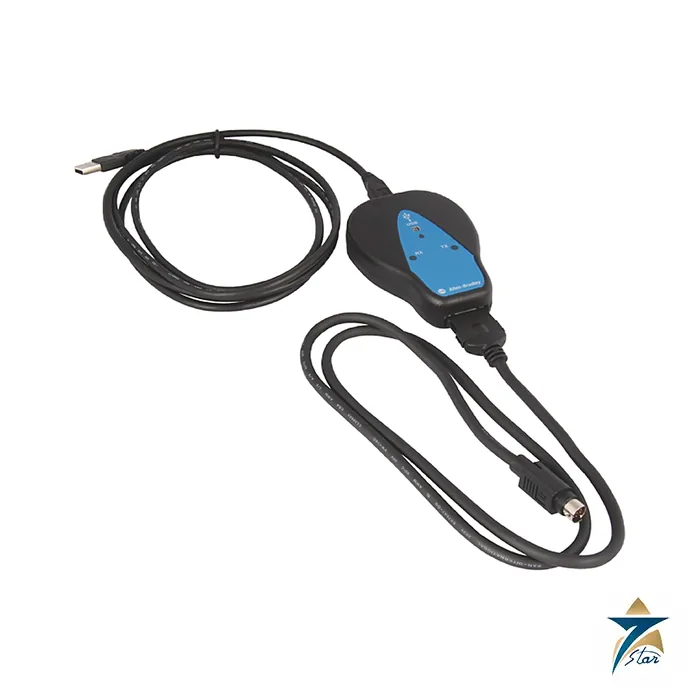
The Allen-Bradley 1203-USB is a small converter that connects a computer’s USB port to the communication port of a drive. Rockwell Automation supports it for drives using the DPI, DSI and SCANport interfaces, so one converter covers a wide range of PowerFlex drives, as well as older SCANport products with some software.
The unit receives its power from the connected drive and needs no separate supply. It autobauds to the data rate used by the drive, and it works with Connected Components Workbench (version 1.02 or later), DriveExplorer and DriveExecutive, depending on the drive type.
Technical specifications
| Parameter |
Specification |
| Catalog number |
1203-USB |
| Function |
USB converter for drive configuration and parameter access |
| Computer side |
USB; port rate 115.2 kbps, 8 data bits, no parity, 1 stop bit |
| Drive side |
DPI, DSI or SCANport |
| DPI data rate |
125 kbps or 500 kbps |
| DSI data rate |
19.2 kbps |
| SCANport data rate |
125 kbps |
| Power consumption |
130 mA at +12V DC (DPI/SCANport); 170 mA at +5V DC (DSI) |
| Dimensions (H x W x D) |
103.5 x 73.4 x 23.6 mm |
| Weight |
70.88 g (2.5 oz) |
| Operating temperature |
0 to 50 C (32 to 122 F) |
| Storage temperature |
-40 to 85 C (-40 to 185 F) |
| Relative humidity |
5 to 95 percent, non-condensing |
| Cables in the kit |
2 m USB cable, 20-HIM-H10 cable (1 m), 22-HIM-H10 cable (1 m) |
| Kinetix 3 cable |
2090-CCMUSDS-48AA0x, ordered separately |
| Error check |
CRC or BCC, auto-detected |
Which cable goes where
The package includes a 2 m USB cable with a Type B end for the converter and a Type A end for the computer. For DPI or SCANport drives use the 1 m 20-HIM-H10 cable with a mini-DIN connector. For DSI drives such as PowerFlex 4, 40, 400 and 520-series use the 22-HIM-H10 cable with RJ45 connectors. Kinetix 3 drives need the 2090-CCMUSDS-48AA0x cable, which is ordered separately.
The compatibility table in the manual shows Connected Components Workbench working with DPI and DSI drives, while DriveExplorer and DriveExecutive cover DPI, DSI (except PowerFlex 520-series and Kinetix 3) and SCANport drives. Check the software version against the manual before relying on a particular combination.
Practical uses
Commissioning engineers use the converter to upload and download parameter sets, read fault history and run a motor test from a laptop without installing a network card. It can also be configured for RTU master mode on a serial multi-drop network, with the drive parameters set to match, as the manual describes.
Firmware in the converter is upgradable, and status indicators for the converter, receive and transmit give a quick check when a connection fails. The converter must not be installed where volatile or corrosive gas, vapors or dust are present in the atmosphere.
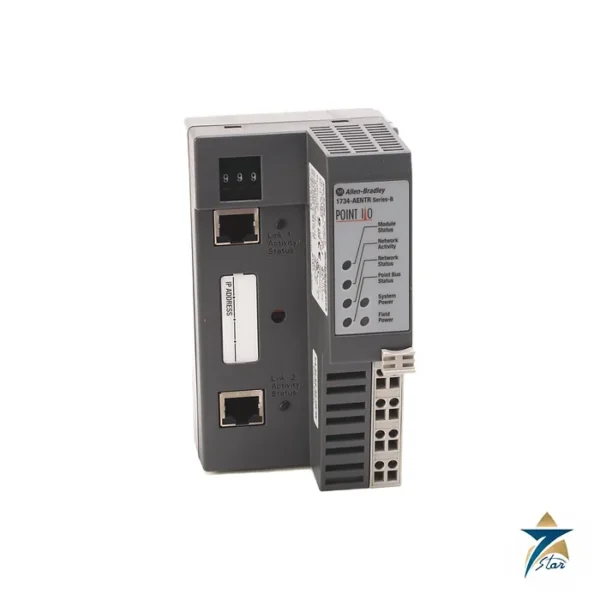
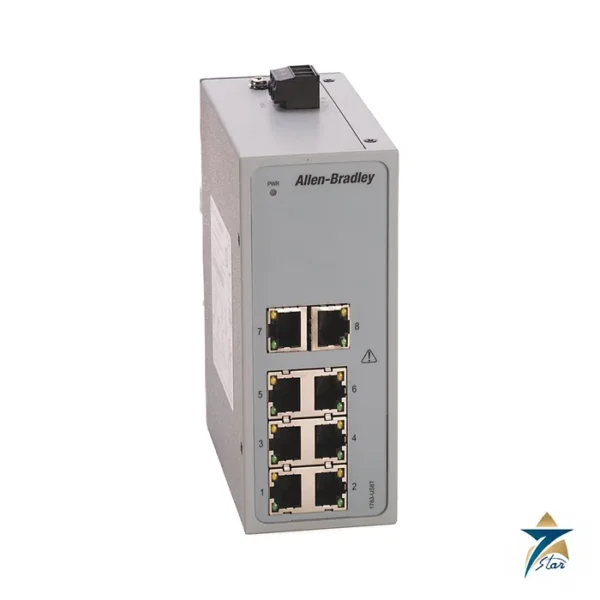
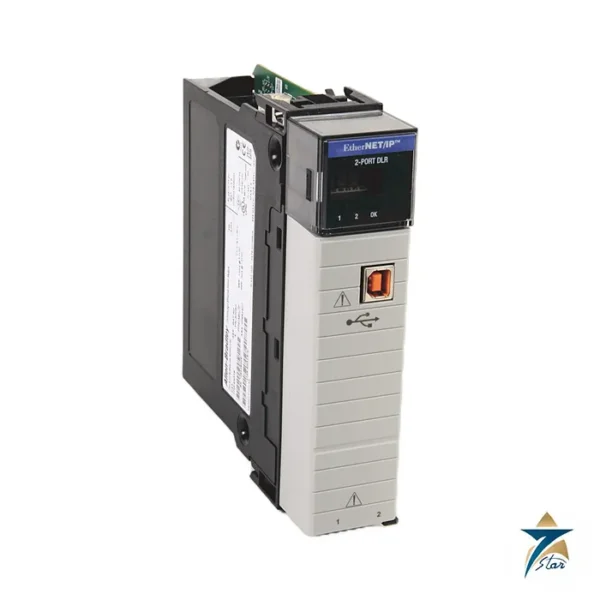
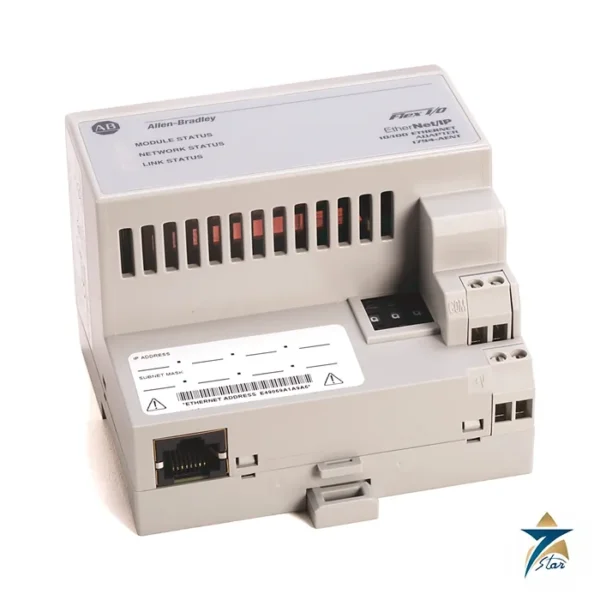
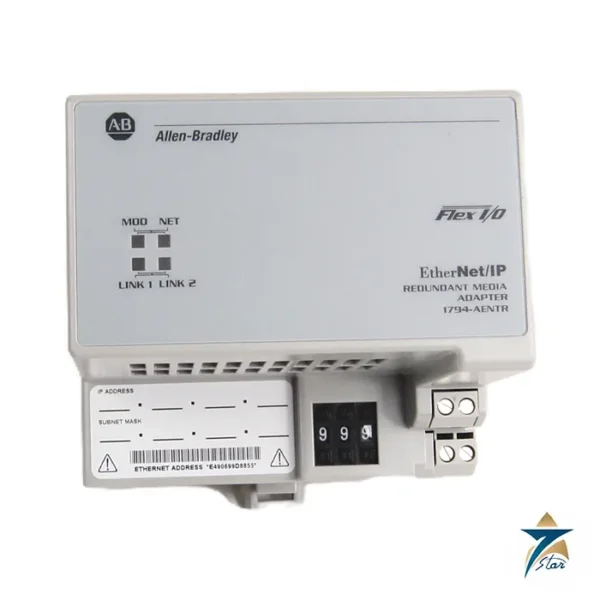
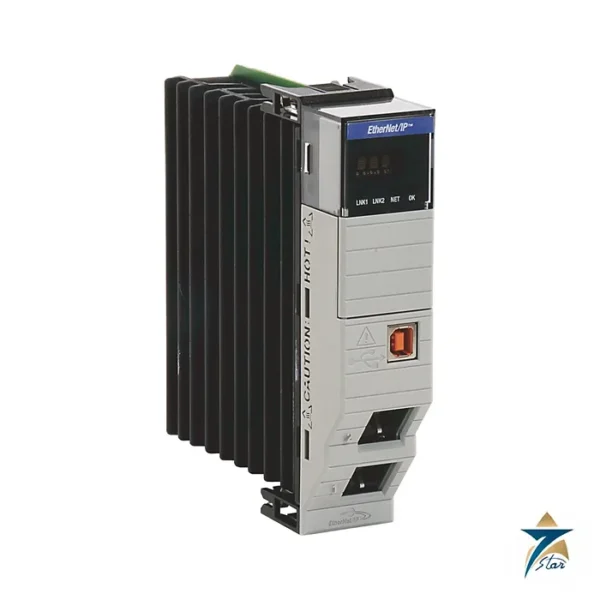
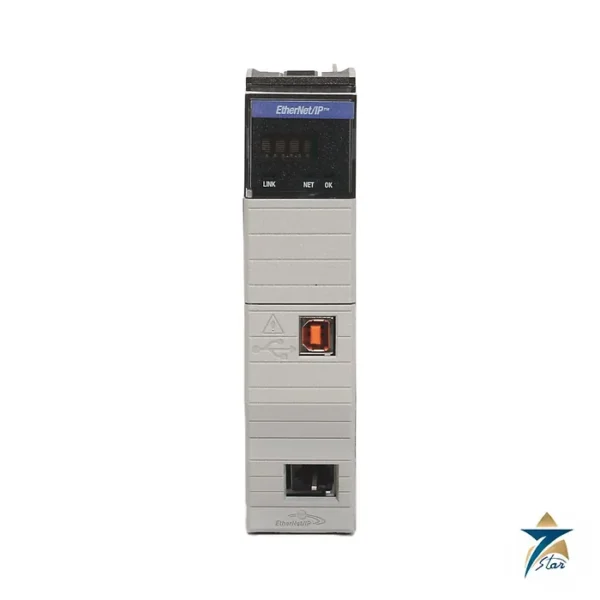
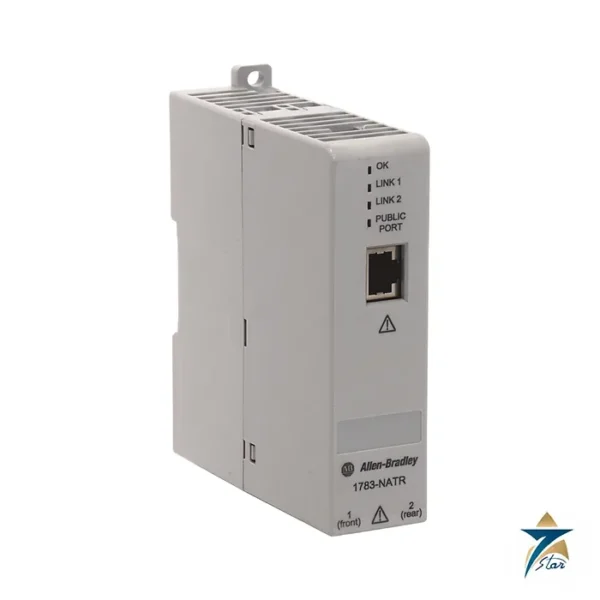
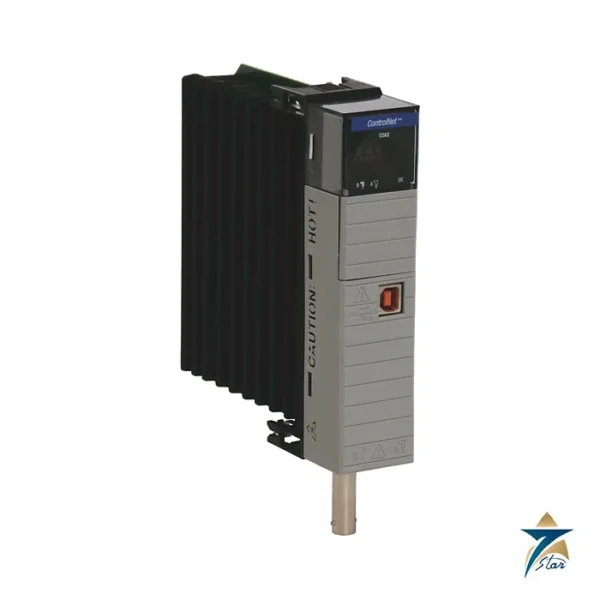
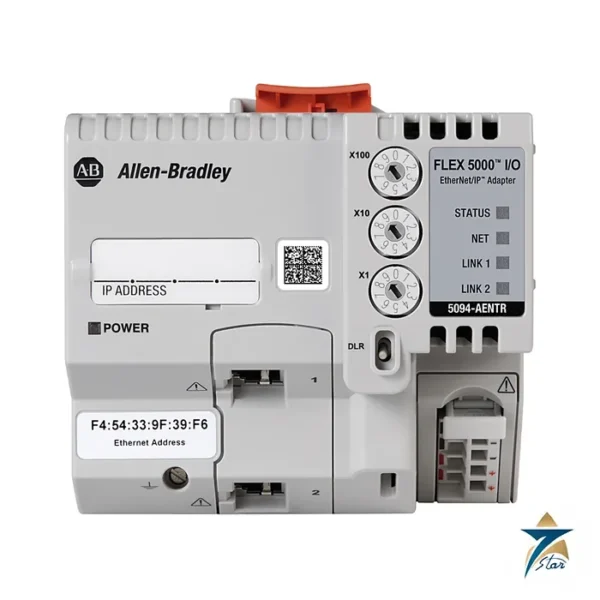
Related Allen-Bradley products: Allen-Bradley 1783-US5T Stratix 2000 5-Port Ethernet Switch, Allen-Bradley 1783-NATR Configurable NAT Router, Allen-Bradley 5094-AENTR FLEX 5000 EtherNet/IP Adapter, Allen-Bradley 1794-AENTR FLEX I/O Dual-Port EtherNet/IP Adapter, Allen-Bradley 1734-AENTR POINT I/O Dual Port EtherNet/IP Adapter and Allen-Bradley 1756-EN3TR ControlLogix EtherNet/IP Module.
What the converter does
According to the PowerFlex 1203-USB Converter User Manual (DRIVES-UM001), the converter connects a computer’s USB port to products that support the Allen-Bradley DPI, DSI and SCANport drive communication interfaces. It automatically detects (autobauds to) the data rate used by the drive and gives configuration software access to the drive parameters. Three LEDs show converter operation, data received from the computer and data sent to the computer, which helps when troubleshooting a connection.
Cables supplied with the kit
- 20-HIM-H10: 1 m cable with a 26-pin connector to an 8-pin circular mini-DIN, for DPI drives (for example PowerFlex 70, 700 and 755) and legacy SCANport drives.
- 22-HIM-H10: 1 m cable with a 26-pin connector to an RJ45, for DSI drives such as the PowerFlex 4-class and 520-series.
- USB cable: 2 m, connecting the converter to the computer.
For Kinetix 3 servo drives the manual lists the 2090-CCMUSDS-48AA0x cable instead. The converter is powered from the drive connection, so the drive must be powered when connecting. When the converter is first plugged into a powered drive and the computer, Windows starts the Found New Hardware wizard to install the USB driver.
Software used with it
The manual names Rockwell’s drive configuration tools, including Connected Components Workbench, DriveExplorer and the DriveTools SP suite (DriveExecutive and DriveObserver). Typical uses on site are uploading and backing up drive parameters before replacing a drive, downloading a saved configuration to a new drive, monitoring parameters during commissioning and updating firmware. The firmware revision of the converter is shown as X.xxx, where X is the major and xxx the minor revision.
Before you connect
The manual recommends checking that the configuration software is installed and up to date before connecting, as Rockwell periodically releases updates for its drive software. Make sure the drive is powered and the correct drive cable is selected for the drive’s port type: the circular mini-DIN connector for DPI and SCANport drives, or the RJ45 connector for DSI drives. The converter can stay connected while the drive is running, which is useful for watching parameter values and fault codes during commissioning or troubleshooting. Always follow the safety precautions in the manual when working inside drive enclosures.
Ordering and documents
Order 1203-USB exactly as printed. The hosted document is the DRIVES-UM001D 1203-USB converter user manual, and the photo is the official Rockwell product photograph of this part. Related communication parts are listed in the Industrial Communications category.
Seven Star LLC is an independent supplier in Muscat and quotes on request. Please confirm the catalog number, ratings and the current product status against the latest Rockwell Automation documents before ordering.



















Reviews
There are no reviews yet.