A 10.4-inch touch HMI for Logix-based machines and skids
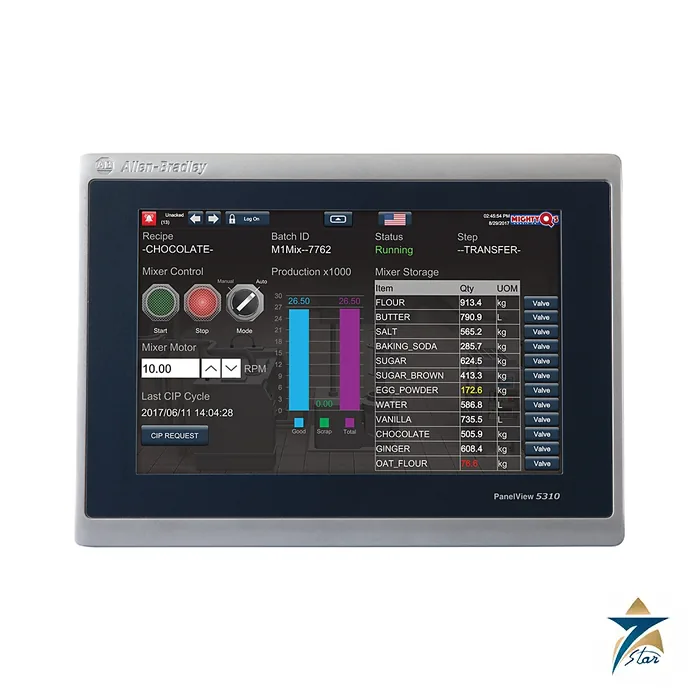
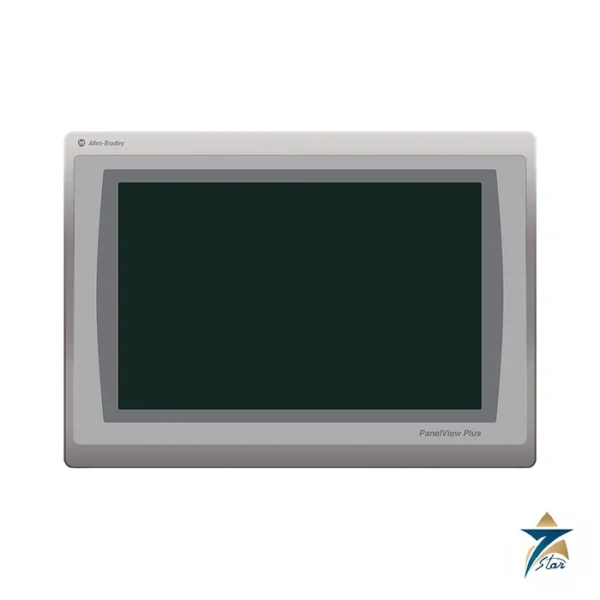
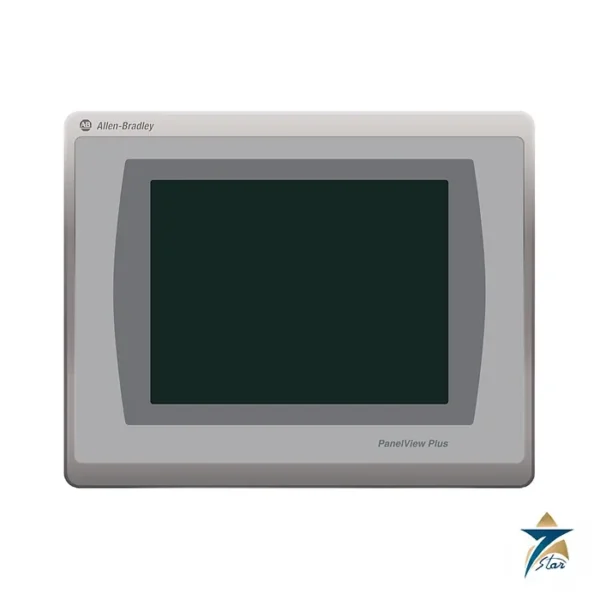
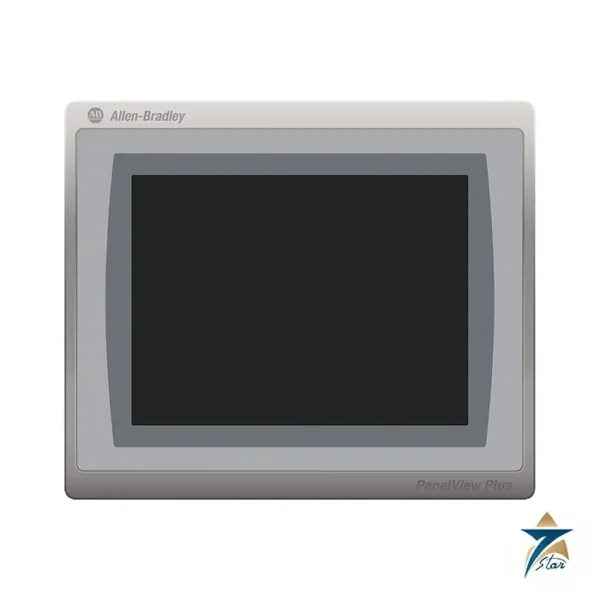
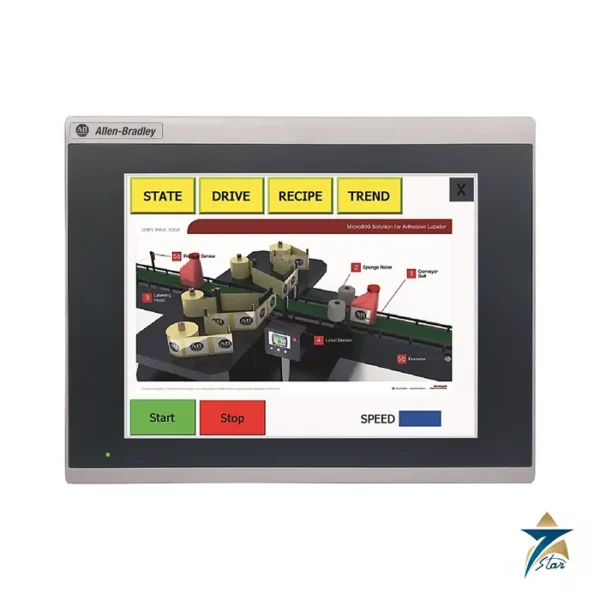
The Allen-Bradley 2713P-T10CD1 is the 10.4-inch member of the PanelView 5310 graphic terminal range, an operator interface that connects to ControlLogix 5570 and 5580 and to CompactLogix 5370, 5380 and 5480 controllers over EtherNet/IP. The display is an SVGA colour TFT with 800 x 600 pixels, a 4:3 aspect ratio and 24-bit colour, operated by an analog resistive touch screen.
Applications are built in Studio 5000 View Designer, in the same Studio 5000 environment as the Logix program, so tags are shared with the controller rather than mapped by hand. This is the main difference compared with the older PanelView Plus 7 terminals that use FactoryTalk View Machine Edition.
Technical specifications
| Parameter |
Specification |
| Catalog number |
2713P-T10CD1 (-B version without Allen-Bradley logo; -K conformal-coated version) |
| Display |
10.4 in. colour TFT LCD, touch input |
| View area |
211 x 158 mm (8.30 x 6.20 in.) |
| Resolution / aspect ratio |
800 x 600 SVGA, 4:3 |
| Colour depth / brightness |
24-bit (16.7 million colours) / 300 nits typical |
| Backlight |
LED, not replaceable; 50,000 h min to half brightness at 40 C |
| Touch screen |
Analog resistive; 1 million presses; operating force under 100 g |
| Memory |
1 GB RAM; 1 GB non-volatile storage for projects |
| Ports |
1 x 10/100Base-T Ethernet; 1 x USB 2.0 host (type A, 0.5 A at 5 V); 1 x USB 2.0 device (type B); 1 SD card slot |
| Projects |
Up to 100 user-defined screens; up to 4,000 Logix-based alarms with View Designer v5 and Logix Designer v32 or later |
| Input voltage |
24 V DC nominal (18-30 V DC); SELV/PELV supplies supported |
| Power consumption |
15 W max; 12 W typical; 41 BTU/hr; inrush 15 A max |
| Real-time clock |
CR2032 backup, 4 years min at 25 C; accuracy +/-2 minutes per month |
| Operating temperature |
0 to +50 C; non-operating -25 to +70 C |
| Humidity / altitude |
5 to 95 percent non-condensing / sea level to 2000 m |
| Vibration / shock |
0.012 in. pk-pk at 10-57 Hz, 2 g peak 57-500 Hz / 15 g operating, 30 g non-operating |
| Enclosure rating |
NEMA and UL Type 4X, 12, 13; classified by UL as IP66 when mounted in an equivalent enclosure |
| Dimensions (H x W) |
Terminal 252 x 297 mm (9.92 x 11.69 in.); panel cutout 224 x 269 mm (8.82 x 10.59 in.) per the data sheet table |
Where it fits
The terminal suits machine and skid HMIs where a Logix controller is already specified and the engineering team wants one project file for logic and screens. Automatic diagnostics, a configurable navigation menu and Logix-based alarms are listed in the manufacturer overview. The 10.4-inch size gives a 4:3 screen that works well for P&ID-style pages and trend displays.
Ordering and installation notes
Panel mounting uses the mounting levers (2711P-RMCP) listed in the accessories table, with a 24 V DC supply such as the 1606-XLP95E, XLP100E or XLB120E. Port plugs must remain in unused ports to keep the corrosive-atmosphere rating of the coated version. The certification table lists UL 61010 listing, CE EMC, EtherNet/IP conformance, RCM and KC. The terminal measures 252 x 297 mm with a panel cutout of 224 x 269 mm in the data sheet; check these against the drawing before cutting a panel.
Selection considerations
Choosing between the PanelView 5310 sizes is mostly a question of how much information an operator needs on one page and how far away they stand. The 10.4-inch 4:3 format of the 2713P-T10CD1 gives room for a process overview, a small trend and navigation elements without crowding, which is why it is often chosen for skids that combine sequencing with analog monitoring. Before committing, confirm that the controller family on the project is one of the ControlLogix or CompactLogix families listed above and that the engineering workstation runs a Studio 5000 View Designer version suited to the alarm and screen count you plan. Where the panel will sit in a corrosive or humid area, decide early whether the standard, -B or conformal-coated -K version is the right catalog number, because the choice affects ordering rather than configuration.
Installation and commissioning practice
Good HMI installations start with the enclosure. Mount the terminal in a cabinet door or console that preserves the Type 4X, 12 or 13 rating, use the mounting levers evenly so the gasket compresses uniformly, and keep the cutout clean and burr-free. Route the 24 V DC supply and the Ethernet cable away from motor and drive power wiring, and earth the cabinet according to the plant standard. During commissioning, download the View Designer project, confirm the controller path, then walk through every screen with the process engineer to verify tag bindings, alarm texts and navigation. Set the real-time clock against the plant time source so alarm timestamps line up with the controller and any historian.
Operation and maintenance
Day to day, the analog resistive touch screen works with a fingertip or a gloved hand, which suits maintenance crews in the field. Clean the front with a soft cloth and a mild, non-abrasive cleaner; avoid solvents that can attack the touch film or panel seal. Screen savers or dimming on idle screens are a sensible way to reduce display wear. Keep a backup copy of the project file and the controller program together, and record the firmware and software versions so a replacement terminal can be loaded quickly after a failure. Review the terminal condition and settings during planned shutdowns.
Operating in GCC conditions
Control rooms in Oman and the wider Gulf are usually air-conditioned, but local panels on skids, pump stations and packaging lines can see high ambient heat, fine dust and coastal humidity. Keep the terminal within its published operating temperature range by shading outdoor enclosures, providing cabinet ventilation or cooling, and avoiding direct sun on the screen face. Dust tends to accumulate around the bezel, so include gasket inspection in routine checks. For salt-laden or chemically aggressive sites, the conformal-coated version with port plugs fitted in unused ports is the more conservative choice.
What to include in an RFQ
A clear enquiry speeds up the quotation. State the exact catalog number including any -B or -K suffix, the quantity, the controller platform it will connect to, and whether mounting levers or a 24 V DC power supply from the accessories list should be quoted alongside. Mention the end user and project name where possible, and note any documentation needs such as certificates of origin or conformity.
Documents and quotation
The linked technical data covers the PanelView 5310 range from 6 to 12.1 inches. Other operator interfaces are in the HMI Displays category. To request a quotation send the catalog number and quantity to Seven Star LLC, an independent supplier in Muscat.





Reviews
There are no reviews yet.