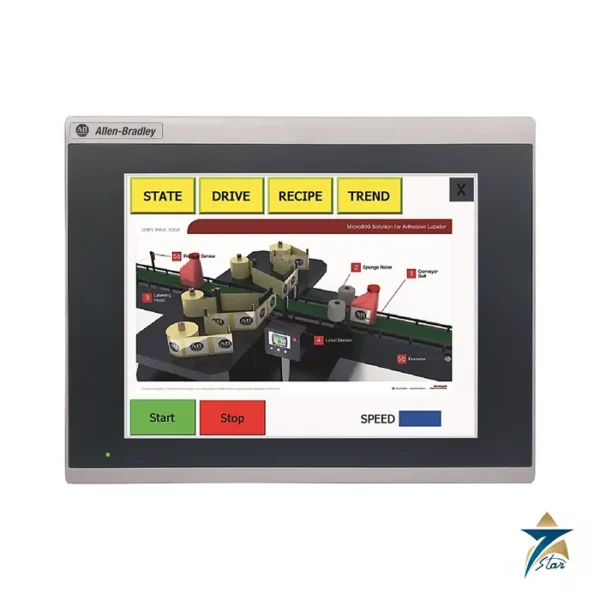
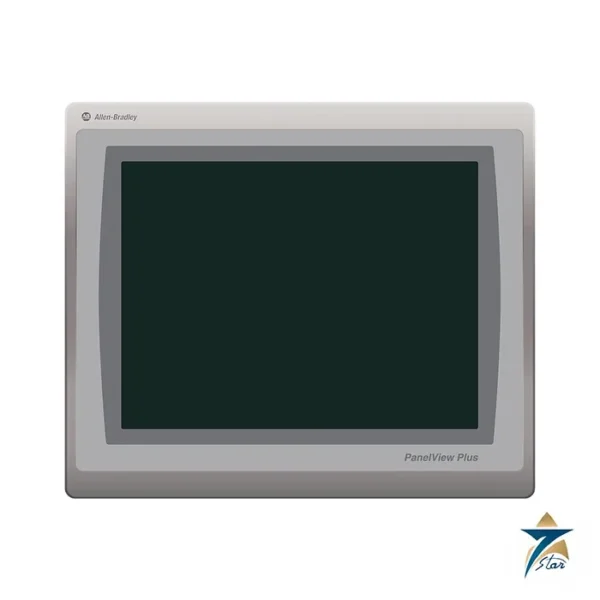
A 7-inch widescreen HMI in the PanelView 800 range
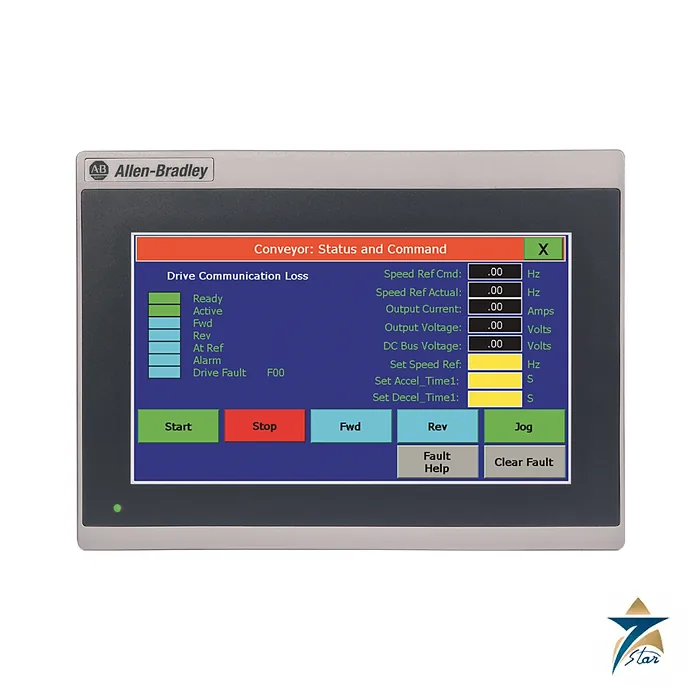
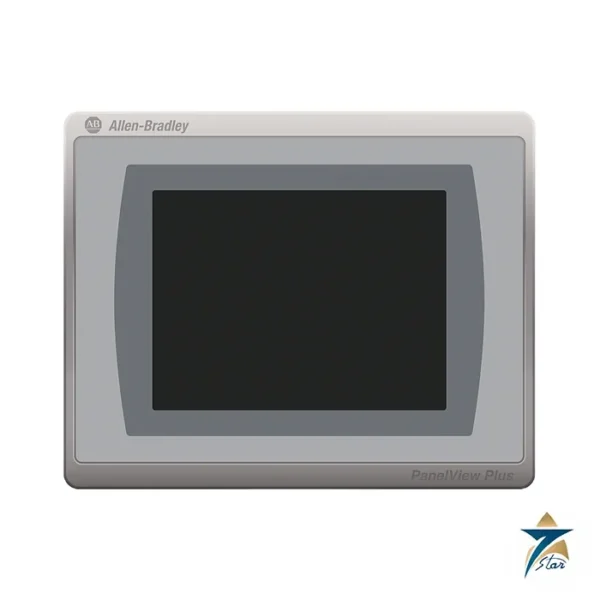
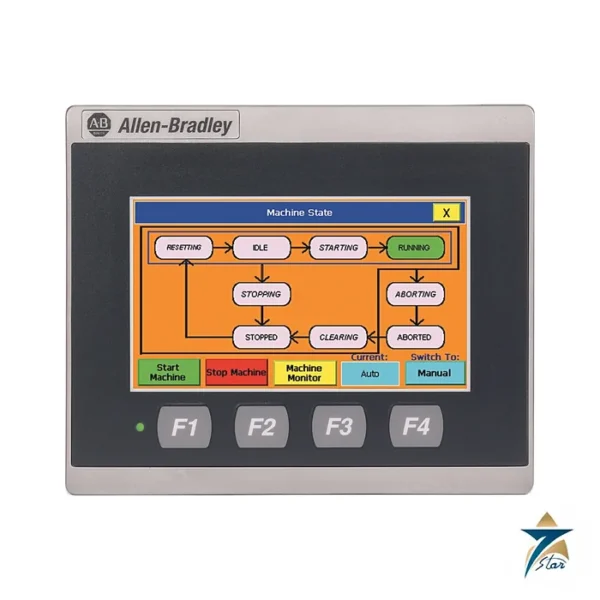
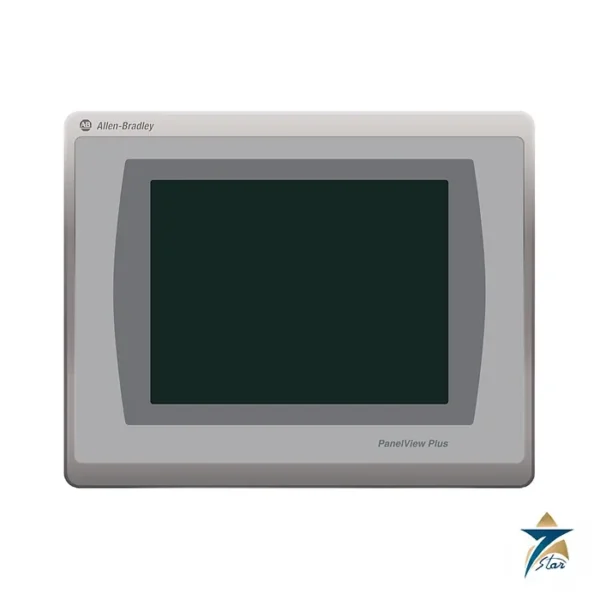
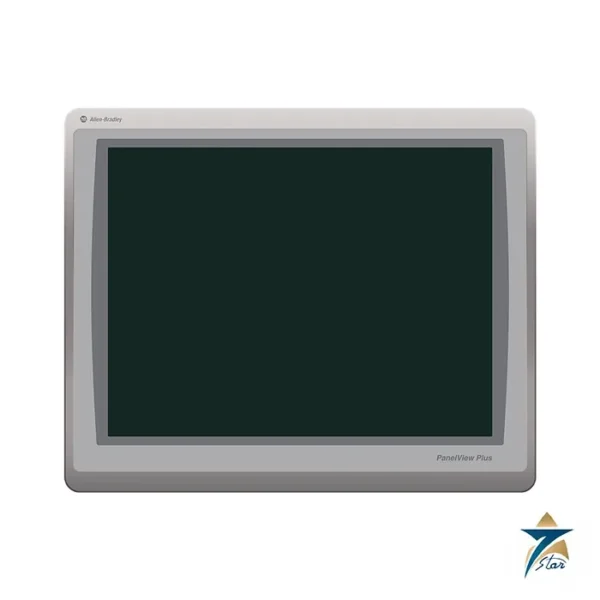
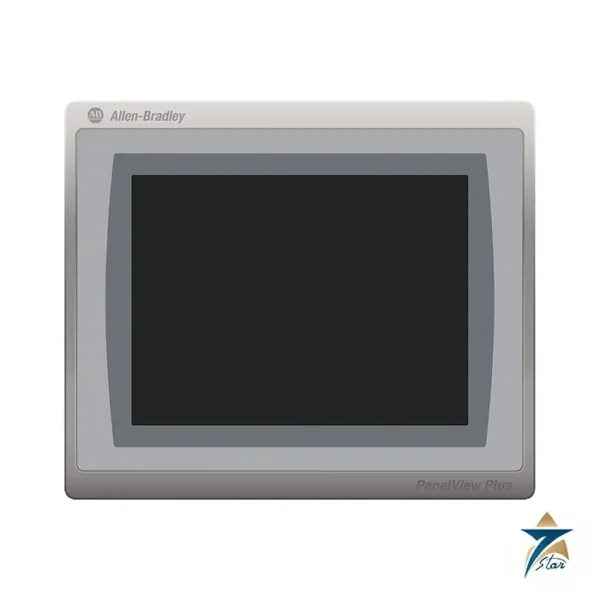
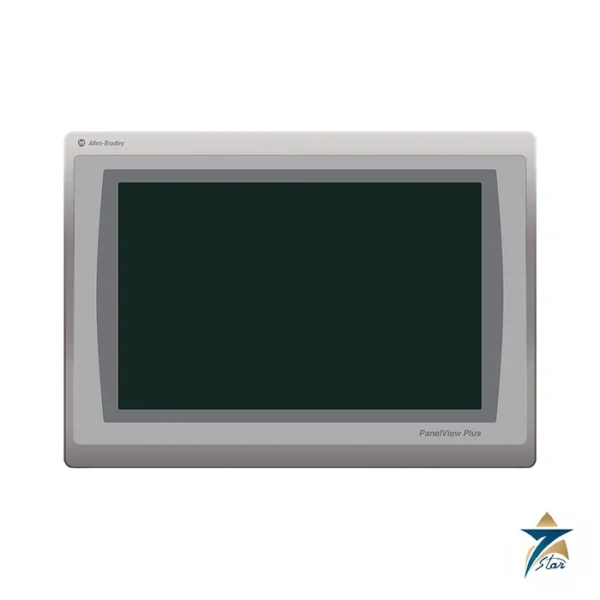
The Allen-Bradley 2711R-T7T is the 7-inch member of the PanelView 800 family, with an 800 x 480 widescreen touch display. It offers roughly three times the display area of the 4.3-inch 2711R-T4T and suits operator stations that need several tags, alarm lines and a small trend on one screen.
It is intended mainly for Micro800 and MicroLogix controllers and has Ethernet plus separate RS-232 and RS-422/485 serial connectors.
Technical specifications
| Parameter |
Specification |
| Manufacturer / family |
Allen-Bradley (Rockwell Automation) / PanelView 800 |
| Catalog number |
2711R-T7T |
| Display |
7 in. color TFT LCD, widescreen, 153.6 x 86.6 mm display area |
| Resolution / colors |
800 x 480 pixels / 65K colors |
| Backlight |
LED, 40,000 hours minimum |
| Processor / memory |
800 MHz CPU, 256 MB flash, 256 MB DDR SDRAM |
| Operating system |
Windows CE 6.0 |
| Ports |
1 Ethernet 10/100, separate RS-232 and RS-422/485 connectors, USB 2.0 host, micro-SD slot |
| Memory card |
Micro-SD up to 32 GB (SDSC and Class 6 or Class 10 SDHC, FAT16/32) |
| Software / preferred controllers |
Connected Components Workbench 8.0 or later / Micro800 and MicroLogix |
| Power |
24V DC nominal (18 to 32V DC), 11 W max (0.40 A at 24V DC) |
| Dimensions (H x W x D) / weight |
144 x 197 x 54 mm / 0.651 kg (1.44 lb) |
| Panel cutout (H x W) |
125 x 179 mm |
| Heat dissipation |
34 BTU/hr |
| Front bezel / enclosure rating |
IP65, NEMA/UL Type 4X (indoor), 12 and 13 |
| Operating temperature |
0 to 50 °C |
Reading the catalog number
2711R is the PanelView 800 range and T7T is the 7-inch touch terminal. Related catalog numbers in the same technical data are 2711R-T4T for 4 inches and 2711R-T10T for 10 inches. The documents do not describe the individual letters beyond that, so confirm any unusual suffix with the manufacturer.
The terminal can run applications in landscape or portrait orientation, which is useful when the panel space is narrow.
Hardware, memory and mounting
The 800 MHz processor works with 256 MB of flash and 256 MB of DDR memory. The USB host port and the micro-SD slot (cards up to 32 GB, industrial grade recommended) handle application transfer and data storage. The recipe feature supports 50 files.
Housing size is 144 x 197 x 54 mm and the weight is 0.651 kg, with a 125 x 179 mm cutout. Power is 24V DC, with 11 W maximum or 0.40 A, and the front bezel is IP65 and NEMA and UL Type 4X, 12 and 13.
Certifications printed in the technical data include CE for EMC, cULus for industrial control equipment and Class I Division 2 hazardous locations, RCM and KC. The document is dated March 2018, so check the current revision and approvals with the manufacturer before specifying the terminal for a regulated application. Humidity is 5 to 95% non-condensing and operating shock is 15 g.
The technical data lists adhesive labelers among the typical applications for PanelView 800 terminals, which gives an idea of the small packaging machines the range targets.
Selection checks for the 2711R-T7T
Begin with the controller. The terminal is aimed mainly at Micro800 and MicroLogix controllers, so if the machine uses another PLC, confirm in the Rockwell documentation that the required communication driver is supported before choosing this HMI. Decide which link will be used, Ethernet or one of the serial ports, and check that the cable and connector at the controller end match.
Next, sketch the screens the operator really needs. The 7-inch widescreen suits a handful of overview screens, alarm lists and a simple trend; if the application needs many large graphics or several operators viewing at once, compare it with the 10-inch 2711R-T10T named in the technical data. Confirm that the Connected Components Workbench version used by the project team is 8.0 or later, as listed in the specification.
Panel installation
Cut the 125 x 179 mm opening accurately and deburr it, because the IP65 and Type 4X ratings of the front bezel depend on a flat, clean panel surface and on mounting the terminal as the installation instructions describe. Allow space behind the panel for the 54 mm depth plus cable bend radius, and leave clearance for airflow around the housing. Supply the terminal from a clean 24V DC source within the 18 to 32V DC range, keep the supply wiring separate from motor and drive cables, and connect the earthing as the manufacturer instructs.
Commissioning and application transfer
Build and test the application in Connected Components Workbench, then download it over Ethernet or transfer it with a USB drive or micro-SD card. Check every tag against the controller program, test alarm triggering and acknowledgement, and walk through each screen with the operator who will use it. Keep a copy of the final application file and the project archive with the machine documentation, so that a replacement terminal can be loaded quickly if needed.
Operating conditions in Oman and the GCC
The operating range is 0 to 50 °C, and control panels in Omani plants, water stations or outdoor skids can exceed this when the enclosure sits in full sun. Shade the panel, ventilate or cool it, and avoid mounting the terminal in a door facing direct afternoon sunlight, which also makes the display harder to read. Humidity must stay non-condensing, so coastal installations benefit from panels that are sealed and kept warm enough to avoid condensation at night. Clean the touch screen with a soft cloth and a mild cleaner only, and check panel seals during routine maintenance so that dust does not build up behind the bezel.
Routine checks during operation
Every few months, review the alarm history with the operators, confirm that the date and time shown on the terminal are still correct, and make a fresh backup of the application after any change to screens or tags. Inspect the cables at the rear of the terminal for strain or heat damage, and note any touch areas that respond poorly so the cause can be investigated during the next planned stop.
Documents and quotation
The PanelView 800 technical data 2711R-TD001 lists environmental limits, certifications and the dimension drawings. For a quotation send the 2711R-T7T reference, quantity, controller type and the cables you need. Confirm the exact catalog number before ordering. See HMI Displays for related items.





Reviews
There are no reviews yet.