- Vibration Monitoring
- PLC & I/O Cards
- Industrial Communications
- Automation Accessories
- Controllers & Data Acquisition
- AC Drives
- Isolator & Barrier
- Industrial Computers
- Encoders
- Safety Switches & Guard Locking
- Automation Software
- HMI Displays
- Motor Soft Starters
- Servo Drives
- CCTV & Security
- Robotics
- Pneumatic Cylinders
- Machine Vision



Category guide
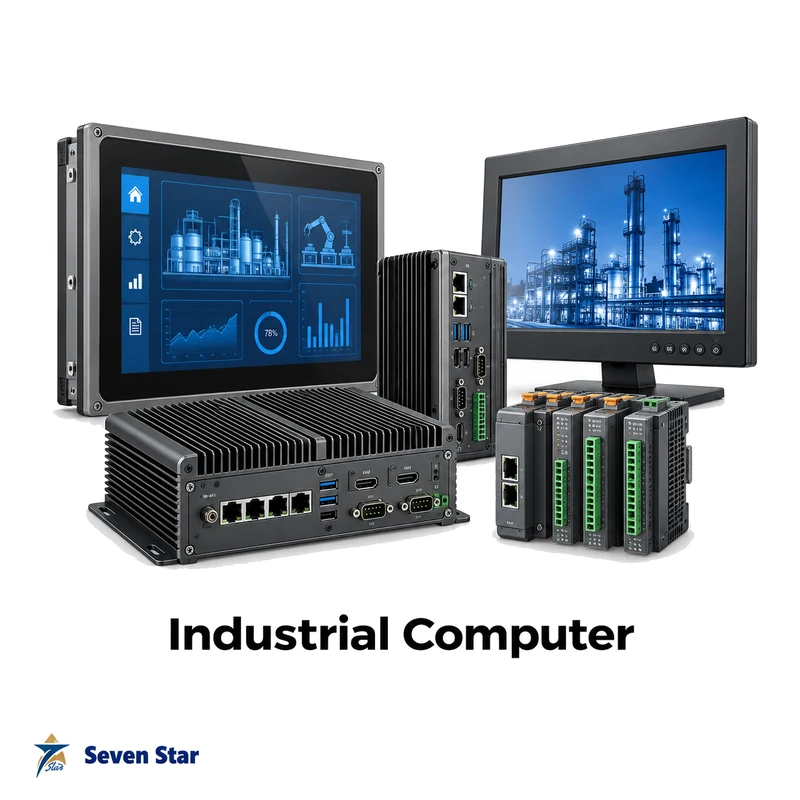
About Industrial Computers
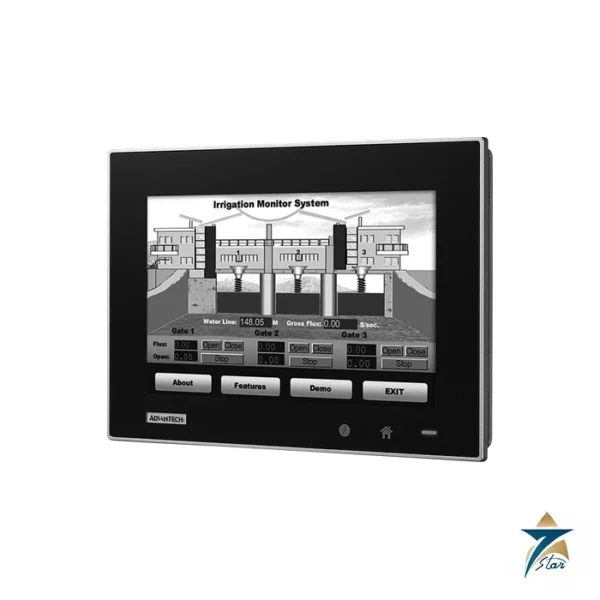
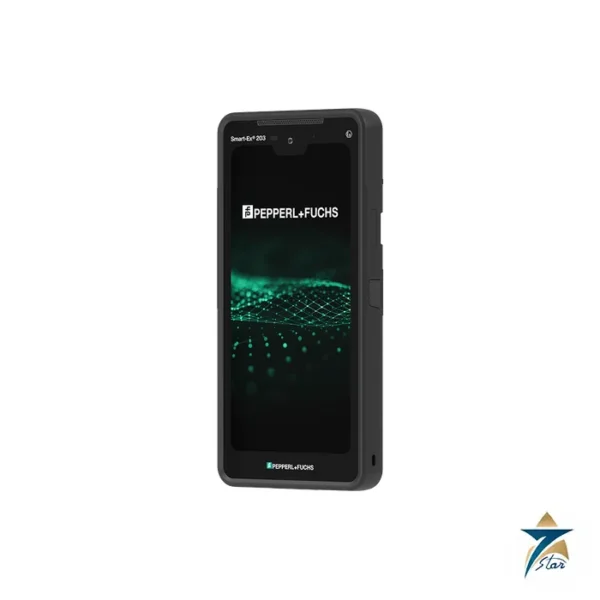
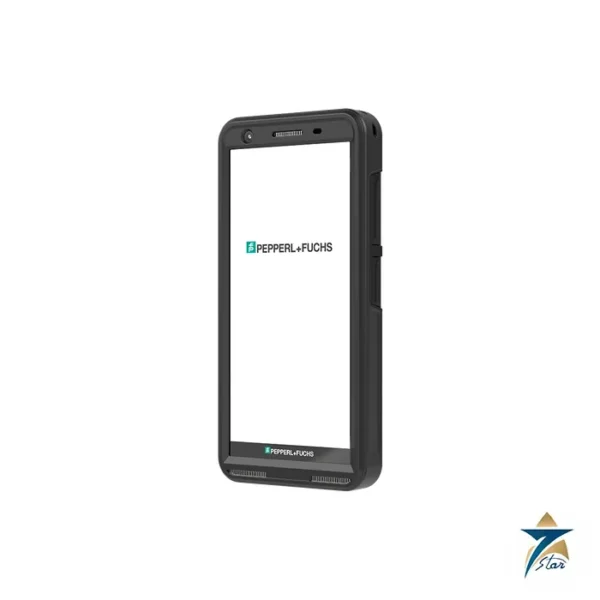
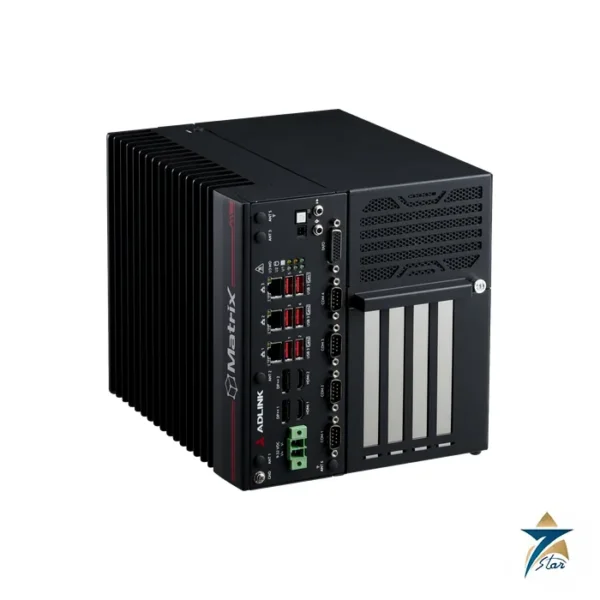
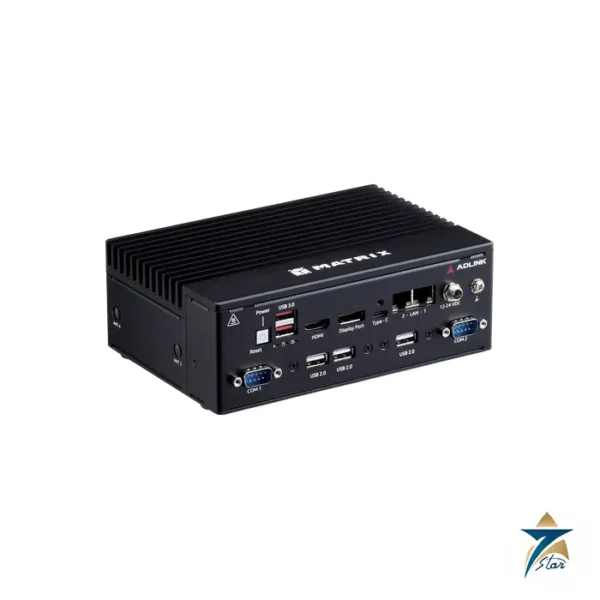
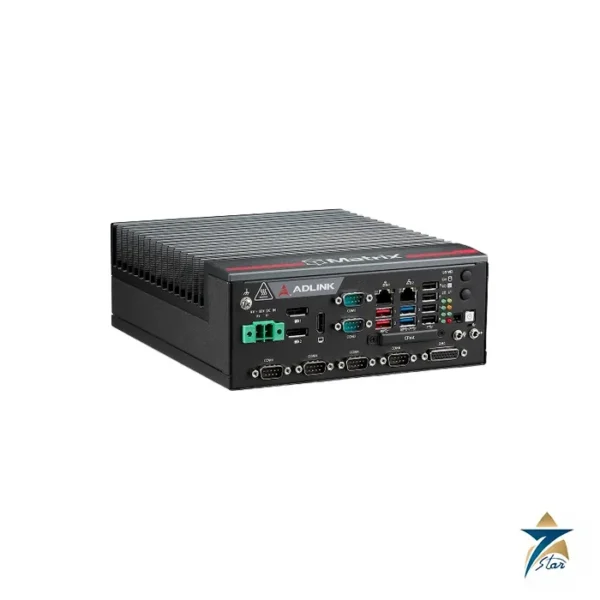
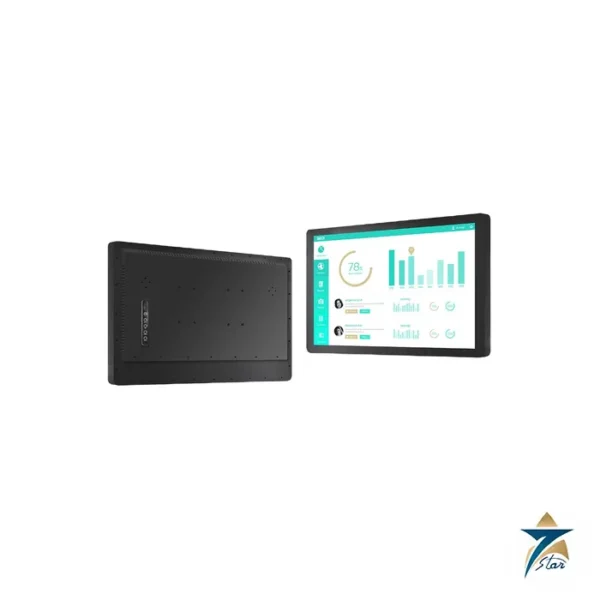
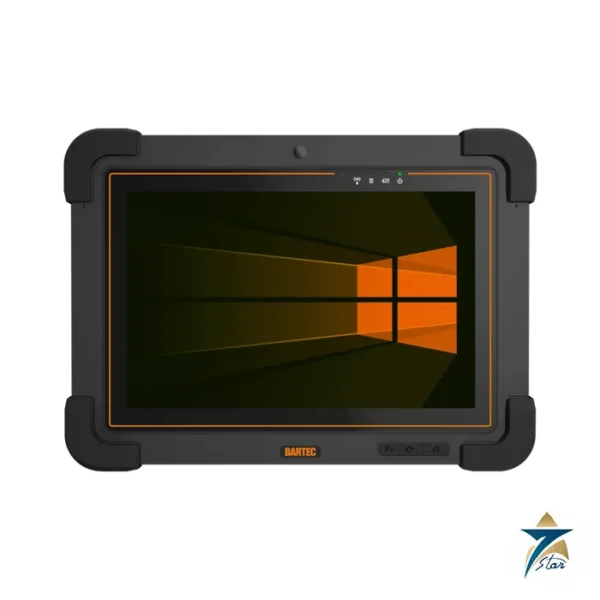
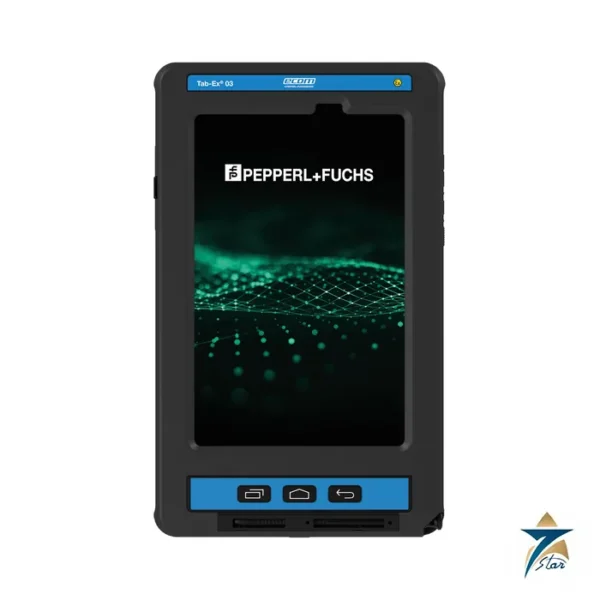
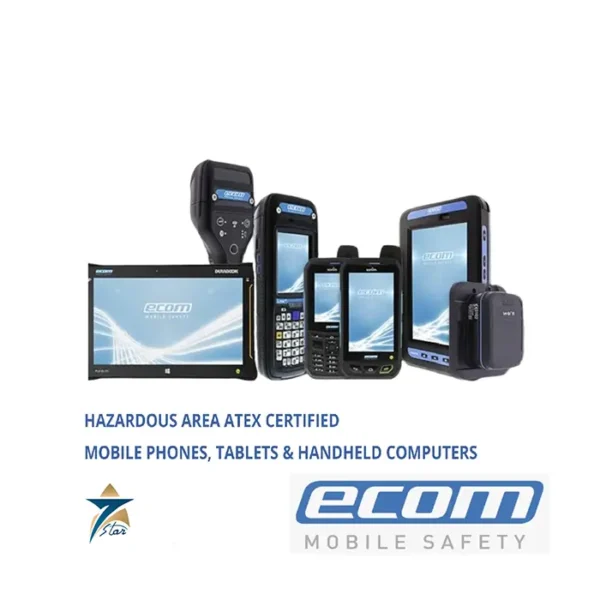
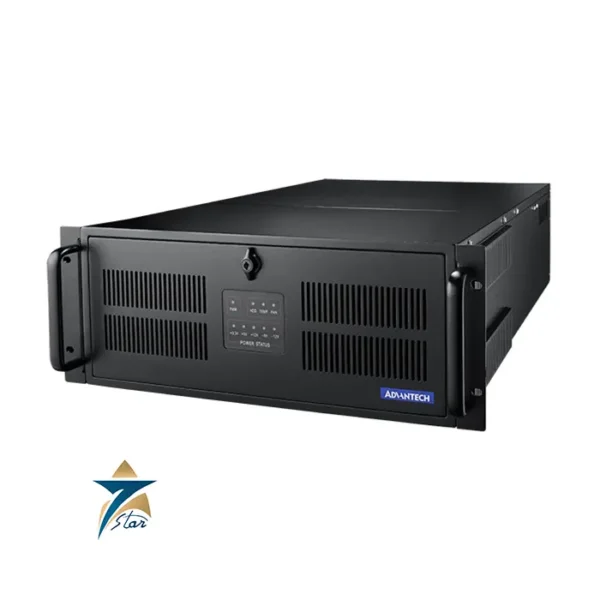
Industrial computers are built for locations where an office PC would fail: control cabinets, machines, vehicles and hazardous process areas. Seven Star LLC supplies industrial PCs and Ex-rated mobile devices, with ADLINK fanless embedded computers, Advantech panel PCs and a rackmount chassis, a Winsonic zero-bezel panel PC, and hazardous-area tablets and smartphones from Ecom Instruments, Pepperl+Fuchs and BARTEC. Seven Star is the agency for Winsonic in Oman and the GCC.
Types of industrial PC and mobile device listed
Fanless embedded computers, such as the ADLINK MXE and MVP series, are sealed box PCs cooled through the housing. With no fan and no vents they tolerate dust and vibration, and they serve as edge computers, gateways and machine controllers. Rackmount chassis and single board computers, such as the Advantech IPC-623 chassis and ADLINK PICMG boards, are used where expansion cards are needed or where an older system based on a passive backplane is being kept alive. Panel PCs combine the computer and touchscreen in one unit for operator stations. Hazardous-area tablets and smartphones, such as the Tab-Ex, Smart-Ex and Agile X IS families, are certified for Zone 1/21 or Zone 2/22 and let technicians use maintenance, inspection and permit software inside the classified area.
Selecting a hazardous-area tablet or smartphone
The zone decides the device. Zone 1/21 devices can also be used in Zone 2/22, but not the other way round. Check the full Ex marking for gas group and temperature class, and for North American sites the Class and Division rating. After that, choose the operating system, the mobile network variant for the region, since radio approvals differ by country, and the accessories. Chargers, cases and headsets must be approved for the device, and batteries are normally charged only in the safe area.
Data needed for an industrial computer inquiry
For a box or panel PC send processor class, memory, storage, I/O ports, expansion slots, supply voltage, mounting, operating temperature and operating system. For a display unit add screen size and touch type. For Ex devices give the zone, model variant and accessories.
What to include in your inquiry
These details let us quote the right item the first time.
- Full part number or order code
- Hardware and firmware revision, when replacing a part
- Control system or PLC family it must work with
- New installation or replacement of an obsolete part
- Quantity and required delivery date
Missing some of them? Send what you have. A nameplate photo or an old part number is enough to start.
Brands in Industrial Computers
All brands →





Related categories
- Vibration Monitoring159
- PLC & I/O Cards100
- Industrial Communications97
- Controllers & Data Acquisition59
- Automation Accessories54
- AC Drives51
- Isolator & Barrier17
- Encoders12
- Automation Software9
- HMI Displays8
- Motor Soft Starters6
- Servo Drives2
- CCTV & Security1
- Safety Switches & Guard Locking1
- Pneumatic Cylinders1
- Machine Vision1