A dual-port EtherNet/IP adapter for remote Compact I/O
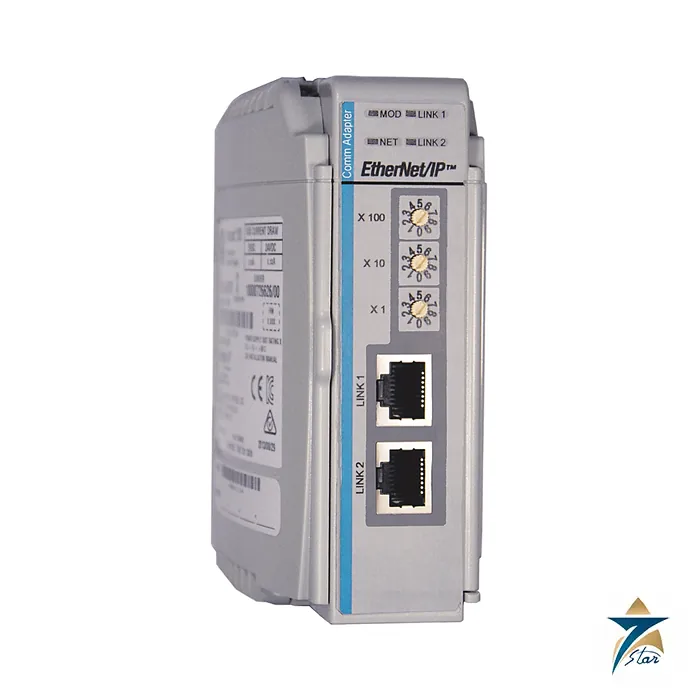
The Allen-Bradley 1769-AENTR turns a rack of 1769 Compact I/O modules into a remote I/O node on an EtherNet/IP network. A controller such as a CompactLogix 5370 or 1769-L3x scans the adapter over Ethernet and reads or writes every module in the rack as if it were local, so you can place I/O near the sensors and actuators and bring only a network cable back to the cabinet.
The adapter has two RJ45 Ethernet ports on a single IP address, supports 10/100 Mbps communication and handles 128 Logix connections and 96 TCP/IP connections. Rockwell describes it as a dual-port adapter for up to 69 I/O modules, and it occupies one slot of the rack.
Technical specifications
| Parameter |
Specification |
| Catalog number |
1769-AENTR (Network Adapter, EtherNet/IP, dual port, 24V DC system) |
| Function |
Connects up to 69 Compact I/O modules (per Rockwell product description) to an EtherNet/IP network as a remote I/O adapter |
| Ports |
2 Ethernet RJ45 (Category 5) |
| Communication rate |
10/100 Mbps |
| Logix connections |
128 |
| TCP/IP connections |
96 |
| Cable |
RJ45 connector per IEC 60603-7; 2 or 4 pair Category 5e minimum per TIA 568-B.1, or Category 5 per ISO/IEC 24702 |
| Bus current draw |
500 mA at 5V DC |
| Isolation voltage |
50V continuous, basic insulation; tested at 710V DC for 60 s |
| Power supply required |
1769-PA2, 1769-PB2, 1769-PA4 or 1769-PB4 |
| Slot width / mounting |
1 slot; DIN rail or panel; mounting screw torque 1.16 N•m (M4 or #8 screws) |
| Dimensions / weight |
118 x 50 x 87 mm (4.65 x 1.97 x 3.43 in.); 0.280 kg (0.61 lb) |
| Operating temperature |
0…60 °C (32…140 °F); non-operating -40…85 °C; humidity 5…95% non-condensing; vibration 2 g at 10…500 Hz |
| Shock |
Operating 15 g; non-operating 30 g |
| Enclosure type rating |
None (open style); North American temperature code T3C |
| Certifications (as printed) |
c-UL-us (UL Listed Industrial Control Equipment; Class I Division 2 Groups A,B,C,D), CE (EN 61326-1, EN 61000-6-2, EN 61000-6-4, EN 61131-2), RCM, KC, ODVA EtherNet/IP conformance tested |
System design
The 1769-AENTR must be used with a 1769-PA2, 1769-PB2, 1769-PA4 or 1769-PB4 power supply. The adapter draws 500 mA at 5 V DC from the bus, so include this in the supply budget along with the I/O modules in the rack. Because the supply feeds the adapter and the modules, the rack is limited by the power supply distance rating of each module and by the available current.
The two ports let you daisy-chain adapters along a line without an extra switch. Use shielded Category 5e or better cable, and take the usual EtherNet/IP precautions for noise, grounding and switch configuration. The unit is open style and must be mounted in a suitable enclosure; its North American temperature code is T3C.
Adapter or controller on the rail
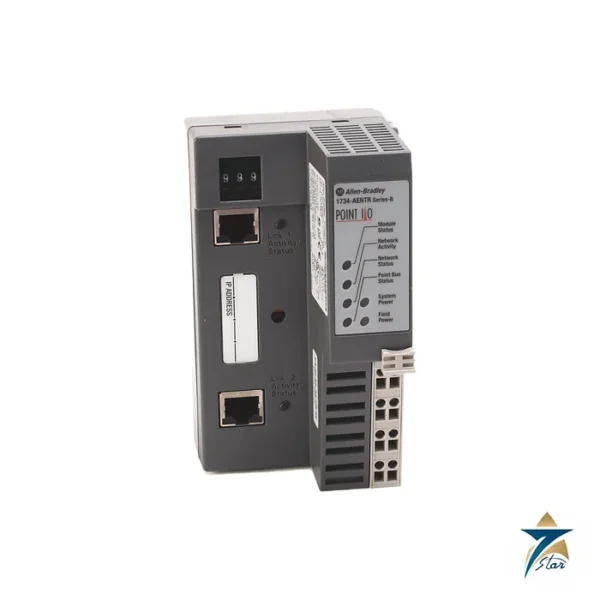
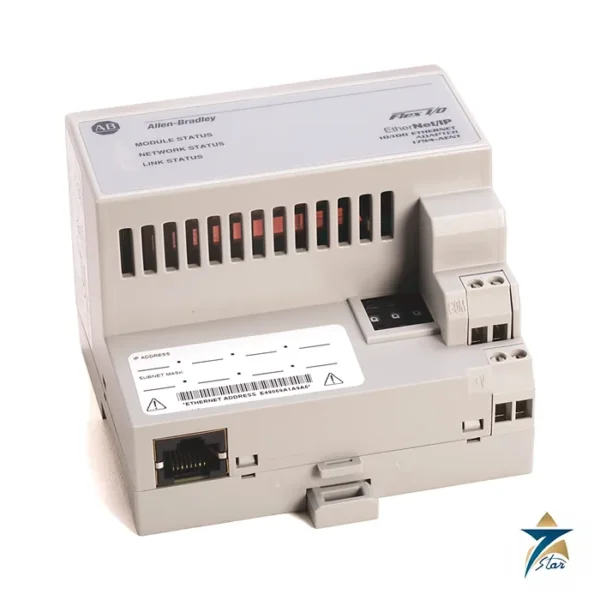
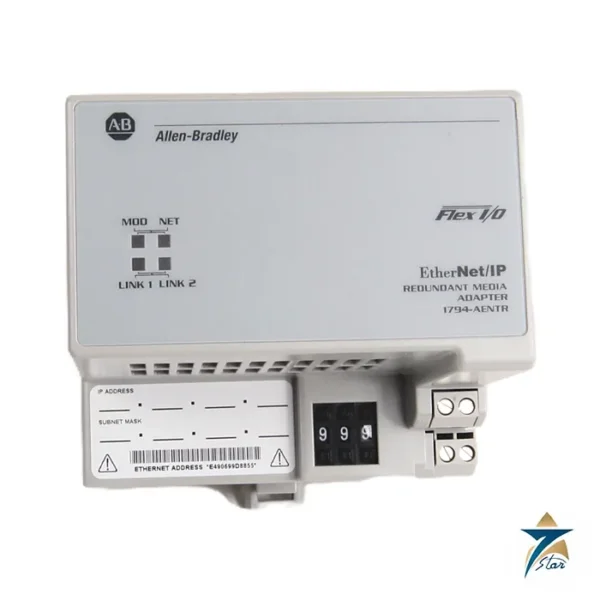
Choose the 1769-AENTR when the Compact I/O rack is remote from the controller. If the rack is local to a CompactLogix controller, no adapter is needed. For POINT I/O nodes the equivalent adapter is the 1734-AENTR, and for Flex I/O it is the 1794-AENTR. Compatibility with the controller firmware should be checked in the manufacturer documentation before ordering.
Key features of the 1769-AENTR
- Embedded two-port switch: both RJ45 ports share one IP address, so adapters can be connected in a linear chain or in a Device Level Ring for network redundancy.
- Remote I/O without a second controller: logic stays in the main controller, while the adapter simply exchanges I/O data, which keeps programming centralised.
- Uses standard Compact I/O modules: the same digital, analogue and specialty 1769 modules used in local racks can be installed in the remote node, reducing spare parts variety.
- DIN rail or panel mounting: the adapter and modules lock together side by side, giving a compact node for small field cabinets.
- Hazardous location listing: the Class I Division 2 listing allows use in suitable classified areas when installed in an appropriate enclosure and in accordance with the installation instructions.
Planning a Compact I/O remote node
Start by listing the I/O points needed at the remote location and selecting the modules. Then check three limits: the total current draw on the 5 V and 24 V buses against the selected power supply, the power supply distance rating of each module (how many module positions it may sit away from the supply), and the number of modules per bank. Where more modules are required, the system may need an additional power supply and bank with expansion cable. Finally, add an end cap or terminator to close the bus at the end of the rack. In the controller project, add the adapter to the I/O configuration and configure each module, choosing the requested packet interval to suit the speed of the process.
Network considerations
Assign a fixed IP address to every adapter and keep a record of addresses and firmware revisions. Use managed industrial switches where several adapters, drives and HMIs share the network, and keep control traffic separate from office networks. For ring topologies, one device must be configured as the ring supervisor.
Installation and maintenance practice
- Mount the rack horizontally in an enclosure that provides protection against dust and moisture, with adequate space for cooling.
- Ground the DIN rail and the enclosure properly and separate signal cables from power cables.
- Do not remove or insert modules under power unless the documentation explicitly permits it.
- Check the status indicators on the adapter during troubleshooting; they show module status and network activity on each port.
- Keep a spare adapter with matching firmware for critical remote nodes.
Use in Oman and GCC conditions
Remote I/O panels in GCC oil and gas, water and utility sites are often installed in field kiosks exposed to heat and dust. The 0 to 60 °C operating range applies to the air around the module inside the enclosure, which can be considerably hotter than ambient in direct sunlight, so sunshades, ventilation or cooling should be planned. Dust filters and sealed cable entries help protect electronics against fine sand. Fibre optic links via media converters or switches are commonly used for long distances between field panels and the control room.
What to include in your RFQ
- Catalog number 1769-AENTR and required series or firmware revision, if fixed by your project
- Quantity, plus power supplies, end caps and I/O modules needed for the node
- Controller type and software version used on site
- Any certificates or country-of-origin documents required
Documents and quotation
The Rockwell Automation CompactLogix communication modules specifications are attached and include the EtherNet/IP table, environmental data and certifications used here. See our industrial communications category and the 1734-AENTR POINT I/O adapter for related adapters. Confirm the exact catalog number, series letter and firmware or hardware revision on the product label, and the compatibility with your existing system, before ordering. Stock and lead time are confirmed at quotation.
















Reviews
There are no reviews yet.