- Vibration Monitoring
- PLC & I/O Cards
- Industrial Communications
- Automation Accessories
- Controllers & Data Acquisition
- AC Drives
- Isolator & Barrier
- Industrial Computers
- Encoders
- Safety Switches & Guard Locking
- Automation Software
- HMI Displays
- Motor Soft Starters
- Servo Drives
- CCTV & Security
- Robotics
- Pneumatic Cylinders
- Machine Vision



Category guide
About Automation Software
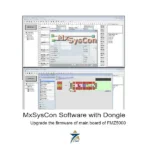
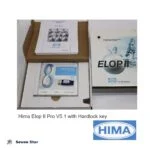
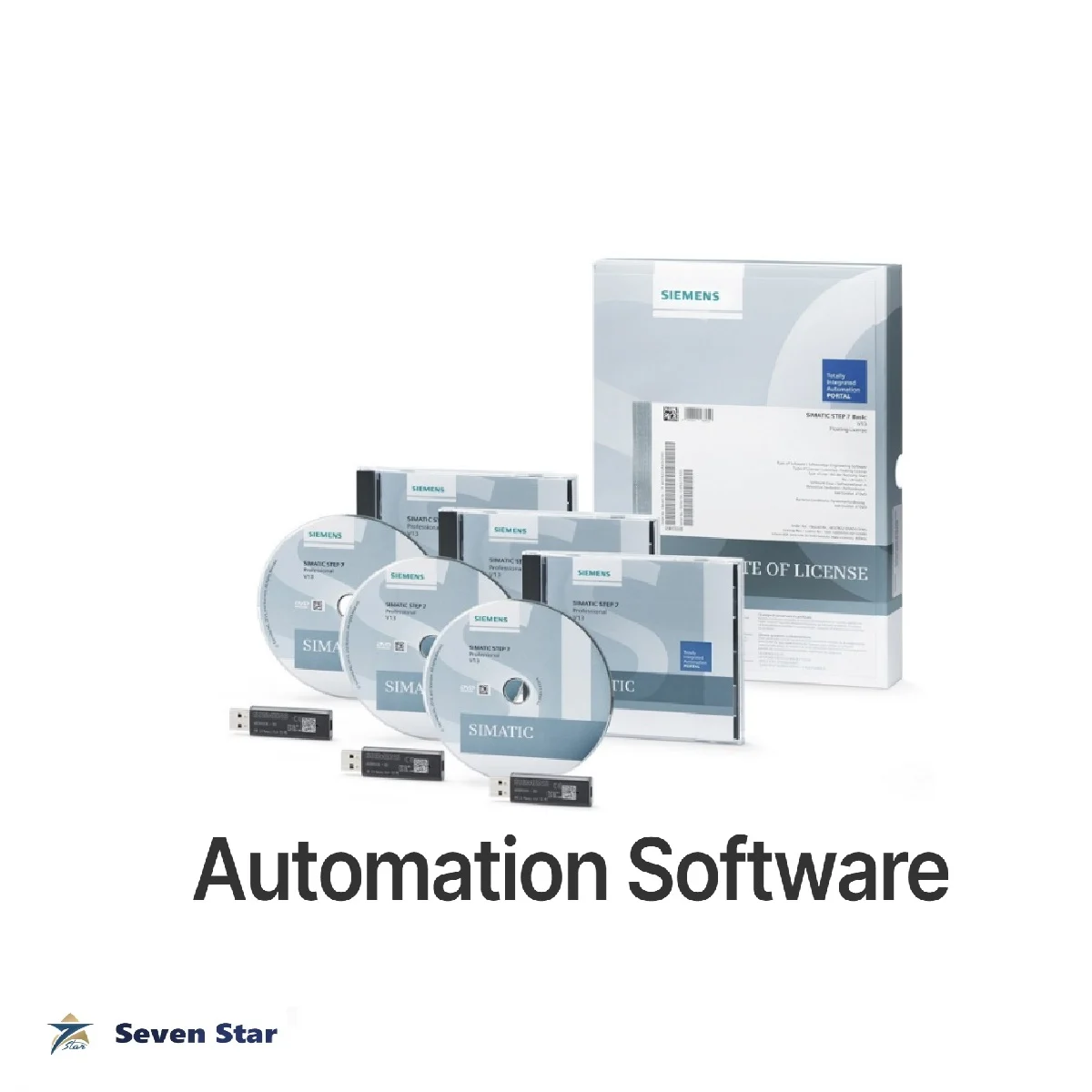
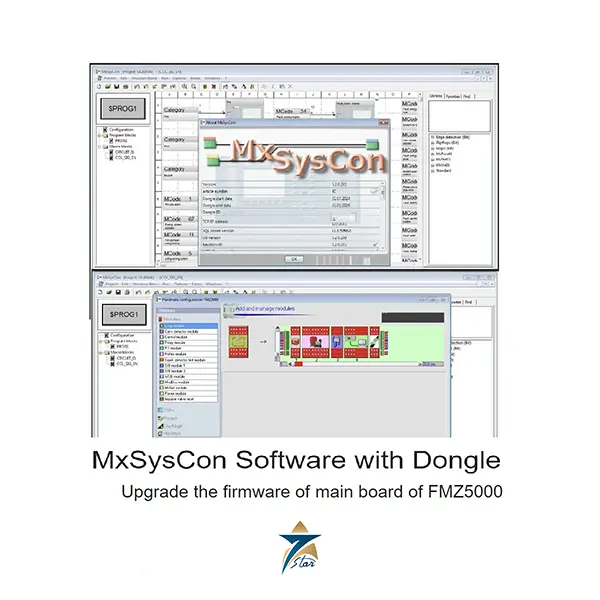
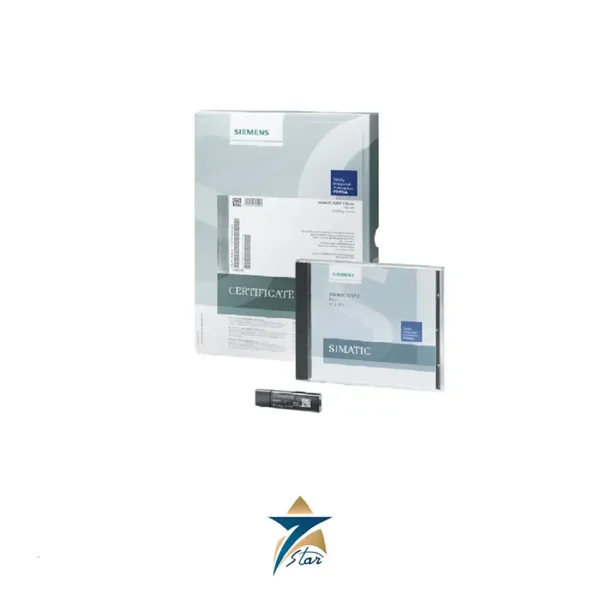
Automation software in this category means the engineering, configuration and monitoring packages needed to program or maintain control hardware. Seven Star LLC supplies software licenses to plants and integrators in Oman, including Siemens SIMATIC STEP 7 Professional, HIMA ELOP II engineering software, MTL configuration software, Minimax MxSysCon fire control configuration software and Schneider Electric EcoStruxure packages. Each license is tied to a specific hardware family and version, so the match with the system on site is the main thing to get right.
Types of automation software listed
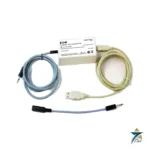
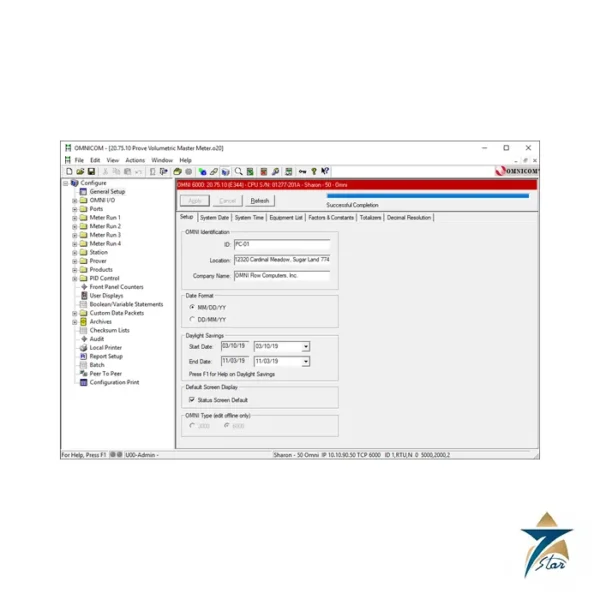
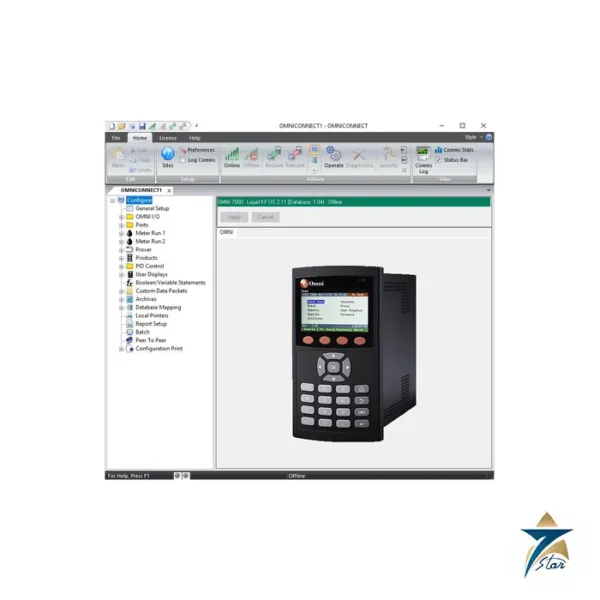
Three kinds of product are listed. Engineering software is used to write and download the application: SIMATIC STEP 7 Professional for Siemens PLCs, and ELOP II for HIMA safety controllers, supplied with a hardlock key. Configuration tools set up devices rather than logic: the OMNI OMNICOM and OMNICONNECT software for OMNI flow computers, the MTL PCS45 software with its PCL45USB configurator link, and Minimax MxSysCon, supplied with a dongle, for fire control panels. Monitoring and management software includes Schneider Electric EcoStruxure Machine Advisor for machine data, EcoStruxure Building Operation for building management, and the Wiser system for energy monitoring in buildings.
How to choose the correct PLC software license
Check four things before ordering. First the version: the software must support the firmware of the controllers in the plant, and a newer project cannot always be opened in an older version. Second the license type, since manufacturers sell single, floating, upgrade and combo licenses, and an upgrade license needs proof of an earlier one. Third the license carrier, which can be a USB dongle, a hardlock key or a downloadable key. Fourth the operating system of the engineering PC, because older packages do not run on current Windows releases. For safety systems, the engineering software version is part of the certified system, so the version stated in the safety manual should be followed.
What to send with a software inquiry
Send the manufacturer order number if available, the software name and version, the license type, the controller model and firmware it must work with, and the number of users. Software is supplied as the manufacturer’s original license with its license certificate. Customers in the GCC should also give the end-user company name, because some manufacturers ask for it when issuing the license.
What to include in your inquiry
These details let us quote the right item the first time.
- Full part number or order code
- Hardware and firmware revision, when replacing a part
- Control system or PLC family it must work with
- New installation or replacement of an obsolete part
- Quantity and required delivery date
Missing some of them? Send what you have. A nameplate photo or an old part number is enough to start.
Brands in Automation Software
All brands →





Related categories
- Vibration Monitoring159
- PLC & I/O Cards100
- Industrial Communications97
- Controllers & Data Acquisition59
- Automation Accessories58
- AC Drives52
- Isolator & Barrier17
- Industrial Computers15
- Encoders12
- HMI Displays8
- Safety Switches & Guard Locking6
- Motor Soft Starters6
- Servo Drives2
- CCTV & Security1
- Pneumatic Cylinders1
- Machine Vision1