- Vibration Monitoring
- PLC & I/O Cards
- Industrial Communications
- Automation Accessories
- Controllers & Data Acquisition
- AC Drives
- Isolator & Barrier
- Industrial Computers
- Encoders
- Safety Switches & Guard Locking
- Automation Software
- HMI Displays
- Motor Soft Starters
- Servo Drives
- CCTV & Security
- Robotics
- Pneumatic Cylinders
- Machine Vision



Category guide
About HMI Displays
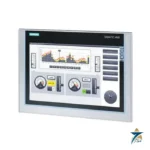
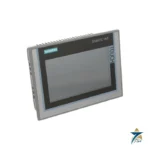
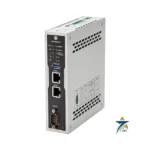
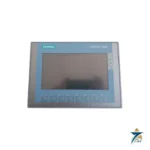
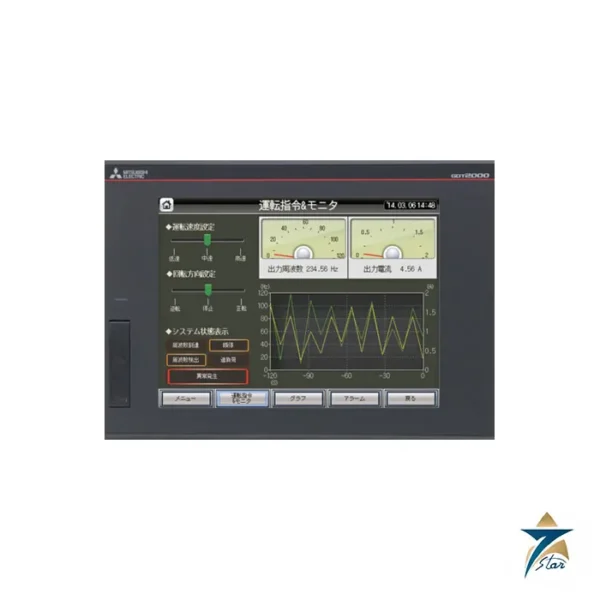
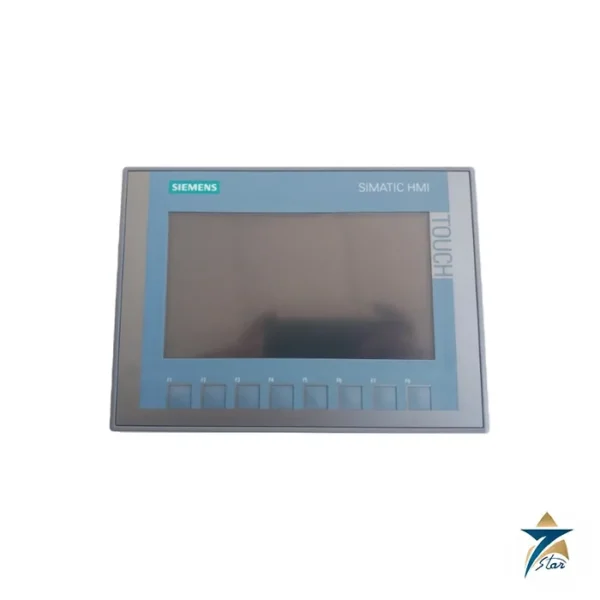
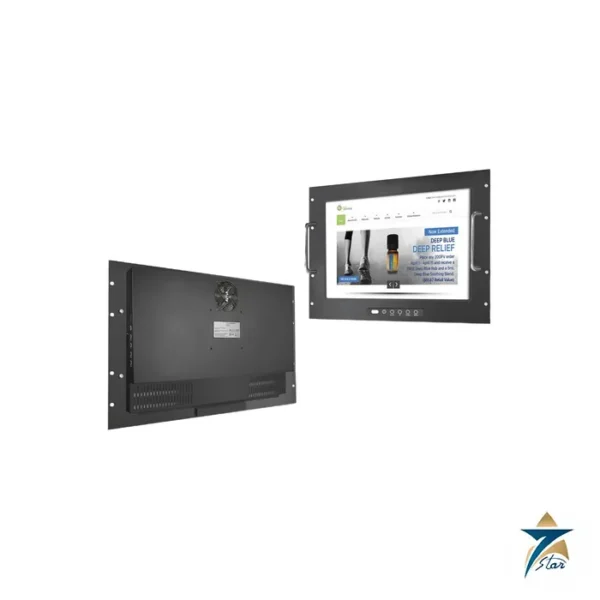
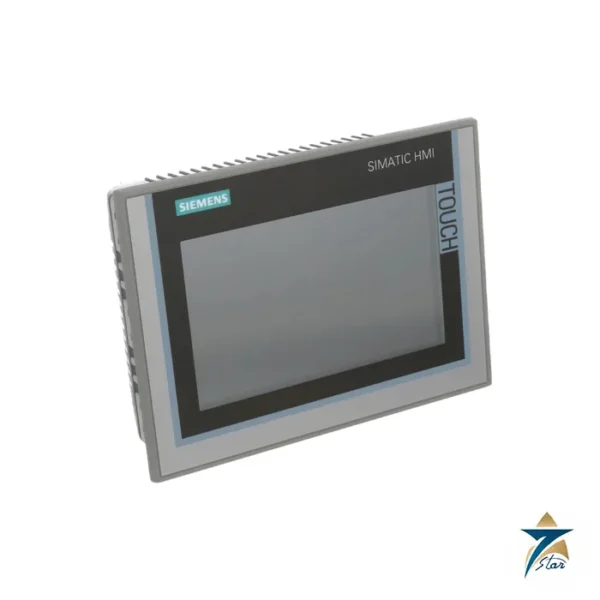
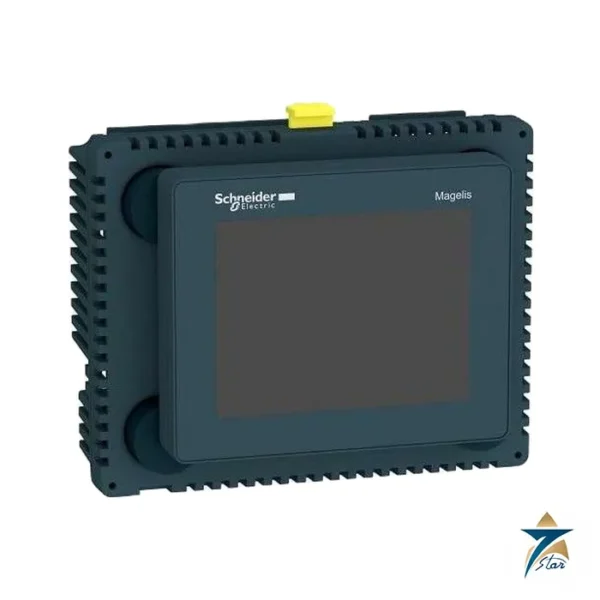
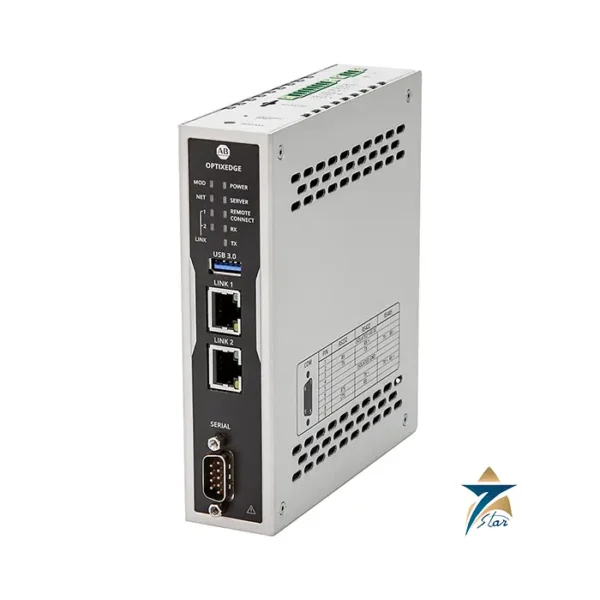
HMI displays are the operator panels and industrial monitors through which plant staff see process values, acknowledge alarms and enter setpoints. Seven Star LLC supplies HMI operator panels to machine builders and plants, with Siemens SIMATIC HMI Comfort and Basic panels, Mitsubishi GOT2000 and GOT SIMPLE touch panels, Schneider Electric Magelis touch panels, a Winsonic rack-mount industrial monitor and a Rockwell Automation OptixEdge gateway currently listed. Seven Star is the agency for Winsonic in Oman and the GCC. Other panel sizes and series can be sourced on request.
Types of HMI panel and industrial display listed
The Siemens KTP700 Basic is a key-and-touch panel for simple machine visualization on SIMATIC controllers. The TP700 and TP1200 Comfort panels add more memory, archiving, scripting and more interfaces, and are configured in the TIA Portal software. Schneider Electric Magelis panels range from the small HMISTU touch panel to the GTU series. The Winsonic rack-mount monitor is a display only, intended for control room and cabinet use with a separate computer. The Rockwell Automation OptixEdge is an edge gateway that collects controller data for visualization and higher-level systems, not a screen itself.
How to choose an operator interface panel
Start from the controller, because the panel must have a driver for the PLC protocol in use, such as PROFINET, EtherNet/IP or Modbus TCP. Then decide the screen size and resolution from the amount of information on the busiest screen. Check the front-face ingress protection rating against the panel location, the supply voltage, the operating temperature for outdoor kiosks, which matters in Gulf summer conditions, and how operators will work: gloves favor resistive touch or keys. Finally confirm that your engineering software version supports the panel’s firmware.
What to include in an HMI inquiry
Send the order number of the panel, or the PLC type, screen size, mounting cutout, interface and supply voltage. For replacements, mention the software version used for the existing project.
What to include in your inquiry
These details let us quote the right item the first time.
- Full part number or order code
- Hardware and firmware revision, when replacing a part
- Control system or PLC family it must work with
- New installation or replacement of an obsolete part
- Quantity and required delivery date
Missing some of them? Send what you have. A nameplate photo or an old part number is enough to start.
Brands in HMI Displays
All brands →




Related categories
- Vibration Monitoring159
- PLC & I/O Cards100
- Industrial Communications97
- Automation Accessories60
- Controllers & Data Acquisition59
- AC Drives52
- Isolator & Barrier17
- Industrial Computers15
- Encoders12
- Safety Switches & Guard Locking9
- Automation Software9
- Motor Soft Starters6
- Servo Drives3
- CCTV & Security2
- Robotics2
- Pneumatic Cylinders1