Single-port EtherNet/IP adapter for FLEX I/O
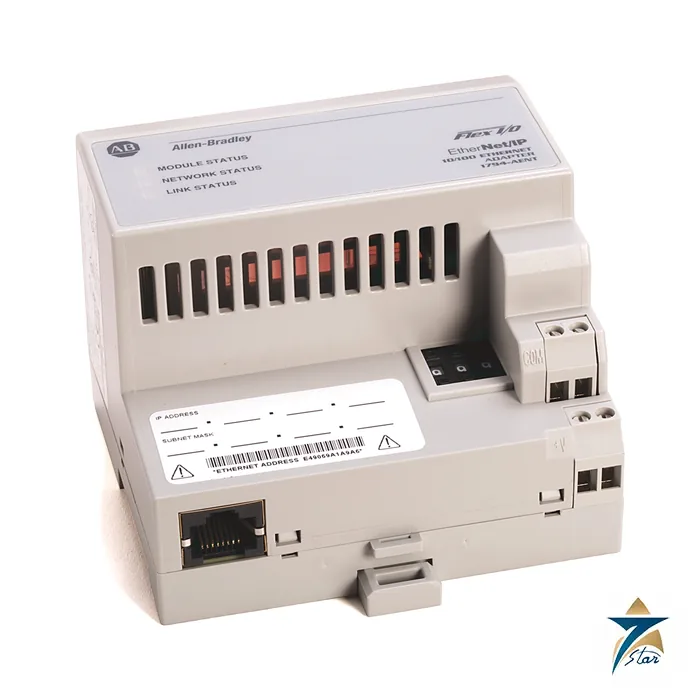
The Allen-Bradley 1794-AENT is the single-port EtherNet/IP adapter of the FLEX I/O system. It links up to eight FLEX I/O modules to a Logix controller or other EtherNet/IP client over one RJ45 port at 10 or 100 Mbps, so a remote panel of analog and digital modules appears on the plant network as one node.
The adapter is powered from 24 V DC (19.2 to 31.2 V), draws up to 550 mA and supplies 640 mA of 5 V DC to the Flexbus. It weighs 179 g and mounts on a DIN rail. Rockwell recommends connecting it through a 100 Mb full-duplex switch to reduce network collisions and lost packets.
Technical specifications
| Parameter |
Specification |
| Catalog number |
1794-AENT (1794-AENTK conformal coated), series B documentation |
| Function |
FLEX I/O EtherNet/IP adapter module, single Ethernet port |
| I/O module capacity |
8 modules |
| Ethernet |
1 RJ45 connector, 10/100 Mbps |
| Input voltage |
24V DC nominal, 19.2…31.2V DC (includes 5% AC ripple) |
| Power consumption |
550 mA maximum; 440 mA at 24V DC |
| Flexbus output current |
640 mA maximum |
| Power dissipation |
7.3 W at 19.2V DC maximum; 24.9 BTU/hr |
| Isolation voltage |
50V continuous, basic insulation; tested at 1000V AC for 60 s, power to Flexbus to Ethernet |
| Wire size, power |
0.34…2.5 mm² (22…12 AWG) stranded copper rated 75 °C or higher; terminal screw torque 0.8 N•m |
| Weight |
179 g (6.31 oz) |
| Indicators |
Module status (red/green), network status (red/green), link status (green) |
| Default network address |
Thumbwheel switches 999 with DHCP enabled; valid settings 001…254 give 192.168.1.xxx |
| Enclosure type rating |
None (open style) |
| Temperature codes (as printed) |
North American T4A; UKEX/ATEX T4; IECEx T4 |
| Operating temperature |
0…55 °C (32…131 °F) as printed for the 1794-AENT |
Setting the address
The adapter ships with its three-position thumbwheel switches set to 999 and DHCP enabled, so it asks a DHCP server for an address. Set the thumbwheels to a number from 001 to 254 to have the adapter take the address 192.168.1.xxx with the 255.255.255.0 mask, or use a server such as Rockwell BootP/DHCP. If the switches are set to an invalid value the adapter checks whether DHCP is enabled and otherwise uses the address stored in nonvolatile memory.
Power wiring uses 22 to 12 AWG stranded copper with the screws torqued to 0.8 N•m. The three LEDs report module, network and link status.
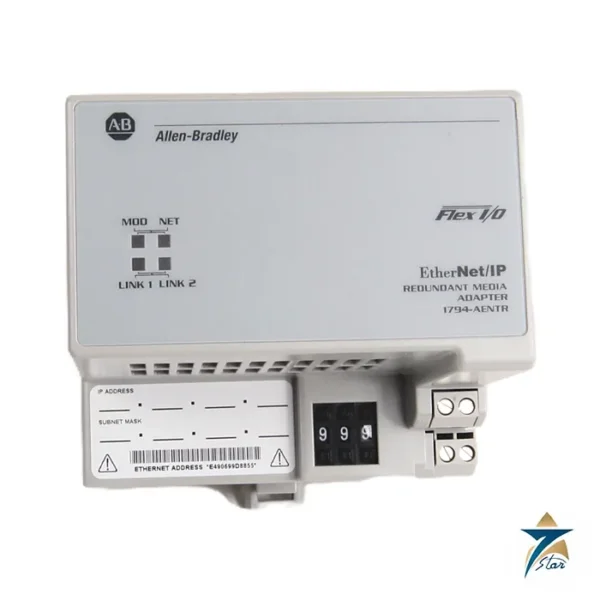
1794-AENT or 1794-AENTR
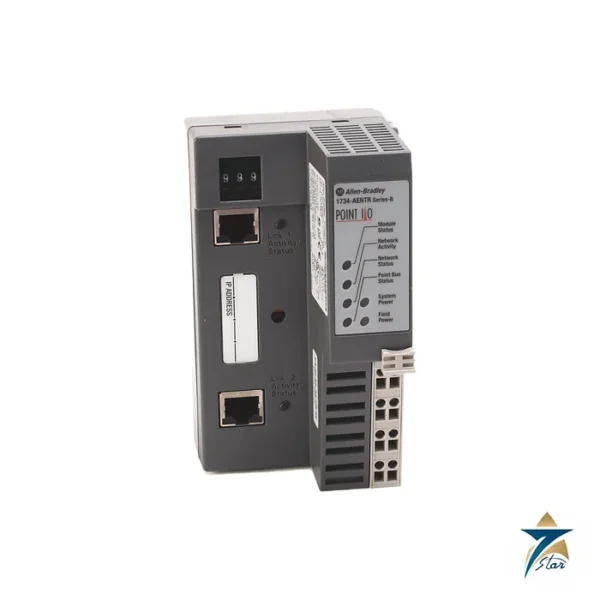
Choose the 1794-AENTR when you want two Ethernet ports for a line or ring layout, and the 1794-AENT where a single connection to a switch is enough and the lower cost matters. Both adapters serve eight modules and use the same Flexbus rules. Check compatibility of the adapter series and firmware with the controller and modules before ordering.
Key features of the 1794-AENT
- One RJ45 port at 10/100 Mbps for EtherNet/IP communication.
- Supports up to eight FLEX I/O modules on its Flexbus.
- 24 V DC supply with a wide input range of 19.2 to 31.2 V DC.
- Thumbwheel switches for simple address setting, with DHCP as the default.
- Three status indicators for module, network and link.
- DIN rail mounting and a compact 179 g body.
- Conformal-coated version 1794-AENTK for harsher atmospheres.
Building a FLEX I/O node
A complete node consists of the adapter, terminal bases and I/O modules mounted along a DIN rail. Each module sits on a terminal base that carries the field wiring, which means a module can be changed without disturbing the wires. When planning the node, add up the Flexbus 5 V current drawn by each module and confirm the total stays within the 640 mA the adapter provides. Also check the 24 V field power for the modules, which is wired separately from the adapter supply.
| Item |
What to check |
| Number of modules |
No more than eight per adapter |
| Flexbus current |
Sum of module 5 V draw not above 640 mA |
| Adapter supply |
24 V DC, up to 550 mA |
| Terminal bases |
Correct base type for each module |
| Network |
Port on a 100 Mb full-duplex switch |
Network design notes
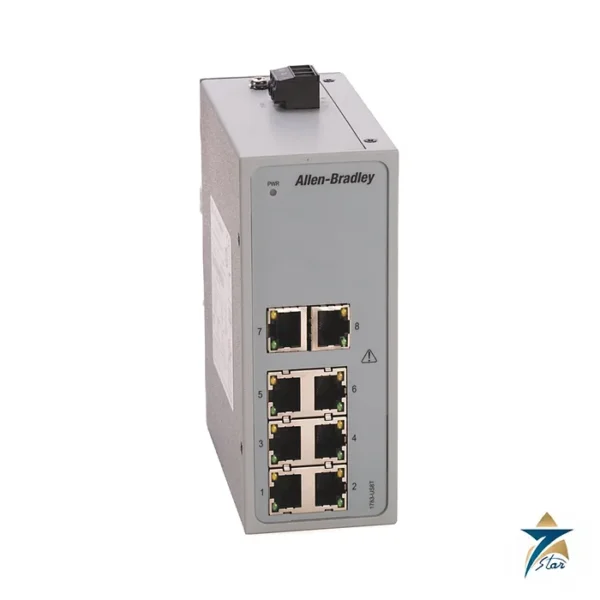
Use managed industrial switches for I/O traffic where possible, and keep control networks separated from office traffic. Shielded industrial Ethernet cable and connectors are a good general choice in panels near drives and motors. Give the adapter a fixed address, by thumbwheels or a DHCP reservation, so the controller always finds it at the same IP after a power cycle. Document the address on the panel drawings and on a label next to the adapter.
Installation and maintenance
- Mount the node on DIN rail inside an enclosure, as the adapter is open style with no enclosure rating.
- Wire power with 22 to 12 AWG stranded copper rated 75 °C or higher, torque 0.8 N•m.
- Use the LEDs as the first diagnostic step; a link LED that is off points to cable or switch port problems.
- Record the firmware revision so replacements can be matched.
Use in Oman and GCC installations
FLEX I/O nodes are often placed in remote panels on water networks, oil and gas skids, and building plant. The printed operating range of 0 to 55 °C applies inside the enclosure, which can run hot in outdoor or poorly ventilated locations in summer, so panel cooling and sun shading should be planned. In coastal or corrosive atmospheres consider the conformal-coated 1794-AENTK.
What to include in an RFQ
Please state 1794-AENT or 1794-AENTK, the series letter if a match to existing stock is needed, the quantity, and the modules and terminal bases planned for the node so the full set can be quoted together.
Documents and quotation
The Rockwell Automation installation instructions for the 1794-AENT and 1794-AENTK are attached. Browse our industrial communications category and the 1734-AENTR page for a comparable POINT I/O adapter. Confirm the exact catalog number, series letter and firmware or hardware revision on the product label, and the compatibility with your existing system, before ordering. Stock and lead time are confirmed at quotation.
















Reviews
There are no reviews yet.