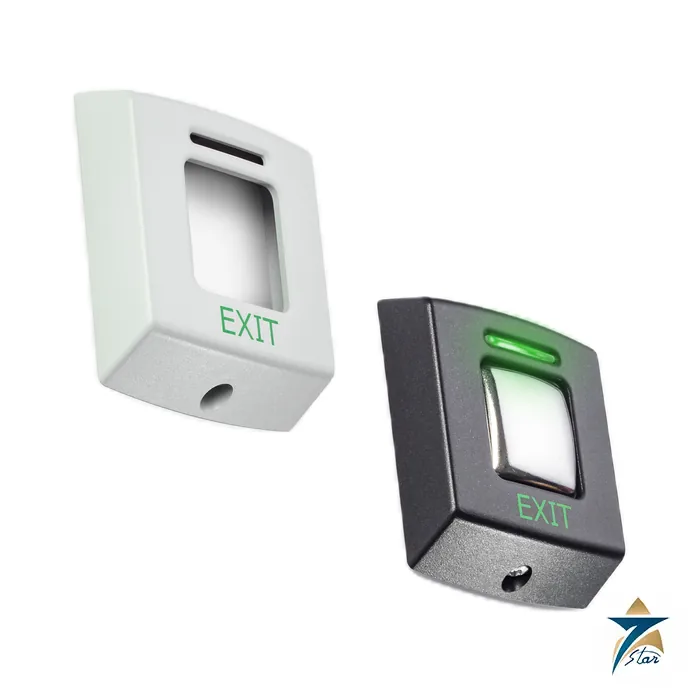
356-310 is the Paxton E50 exit button, a small illuminated request-to-exit push button that matches Paxton proximity readers and works with Compact, Switch2, Net2 and Paxton10 systems for interior doors.
A request-to-exit button that matches the readers
The E series is designed to match Paxton readers and keypads. According to the datasheet the exit buttons may be used with Compact, Switch2, Net2 or Paxton10 systems and are only suitable for interior use. They are supplied with a choice of black or white covers, and the product page says replacement fascias are free to Paxton registered installers.
The green LED stays lit continuously. When the button is pressed the green LED flashes to show the door is unlocked, but only with Switch2 and Net2; with Compact the button is illuminated and does not flash.
Key features as printed in the datasheet
- E50 body about 50 mm wide with a 14 mm depth per the datasheet drawing; the larger E75 (376-310) fits a standard UK recessed backbox.
- Fitted 5 m cable, extendable to 25 m or 100 m with the Belden types listed.
- Operating voltage 10 V to 14 V DC at 70 mA.
Technical specification
Specification
| Parameter |
Specification |
| Sales code (this page) |
356-310 – Paxton exit button E50 |
| Operating voltage |
10 V to 14 V DC |
| Current consumption |
70 mA |
| Cable length |
5 m (16 ft); screw-connector versions are supplied without cable |
| Cable extension |
Up to 25 m (82 ft) Belden 9538 or Belden 5506FE (USA); up to 100 m (328 ft) Belden 9540 or Belden 5306FE (USA) |
| Additional coloured covers |
Available |
| Hands-free compatible |
No |
| Operating temperature |
-20 °C to +55 °C (-4 °F to +131 °F) |
| Moisture / vandal resistance |
No / medium |
| E50 dimensions |
50 x 58 mm, 14 mm deep (2 x 2.3 x 0.6 in) |
| E75 dimensions (376-310) |
86 x 94 mm, 16 mm deep (3.4 x 3.7 x 0.6 in) |
E50 or E75, and which Paxton system
The datasheet lists two codes: 356-310 for the E50 and 376-310 for the E75. The E75 fits a standard UK recessed backbox, while the E50 is surface mounted. Both come with black or white covers; coloured covers are available.
Because the datasheet says the E series is interior-only and not moisture resistant, an outdoor or washdown area needs a different, weather-rated button; the product page mentions a Paxton marine exit button as a separate item. Confirm the code and cover colour with us before ordering.
Wiring and installation
The installation instructions show the button wired to Compact, Switch2 and Net2 systems; the exit button with screw connectors is not pre-wired and has rising-clamp terminals at the rear. The unit uses the 10 to 14 V DC supply from the control unit.
Drilling templates and scale drawings for the E38, E50 and E75 are published by Paxton. Keep cable runs within the extension limits above and route the cable away from mains wiring.
Typical positions
E50 buttons are fitted beside internal doors on the secure side: staff corridors, plant rooms, offices and server rooms where a person leaving needs a simple, visible button. The green LED gives a constant locator light in dim corridors and confirms the release on Switch2 and Net2 systems. In an air-conditioned interior the -20 to +55 °C rating is ample; note that the installation sheet printed with some E-series codes quotes -35 °C to +66 °C, so confirm the range for your code and rely on the datasheet figure above.
Selection and installation notes
Access control is designed door by door: the door type, the lock, the reader position, the exit method and the fire release all need to be settled before the equipment is chosen. Fit the unit on the secure side where the maker advises, run cable of the type and length the data sheet allows, test the lock release on power failure and fire alarm, and keep a record of the user and token set-up. Check local fire and security rules before commissioning.
Information needed for a quotation
Send the full model code, the quantity, the delivery location in Oman or the GCC, the intended use and any accessories needed, so that the complete package can be quoted together.
Documents and supply information
The manufacturer data sheet is attached to this page and should be read together with the project specification and the site risk assessment before a purchase is confirmed. Ratings, standards and dimensions are quoted as printed on that sheet. Lead time, stock position and certificates available with the shipment are confirmed in the quotation, and we supply to Oman and the wider GCC region for industrial, utility and building services projects.
Related Paxton items
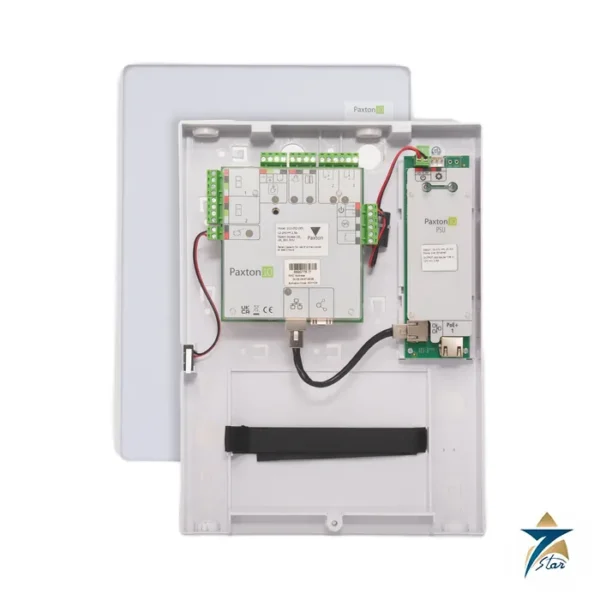
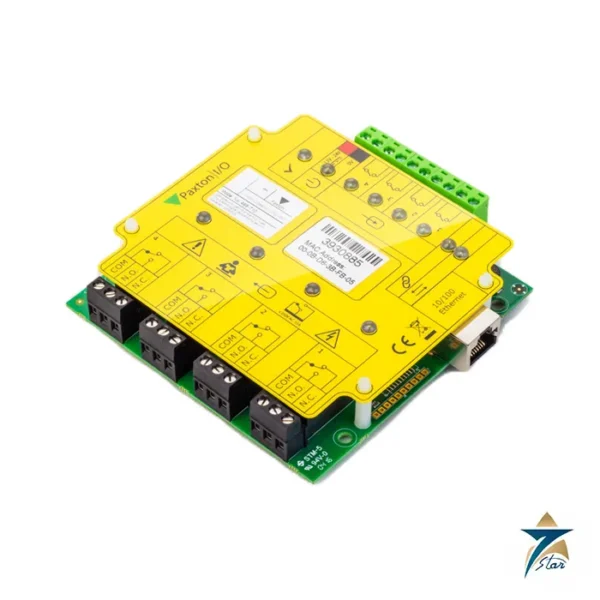
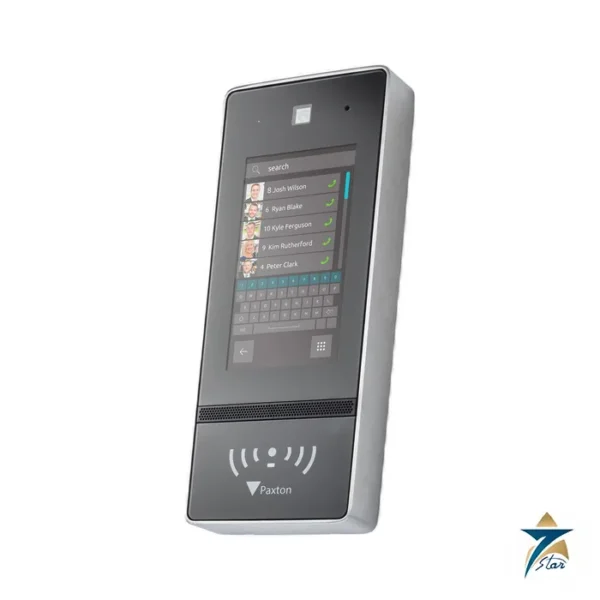
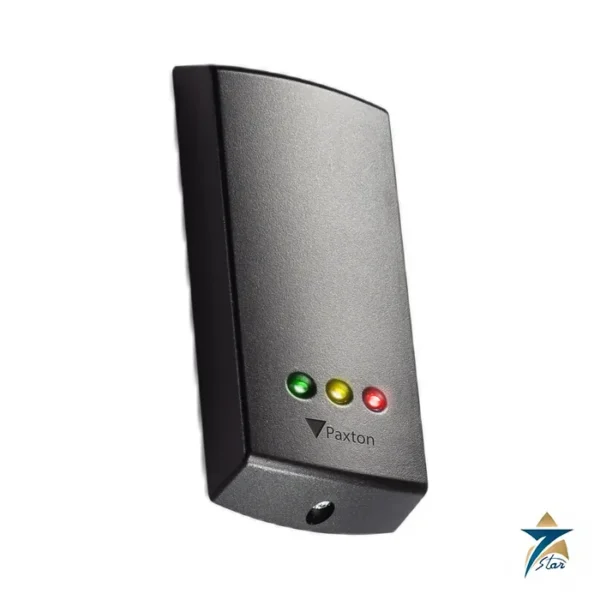
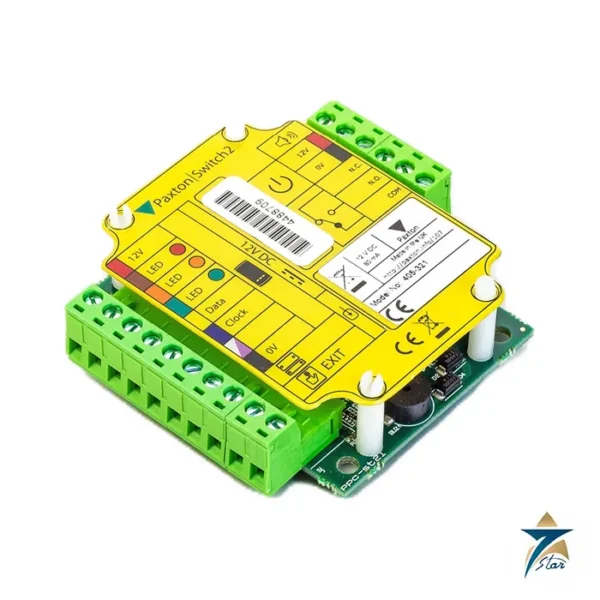
Partner items are the Switch2 controller, Net2 Plus controller and P-series readers; see the category page. The E75 version is listed under 376-310 in the same datasheet.
Frequently asked questions
Can the E50 be used outdoors?
No. The datasheet lists moisture resistance as No and the series as suitable only for interior use.
Which systems does it work with?
Compact, Switch2, Net2 and Paxton10, per the datasheet.
What does the LED do?
The green LED is on continuously and flashes when the button is pressed, but only with Switch2 and Net2.
What supply does it need?
10 V to 14 V DC at 70 mA from the control unit.
Does Seven Star LLC act as a Paxton distributor?
No, we are an independent supplier in Muscat and supply Paxton items on request rather than acting as a Paxton channel partner.
Documents and quotation
Need 356-310? The Paxton datasheet is attached to this listing. Seven Star LLC (independent supplier, Muscat) can quote the item and arrange supply on request; list quantity and site location in your enquiry. Verify the code, dimensions and approvals in the document before ordering. Other products are in the category page.

Reviews
There are no reviews yet.