Overview of ASUS Bluetooth adapter for Beamex MC6, MC6-T and MC6-WS Beamex 5424680
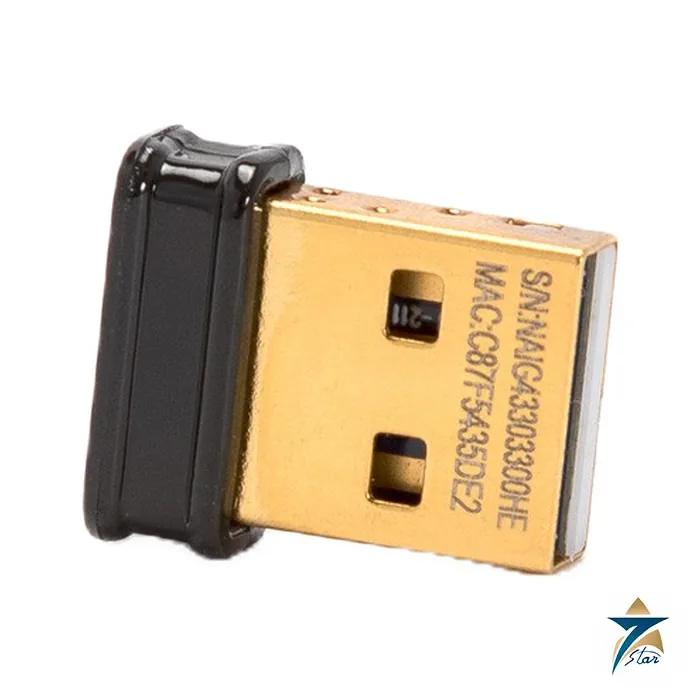
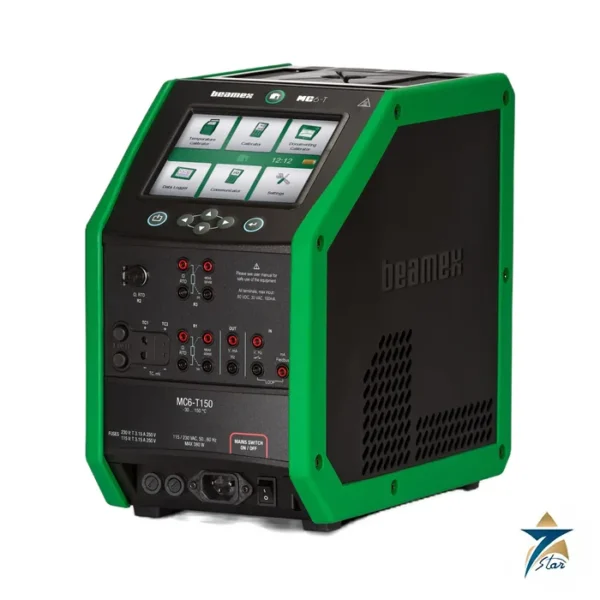
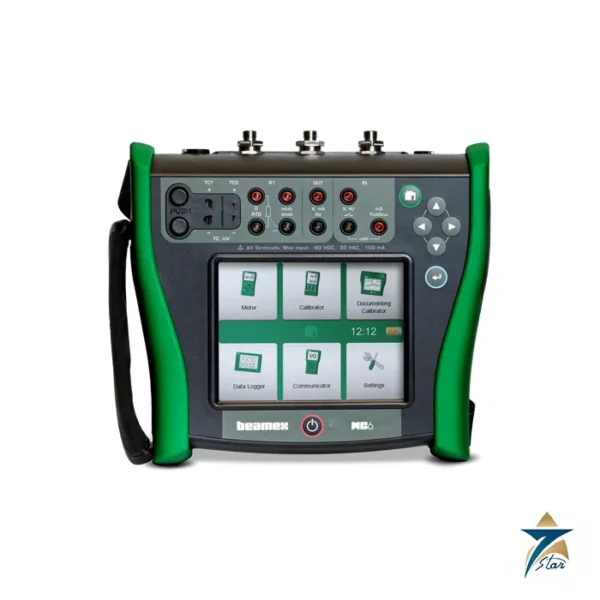
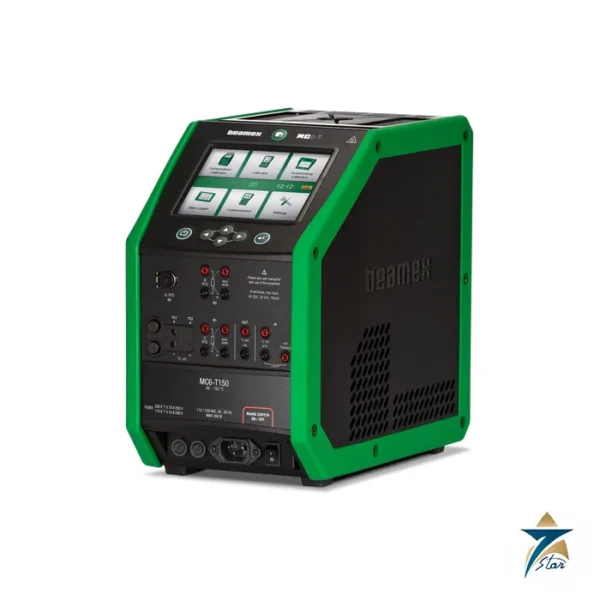
The Beamex 5424680 is an ASUS Bluetooth adapter for the MC6, MC6-T and MC6-WS. It allows data to be sent wirelessly between the calibrator and a PC or mobile device, if the corresponding communication option is installed in the calibrator.
The adapter is included in the relevant software options but is also available as a spare part. It is installed in the calibrator USB Type A port.
This page describes ASUS Bluetooth adapter for Beamex MC6, MC6-T and MC6-WS for buyers who need the exact part number Beamex 5424680. Seven Star LLC is an independent supplier serving Oman and the GCC and is not affiliated with the manufacturer; the data below is taken from the manufacturer published product pages and brochures.
Key features of 5424680
- Order code: 5424680.
- Description: ASUS Bluetooth adapter.
- Fits: MC6, MC6-T and MC6-WS.
- Connection: USB Type A port of the calibrator.
- Hazardous areas: Must not be used.
Technical specifications for 5424680
| Order code |
5424680 |
| Description |
ASUS Bluetooth adapter |
| Fits |
MC6, MC6-T and MC6-WS |
| Connection |
USB Type A port of the calibrator |
| Hazardous areas |
Must not be used |
All values above come from the manufacturer documentation and may change with later revisions. Please quote 5424680 when you need the matching datasheet or a confirmation of the current revision.
Typical applications in Oman and the GCC
Wireless transfer of calibration results saves re-typing and reduces errors. Technicians in plants across Oman and the GCC can send documented results from the calibrator to a PC or mobile device without cables.
The adapter is a small spare that is easy to lose, so workshops keep an extra with the calibrator kit.
The part is relevant wherever the related calibration equipment is used: oil and gas, utilities, water, process manufacturing and calibration service providers in Oman and the wider GCC.
Equipment used in Oman and the wider GCC faces high ambient temperatures, dust and coastal humidity. Keep instruments and accessories out of direct sun, avoid leaving them in closed vehicles, and allow cold equipment to acclimatise before use when moving from an air-conditioned room to an outdoor unit. Cap connectors and threads when they are not in use so that sand and moisture stay out.
Selection and compatibility notes for 5424680
The manufacturer notes that the Bluetooth adapter must not be used in a hazardous area. It therefore does not belong in an MC6-Ex kit; the MC6-Ex has a separate adapter listed in the manufacturer webshop. The wireless communication option must be enabled in the calibrator.
Before ordering 5424680, confirm the model and, where relevant, the serial number or option code of the instrument it will serve. Confirm voltage, plug type, thread type or pressure rating as applicable, and check the manufacturer documentation for the firmware or hardware revision of the equipment.
If an item looks similar but carries a different part number, do not assume interchangeability. A short note of the calibrator model and application lets us confirm the match for 5424680 before it is supplied.
Installation and commissioning of 5424680
Insert 5424680 into the USB Type A port of the calibrator and enable the Bluetooth communication in the calibrator settings. Pair with the PC or mobile device according to the user manual and check that the software can see the calibrator.
Do not use it in a hazardous area. Remove it before taking the calibrator into a classified zone.
Maintenance and care
Keep the adapter in a protected place when it is not fitted, and check that the USB contact is clean. Replace it if pairing becomes unreliable.
Confirm that the wireless communication option is enabled in the calibrator before blaming the adapter 5424680.
Calibration is only as useful as its records. Keep a log of serial numbers, certificate dates, replacement parts and any faults, and store the manufacturer documents with the equipment. This makes audits easier, helps predict when spares will be needed, and shortens the time needed to prepare a purchase request when a part has to be replaced at short notice.
Related products and ordering notes for 5424680
Related items are the calibrator, the USB cable, calibration software and cases. The manufacturer lists a separate adapter for intrinsically safe units.
Hard-to-find and discontinued spare parts are a daily topic for maintenance planners in oil, gas, power and water facilities. When a plant standardises on one calibrator family, a small stock of the exact spares is far cheaper than a day of lost production, and an early enquiry gives the supplier time to confirm availability and shipping options to Oman and neighbouring countries.
Please note that Seven Star LLC prepares each quotation for 5424680 against the exact part number, so a request that quotes the number and the quantity is answered faster than a general description.
The part number 5424680 should be quoted exactly as printed in this page, because accessories and spares with similar descriptions often differ by one digit.
Frequently asked questions about 5424680
- Which calibrators does 5424680 fit? The MC6, MC6-T and MC6-WS, according to the manufacturer documentation for 5424680.
- Where does it plug in? Into the USB Type A port of the calibrator.
- Can it be used in hazardous areas? No. It must not be used in a hazardous area.
- Is it included with the wireless option? Yes, it is included in the relevant software options and also sold as a spare.
- What does it do? It sends data wirelessly between the calibrator and a PC or mobile device.
Documents and quotation
The official Beamex MC6 User Manual is attached to this page as a PDF. Its Bluetooth sections explain how a Bluetooth connection is used to pair the MC6 with wireless devices and software. Send us the order code 5424680 and the serial number of your instrument and we will confirm fit and lead time in a written quotation.






Reviews
There are no reviews yet.