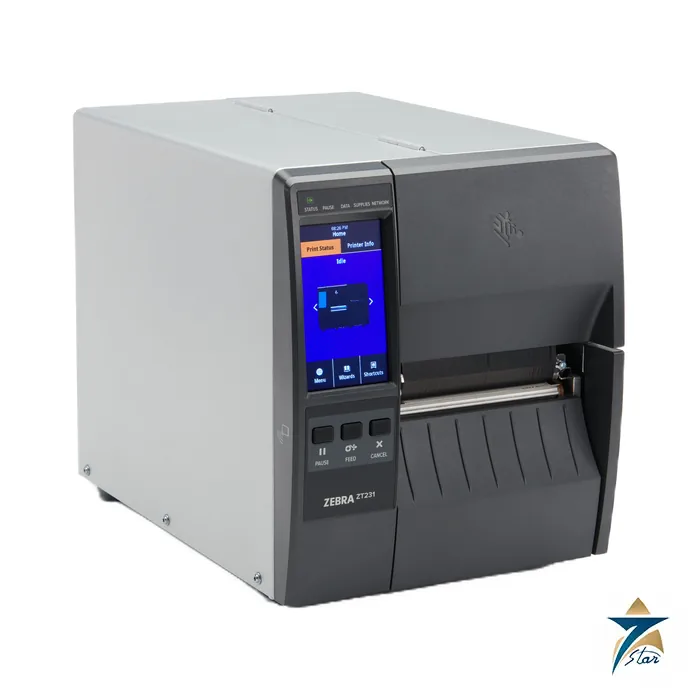
The Zebra ZT231 is a 4-inch industrial printer with a metal frame and plastic enclosures, positioned in the ZT200 series between a basic label printer and the metal-mechanism ZT400 range. It prints thermal transfer or direct thermal labels up to 4.09 in. (104 mm) wide and adds a 4.3 in. colour resistive touch screen for set-up and day-to-day operation.
A practical industrial printer for stores, packing and tagging
For plants and warehouses that print identification labels, bin and rack tags, packing labels and compliance stickers every day, the ZT231 supplies standard USB 2.0, RS-232 serial and 10/100 Ethernet ports, USB host, Bluetooth Low Energy, a real-time clock and a bi-fold media door with a large window. The supplies path is side loading, and adjustable transmissive and reflective sensors read gap, notch and black-mark media.
The printhead is a thin-film design with E3 Element Energy Equalizer. Resolution is 203 dpi (8 dots/mm) or 300 dpi (12 dots/mm), with programmable speeds of 2 to 12 in./s at 203 dpi and 2 to 8 in./s at 300 dpi. Memory is 256 MB SDRAM with 256 MB on-board Flash.
Technical specifications
| Parameter |
Specification |
| Print methods |
Direct thermal or thermal transfer |
| Resolution |
203 dpi (8 dots/mm); 300 dpi (12 dots/mm) optional |
| Maximum print width |
4.09 in. (104 mm) |
| Print speed |
203 dpi: 2.0 to 12 in./s (51 to 305 mm/s); 300 dpi: 2.0 to 8 in./s (51 to 203 mm/s) |
| Maximum continuous print length |
157 in. (3988 mm) at 203 dpi; 73 in. (1854 mm) at 300 dpi |
| Media web width |
0.75 in. (19.4 mm) to 4.50 in. (114 mm) |
| Media types |
Continuous, die-cut, notch, black-mark |
| Media thickness |
0.003 in. (0.076 mm) to 0.010 in. (0.25 mm) |
| Maximum roll |
8.0 in. (203 mm) O.D. on 3 in. core; 6.0 in. (152 mm) O.D. on 1 in. core |
| Ribbon |
1.57 in. (40 mm) to 4.33 in. (110 mm) wide; up to 450 m |
| Standard communications |
USB 2.0, RS-232 (4800 to 115,200 baud), 10/100 Ethernet, USB host, Bluetooth Low Energy |
| Options |
802.11ac Wi-Fi card, Ethernet option card, applicator interface, front-mount peel, guillotine cutter, liner take-up, ZKDU, integrated RFID (Zebra RE40) |
| Languages |
ZPL, ZPL II, EPL and EPL2 (EPL on 203 dpi models), optional ZBI 2.0 |
| Dimensions (closed) |
H 11.0 in. (279 mm), W 9.5 in. (241 mm), L 17 in. (432 mm); 9.1 kg (20 lb) |
| Dimensions (with linear take-up) |
H 12.75 in. (324 mm); 10.9 kg (24 lb) |
Sensing and media limits to check
The sheet specifies an inter-label gap of 2 to 4 mm (3 mm preferred), a 6 mm by 3 mm notch and a 3.18 mm hole, with notch and hole positioned 0.15 to 2.25 in. from the media inner edge. Black marks need 2.5 to 11.5 mm length, at least 9.5 mm width and an optical density above 1.0 ODU, with maximum media density 0.3 ODU. Minimum label length is 0.7 in. (17.8 mm) in tear-off mode, 0.5 in. (12.7 mm) in peel mode and 1.0 in. (25.4 mm) with the cutter; maximum die-cut label length is 39 in. (991 mm).
Where the ZT231 fits in the range
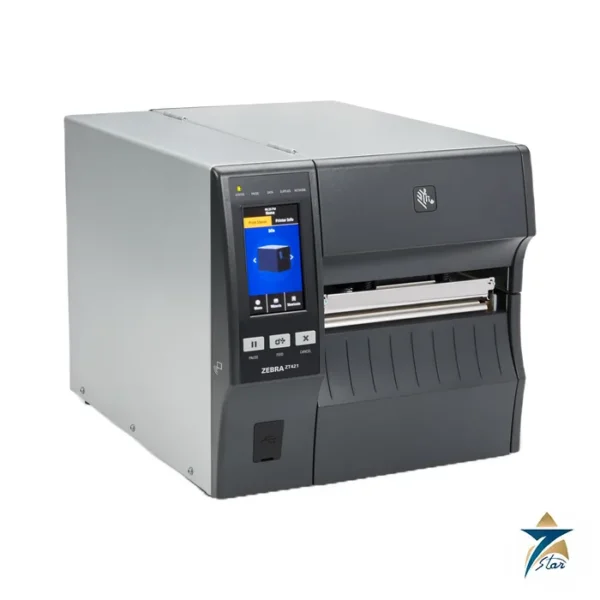
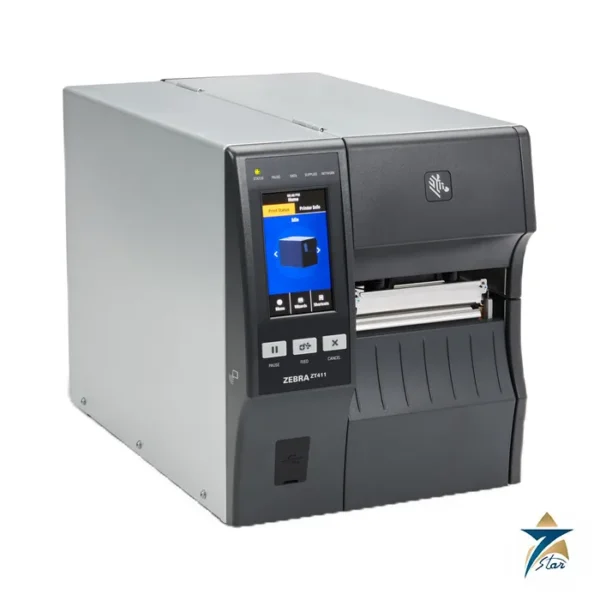
Pick the ZT231 for moderate daily volumes where an industrial frame, touch display and 4-inch width are enough. For all-metal mechanism, 600 dpi or faster speeds look at the ZT411; for 6.6 in. widths see the ZT421 or ZT620. Confirm resolution, the interface card, cutter or peeler, RFID need, power cord and label and ribbon stock before ordering. See also industrial automation accessories.
Features and construction
Zebra describes the ZT200 series as the lower-priced entry to its industrial range, suited to first-time barcoding users, upgraders and replacements. Servicing is simplified by a tool-less platen and printhead removal, so operators can change consumables without a toolkit. The bi-fold door needs only about 4 in. (102 mm) of swing room, which helps when the printer is installed on a shelf or beneath a counter. The ZT231 shares its styling and many internal components with its sister model in the ZT200 series, and a ZT231 RFID version is also offered.
Software and management
- Zebra DNA for Printers provides remote management, security and updates.
- Printer Setup Utilities help with configuration and with spotting security improvements.
- PrintSecure protects connections and blocks unwanted access.
- Printer Profile Manager Enterprise discovers networked printers and distributes a configuration from a browser, which suits sites with several printers.
Supplies
Zebra Certified Supplies for this printer class include paper and synthetic labels and tags, thermal transfer or direct thermal, and wax, resin and wax/resin ribbons. As a rule, direct thermal labels are used for short-life shipping and rack labels and darken with heat and sunlight, so in warm storage yards thermal transfer with a resin or wax/resin ribbon is the better option for labels that must stay legible. Chemical resistance, outdoor exposure and abrasion should decide the ribbon grade.
Installation and maintenance notes
- Place the printer on a stable, level surface with room for the door and the media path, away from direct sun and from dust-generating work.
- Match the media width and sensor type to the labels (gap, notch or black mark), run the media calibration after changing stock, and set the print darkness and speed to the lowest values that give a good print.
- Clean the printhead and platen with the approved swabs regularly; dust and adhesive residue shorten printhead life and cause streaks.
- Keep the ribbon and media of matching width, with the ribbon at least as wide as the label, to protect the printhead.
- Back up the printer configuration so that a replacement can be set up quickly.
Information needed for a quotation
- Resolution needed (203 or 300 dpi) and label size
- Interface needed, such as Ethernet, USB, serial, Bluetooth or Wi-Fi card
- Options such as cutter, peeler, take-up, applicator interface or RFID
- Label and ribbon supply requirements and expected daily volume
- Power cord type and delivery location
Selection checklist
- Choose 203 dpi for shipping labels, rack tags and larger barcodes, and 300 dpi where small text, small barcodes or logos must stay sharp.
- Check that the widest label and the ribbon fit within the 4.09 in. (104 mm) print width and the media width range shown in the specification table.
- Confirm that the label gap, notch or black mark meets the sensing limits listed above before buying a large quantity of labels.
- Decide how labels leave the printer: tear-off, peel, cutter or take-up, as each option has a different minimum label length.
- Check the host system. ZPL and EPL are supported, and the Ethernet, USB, serial and Bluetooth ports cover most warehouse and ERP set-ups.
Typical applications
Typical uses are warehouse bin and rack identification, goods-received and dispatch labels, asset tags, packing and carton labels, work-in-progress tickets and compliance stickers in plants and stores. The RFID version suits sites that encode tags as they print.
Documents and quotation
The Zebra ZT231 specification sheet (manufacturer PDF) is attached to this page. Tell us the label size, volume and interface requirement through the request form and Seven Star LLC, an independent supplier in Muscat, will quote.








Reviews
There are no reviews yet.