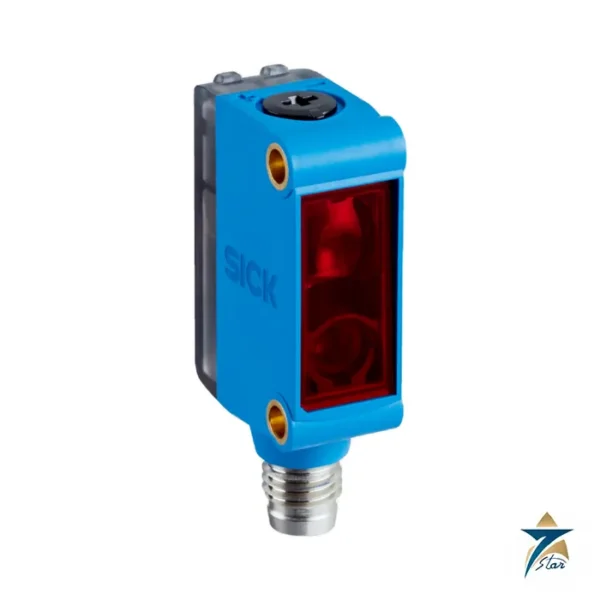
G6 miniature sensor with 400 mm maximum range
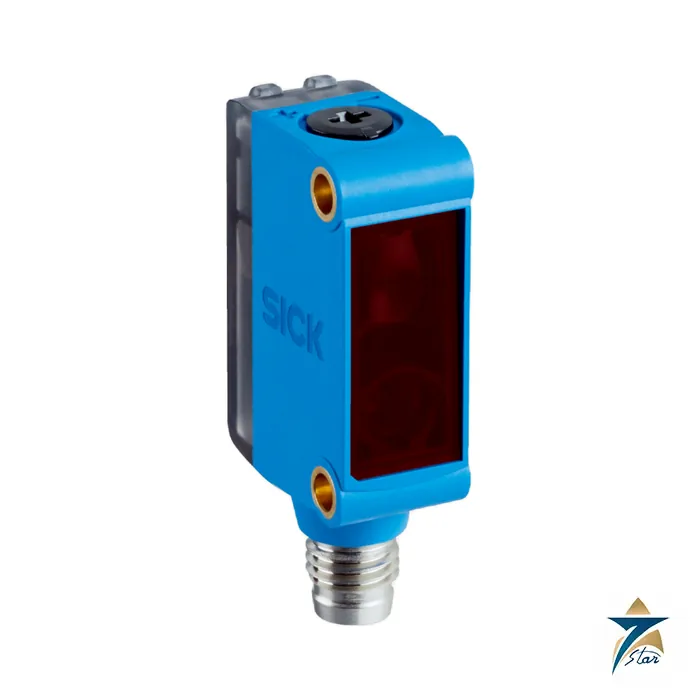
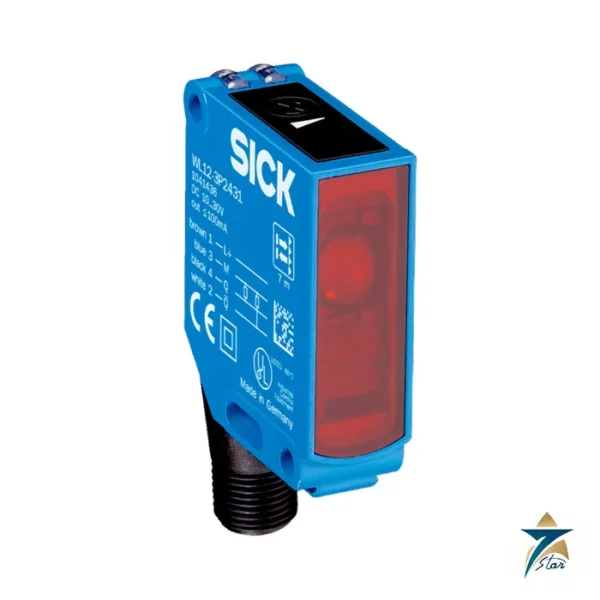
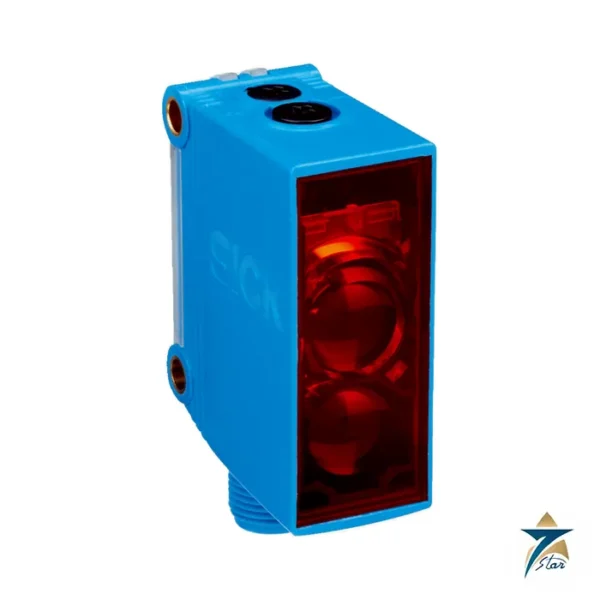
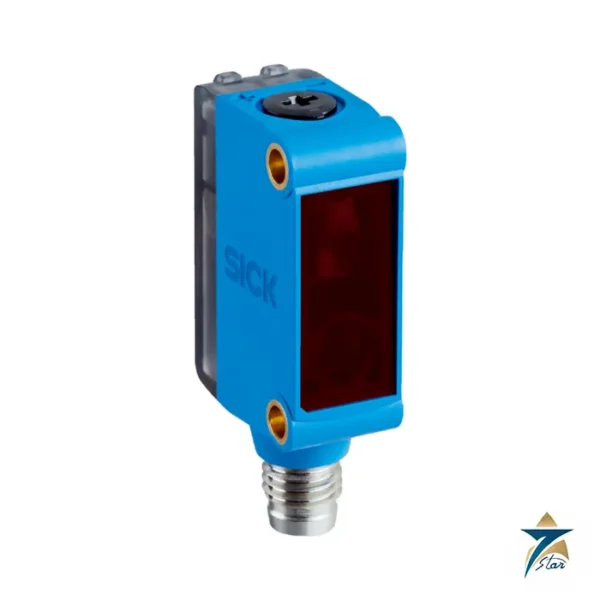
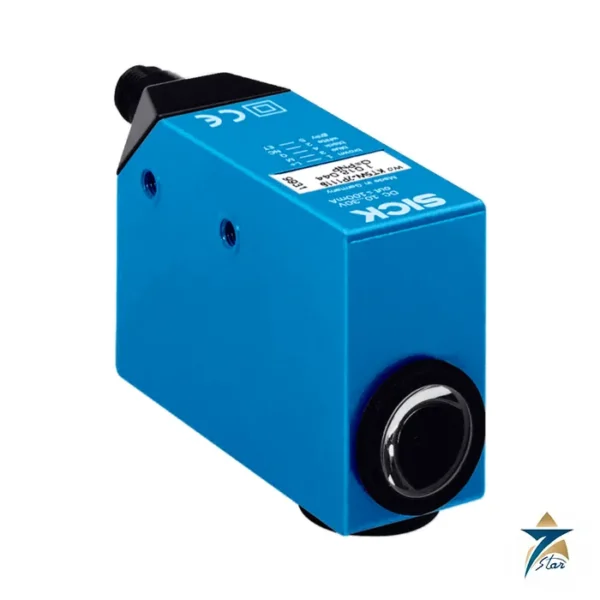
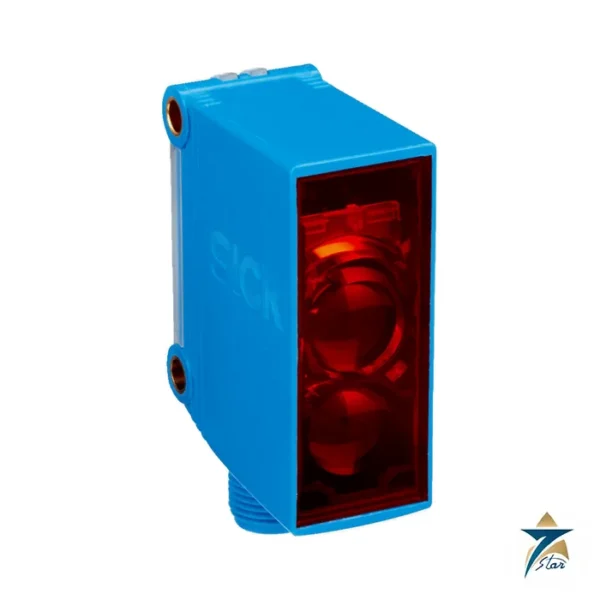
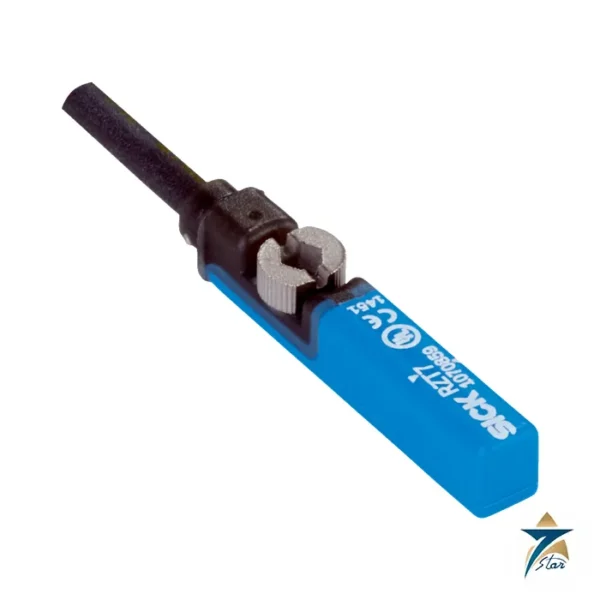
The SICK GTB6-P4231 (part no. 1079712) is the longer-range version of the G6 miniature background-suppression sensor. Its maximum sensing range is 5 mm to 400 mm, with a typical range of 50 mm to 220 mm, using a PinPoint LED at 625 nm and a 6 mm spot at 100 mm. The housing is the same 12 mm by 31.5 mm by 21 mm plastic body with an M8 4-pin connector.
The extra reach makes it the better choice than the GTB6-P4211 where the part presentation varies in height or where mounting space puts the sensor further from the product.
Technical specifications
| Parameter |
Specification |
| Manufacturer |
SICK |
| Type / family |
GTB6-P4231 / G6 |
| Part no. |
1079712 |
| Functional principle |
Photoelectric proximity sensor, background suppression |
| Sensing range max. / typical |
5 mm … 400 mm / 50 mm … 220 mm |
| Light source / type |
PinPoint LED, visible red light, 625 nm |
| Light spot size |
6 mm diameter at 100 mm |
| Adjustment |
Mechanical spindle, 5 turns |
| Supply voltage UB |
10 V DC … 30 V DC |
| Ripple |
10 % |
| Current consumption |
32 mA |
| Output |
PNP, light/dark switching (selector) |
| Output current Imax. |
100 mA |
| Response time / switching frequency |
1.25 ms max. / 500 Hz |
| Protection class |
III |
| Dimensions (W x H x D) |
12 mm x 31.5 mm x 21 mm |
| Housing / front screen |
Plastic ABS/PC / plastic PMMA |
| Connection |
Male connector M8, 4-pin |
| Enclosure rating |
IP67 |
| Ambient temperature |
-25 °C … +55 °C operation; -40 °C … +70 °C storage |
| MTTFD |
1,772 years (DCavg 0 %, TM 20 years) |
| UL file no. |
NRKH.E348498 and NRKH7.E348498 |
Range versus speed trade-off
Compared with the GTB6-P4211, which switches in 625 microseconds up to 1,000 Hz, this long-range type is slower at 1.25 ms and 500 Hz. That is still comfortably fast for most handling and conveying tasks, but for very small parts at high rates the shorter-range model is the better fit. Choose by the largest distance you need rather than by habit.
Use the spindle to set the switching point, then check the worst-case background object. The data sheet mentions temperature stability after adjustment of plus or minus 10 °C, so re-check settings if the sensor is mounted in a location with large temperature swings.
Ordering note
Order as GTB6-P4231, part no. 1079712. The weight shown in the SICK data sheet for this type differs from the shorter-range sibling, and Seven Star LLC therefore does not quote a weight here; confirm it with SICK if weight matters for your design.
Choosing the right position and target for the GTB6-P4231
Background suppression works by triangulation: the sensor judges where the reflected light lands on its receiver rather than how much light comes back. In practice this means a dark object close to the sensor and a bright object behind it can be told apart, which is the main reason to choose this type over an energetic diffuse sensor. Selection should therefore start with a sketch of the real scene: where the object passes, what lies behind it, and how far away that background is.
- Place the switching point comfortably inside the gap between the object and the background, not right at the edge of either.
- Prefer the typical range for the working distance and keep the outer end of the maximum range as reserve for dirt and ageing.
- Check shiny, curved or angled surfaces, because a mirror-like part can send the spot away from the receiver and cause missed detections.
- Decide early whether light switching or dark switching suits the control logic, so that a cable break or loss of supply leads to a safe state in the program.
Installation and setting up the switching point
Mount the sensor on a rigid bracket so that machine vibration does not move the spot across the edge of the target. The small housing makes it tempting to fix it to thin sheet metal, but any flex will show up later as chattering outputs. Route the M8 cordset away from motor cables and drive outputs, and give it a strain relief loop so that the connector is not carrying the weight of the cable.
To set the sensor, present the real object at the intended position, turn the spindle until the output just switches, then remove the object and confirm that the background alone does not trigger it. Repeat with the darkest and the brightest variant of the product. The visible red PinPoint spot helps here, since the technician can see exactly where the sensor is looking. Record the final setting in the machine documentation so that a replacement unit can be adjusted the same way.
Troubleshooting checklist
- Output flickers with no object: look for a reflective background inside the set range, or a bracket that moves.
- Dark parts missed: bring the sensor closer so the object sits well inside the typical range, and re-adjust.
- Sensor dead: measure the supply at the connector and check the pin assignment of the cordset.
- Behaviour changes over the day: recheck the setting at both ends of the temperature range, as the data sheet ties stability to temperature after adjustment.
Application notes for Oman and the GCC
Packaging, bottling and food lines in Oman often run in halls where summer temperatures rise during the afternoon and fall at night. Keep the sensor out of direct airflow from doors or hot equipment and away from sunlit windows, since strong sunlight on the receiver can also disturb detection. Verify that the cabinet and machine ambient stay inside the operating range given in the specification table.
Dust is the most common cause of gradual loss of reserve. Fine sand settling on the PMMA front screen scatters the light, so include a wipe with a soft, clean cloth in the daily or weekly cleaning round, and avoid aggressive solvents that could cloud the plastic. In coastal plants and humid washdown areas, the IP67 rating protects the sensor itself, but the M8 connection is only as good as the mating cordset, so tighten connectors fully and inspect them for corrosion during planned stops.
Documents and quotation
The official SICK data sheet for GTB6-P4231 (part no. 1079712) is attached to this page, and the figures in the table above are taken from it. Seven Star LLC is an independent supplier in Muscat and quotes SICK items against a written request. In your enquiry, give the exact type code, part number, quantity and delivery location, and say whether you need accessories such as a reflector, bracket or mating cordset. Data sheets carry a note that content is subject to change without notice, so confirm current details before ordering. More items are listed under sensors and transmitters, and you may also look at the SICK WTB4-3 miniature photoelectric sensor.







Reviews
There are no reviews yet.