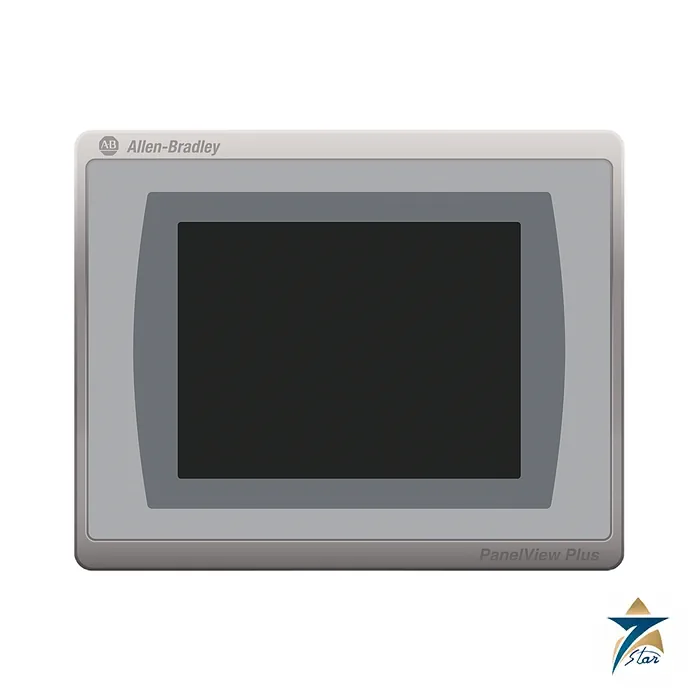
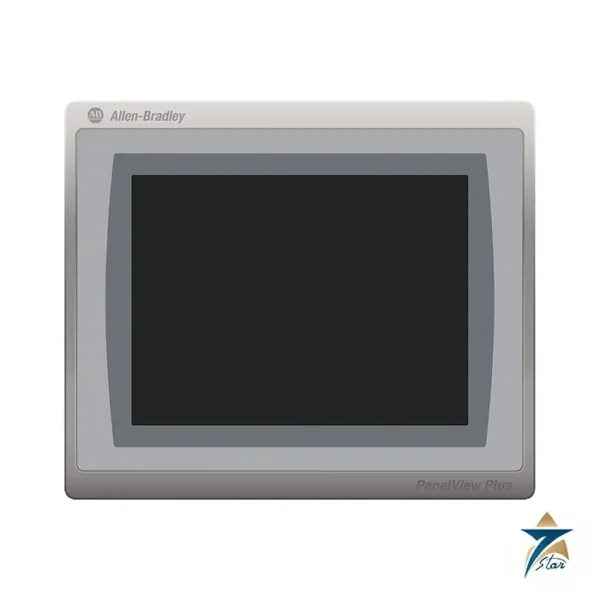
A 6.5 inch touch terminal in the PanelView Plus 7 Standard series
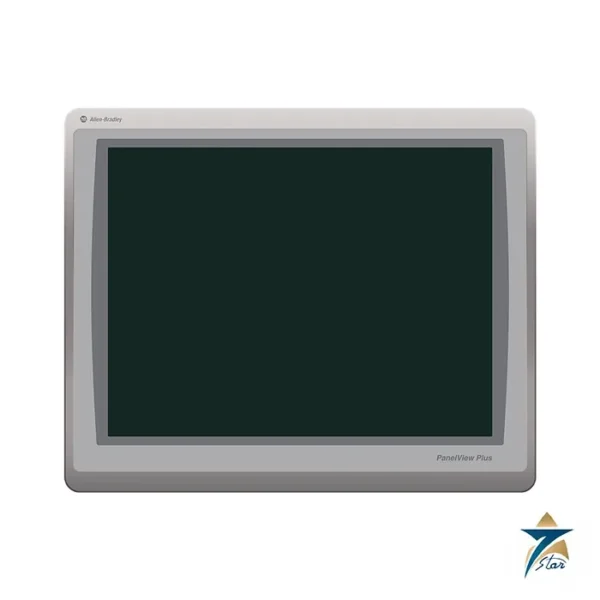
The Allen-Bradley 2711P-T7C21D8S is a PanelView Plus 7 Standard operator terminal with a 6.5 inch color touch screen. It shows machine and process graphics created in FactoryTalk View Studio for Machine Edition, and it connects to controllers over its built-in Ethernet port. The display is a TFT LCD of 640 x 480 pixels with 18-bit color and a brightness of 300 nits, and the touch screen is analog resistive.
The catalog number follows the pattern used in the data sheet: T for touch, 7C for the 6.5 inch color display, 21 for one Ethernet port (the 22 versions have two), D for 24V DC power and 8S for the Standard series.
Technical specifications
| Parameter |
Specification |
| Catalog number |
2711P-T7C21D8S (2711P-T7C21D8S-B is the version without the Allen-Bradley brand marking) |
| Series |
PanelView Plus 7 Standard |
| Operator input |
Touch, analog resistive (1 million presses, 100 g operating force) |
| Display |
6.5 in. color TFT LCD, viewing area 132 x 99 mm, 640 x 480 VGA, 18-bit color, 4:3 |
| Brightness / backlight |
300 nits typical; backlight 50,000 h minimum to half-brightness, not replaceable |
| Memory |
512 MB RAM and 512 MB storage; 80 MB nonvolatile user storage |
| Storage slots |
One SD card slot |
| USB ports |
One USB 2.0 host (type A) and one device port (type B) |
| Ethernet |
One 10/100Base-T auto MDI/MDI-X port with IEEE 1588 support |
| Operating system |
Windows CE (FTP, VNC client/server, ActiveX controls, PDF reader) |
| Software |
FactoryTalk View Studio for Machine Edition version 8.0 or later; FactoryTalk ViewPoint 2.6 or later |
| Input voltage |
24V DC nominal (18…30V DC), nonisolated |
| Power consumption |
50 W max (2.1 A at 24V DC) |
| Battery |
CR2032 lithium coin cell (2711P-RY2032), 4 years minimum at 25 °C |
| Dimensions (H x W x D) |
170 x 212 x 56.5 mm (6.69 x 8.35 x 2.22 in.) |
| Panel cutout (H x W) |
142 x 184 mm (5.59 x 7.24 in.) |
| Weight, approx |
0.85 kg (1.86 lb) |
| Heat dissipation |
15 W = 51 BTU |
| Operating temperature |
0…55 °C (32…131 °F) |
| Non-operating temperature |
-25…+70 °C (-13…+158 °F) |
| Enclosure rating |
NEMA and UL Type 12, 13, 4X (indoor use only); IP54 or IP66 as classified by UL |
| Vibration / shock |
0.012 in. pk-pk 10…57 Hz and 2 g 57…500 Hz; 15 g operating shock |
Electrical and mechanical data
The terminal is powered from 24V DC (18 to 30V DC) and draws up to 50 W, or 2.1 A at 24V DC. Rockwell recommends the 2711P-RSACDIN DIN-rail supply for AC mains, which accepts 85 to 265V AC. The housing measures 170 x 212 x 56.5 mm and weighs about 0.85 kg. It fits a panel cutout of 142 x 184 mm and carries NEMA and UL Type 12, 13 and 4X (indoor use only) ratings, also IP54 or IP66 as classified by UL.
Application files can be stored on the SD card, and the user area has 80 MB of nonvolatile memory. The real-time clock is backed up by a CR2032 cell that lasts at least four years at 25 °C.
Standard series and related models
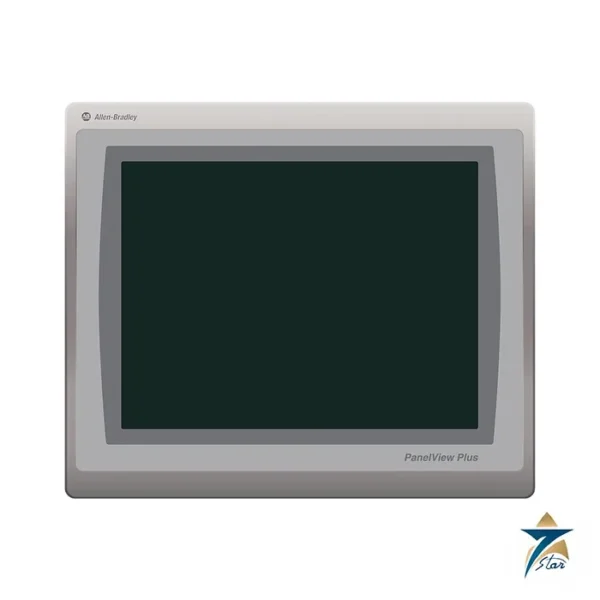
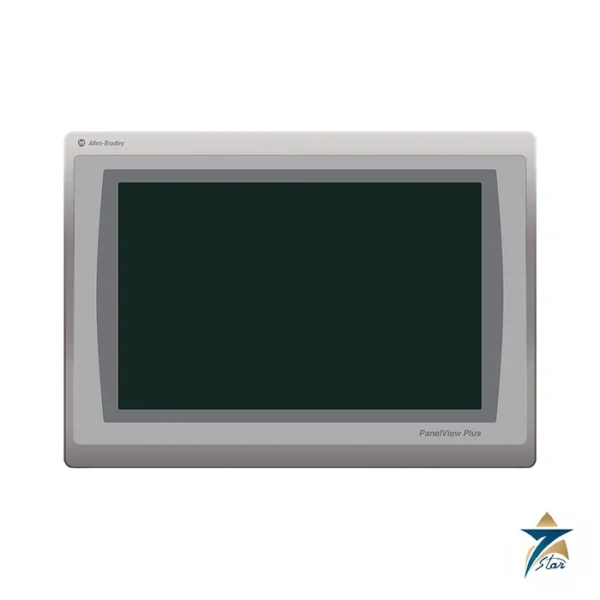
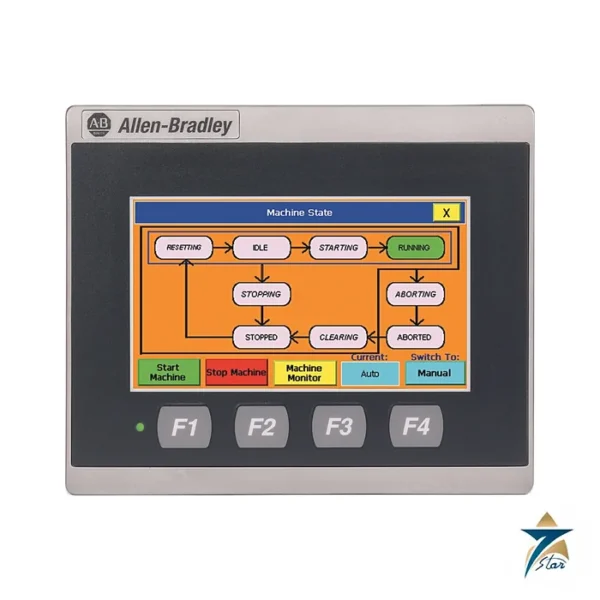
The 2711P-T7C22D8S has two Ethernet ports that support star, linear or Device Level Ring topologies. Catalog numbers ending in -B omit the Allen-Bradley brand marking so you can fit your own label. The same data sheet covers the 4.3, 5.7, 9, 10.4, 12.1 and 15 inch Standard terminals.
Panel mounting the 6.5 inch terminal
Cut the 142 x 184 mm opening accurately and remove sharp edges, because the Type 12, 13 and 4X and IP ratings only apply when the terminal seals properly against a flat, rigid panel surface. Follow the Rockwell installation instructions for the mounting hardware and tightening sequence; uneven or excessive tightening can distort the bezel and weaken the seal.
Plan the space behind the panel door for the 56.5 mm depth plus cable bends at the Ethernet, USB and power connections. Keep the 24V DC supply wiring short and separate from motor and drive cables, and connect the functional earth as the instructions describe so that electrical noise does not disturb the display or communications.
Commissioning and application transfer
Before the first power-up, confirm that the supply is within 18 to 30V DC and can provide the 2.1 A the terminal may draw. Set the IP address to suit the plant network, then download the runtime application created in FactoryTalk View Studio for Machine Edition, either over Ethernet or from the SD card or USB storage.
Check that the FactoryTalk View version used to build the application is supported by the terminal firmware. Test every screen, alarm and navigation button with the controller online, confirm that the clock and date are correct, and save a copy of the final runtime file and project in the site archive so the HMI can be restored quickly if needed.
Using the PanelView Plus 7 in Omani heat and dust
The operating range is 0 to 55 °C, and the enclosure ratings are for indoor use only. Operator stations on skids or outdoor platforms in Oman and the GCC should therefore sit inside a shaded, ventilated or air-conditioned enclosure; a panel door facing the afternoon sun can heat the terminal far beyond the air temperature, and direct sunlight also makes a 300-nit display harder to read.
Behind the panel, allow for the 15 W the terminal releases together with other equipment in the cabinet. In dusty plants, keep cabinet seals in good condition so that fine sand cannot reach the rear connections, and in humid coastal areas avoid condensation forming behind the display after air-conditioning cycles.
Care during daily use and maintenance
Operate the resistive touch screen with a finger or a gloved finger and never with screwdrivers or other sharp tools. Clean the display with a soft cloth and a mild cleaner, without abrasive products or strong solvents. Replace the CR2032 clock battery within its stated life, and keep the application backup current whenever screens are changed.
Documents and quotation
The Rockwell Automation PanelView Plus 7 Standard technical data, publication 2711P-TD008, is attached. See our HMI displays catalogue for other operator terminals. Confirm the exact catalog number, series letter and firmware or hardware revision on the product label, and the compatibility with your existing system, before ordering. Stock and lead time are confirmed at quotation.





Reviews
There are no reviews yet.