A 6.5 inch Performance terminal with dual Ethernet
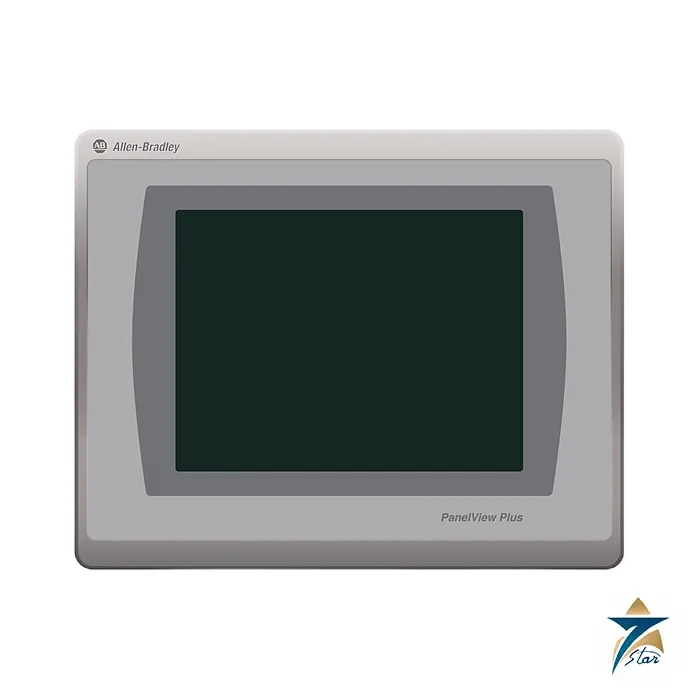
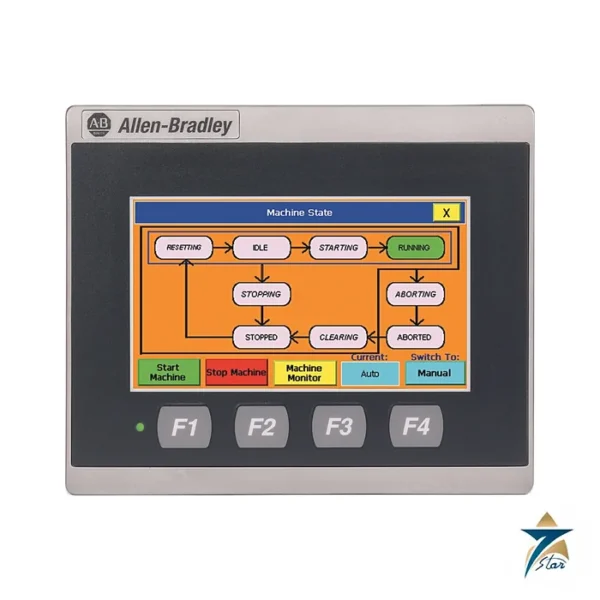
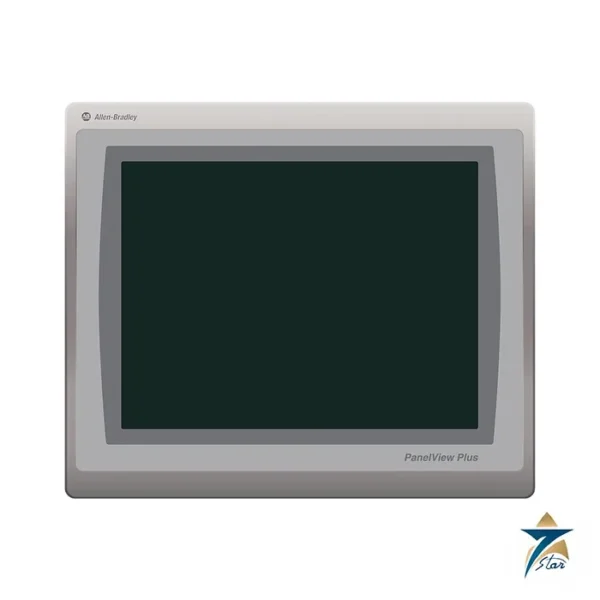
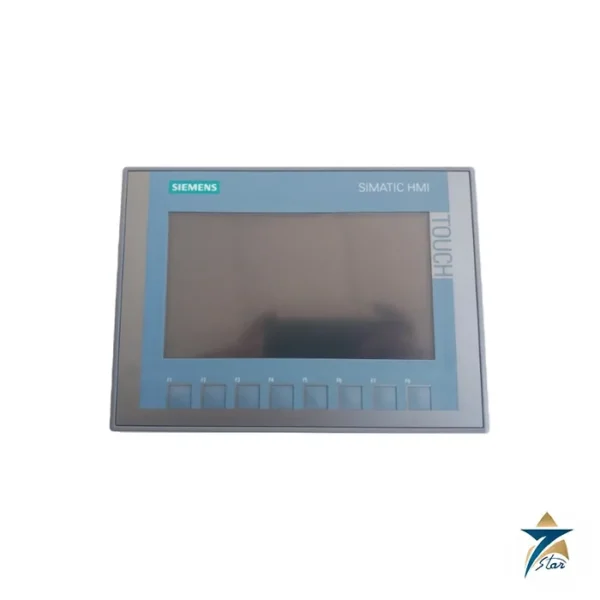
The Allen-Bradley 2711P-T7C22D9P is a PanelView Plus 7 Performance operator terminal with a 6.5 inch color touch screen and a 24V DC supply. Two 10/100 Ethernet ports let the terminal join a linear, star or Device Level Ring network, so it can be placed in a ring without an extra switch. It runs FactoryTalk View applications and has an SD card slot, USB ports and a CR2032-backed real-time clock.
The Rockwell data sheet lists two hardware series. Series A uses Windows CE 6.0 with 512 MB of memory, and series B uses Windows 10 IoT Core with 4 GB of RAM and about 19.9 GB of storage and 24-bit color.
Technical specifications
| Parameter |
Specification |
| Catalog number |
2711P-T7C22D9P (-B brandless and K conformal-coated versions are separate catalog numbers) |
| Series |
PanelView Plus 7 Performance; series A and series B listed in the data |
| Operator input |
Touch, analog resistive |
| Display |
6.5 in. color TFT, viewing area 132 x 99 mm, 640 x 480 VGA, 4:3; 18-bit (series A) or 24-bit (series B) color |
| Brightness / backlight |
300 cd/m² or more; white LED, 50,000 h minimum to half-brightness |
| Memory |
Series A: 512 MB RAM, 512 MB storage, 80 MB user. Series B: 4 GB RAM, 19.87 GB storage, about 2 GB user |
| SD card slot |
One, supports 1784-SDx and 1784-SDHCx cards |
| USB ports |
Series A: two USB 2.0 host; series B: one USB 3.0 host and one USB 2.0 host; one device port (type B) |
| Ethernet |
Two 10/100Base-T auto MDI/MDIX ports supporting Device Level Ring, linear or star |
| Operating system |
Series A: Windows CE 6.0; series B: Windows 10 IoT Core |
| Software |
FactoryTalk View Studio for Machine Edition and FactoryTalk ViewPoint 2.6 or later |
| Input voltage |
24V DC nominal (18…30V DC), SELV and PELV supplies |
| Power consumption |
Series A: 50 W max (2.1 A at 24V DC); series B: 29 W max |
| Dimensions (H x W x D) |
170 x 212 x 69.6 mm (6.69 x 8.35 x 2.74 in.) |
| Panel cutout (H x W) |
142 x 184 mm (5.59 x 7.24 in.) |
| Weight, approx |
1.2 kg (2.65 lb) |
| Heat dissipation |
6.5 in. DC: 51 BTU typical (series B: 38 BTU) |
| Operating temperature |
0…55 °C (32…131 °F) |
| Enclosure rating |
NEMA and UL Type 12, 13, 4X; IP66 as classified by UL |
| Hazardous locations (as printed) |
cULus Class I Division 2 Groups A-D; Class II Division 2 Groups F and G; Class III Divisions 1 and 2 |
| Other certifications (as printed) |
CE, RCM, UKCA, KCC, RoHS; ODVA EtherNet/IP conformance tested |
Performance features
Compared with the Standard version, the Performance terminals add the second Ethernet port, more memory and extended hazardous-location certification. The data sheet lists cULus Class I Division 2, Class II Division 2 and Class III approval for the PanelView Plus 7 Performance family, an enclosure rating of Type 12, 13 and 4X with IP66 as classified by UL, and power supply compatibility with SELV and PELV 24V DC supplies such as the 1606-XLP95E, 1606-XLP100E and 2711P-RSACDIN.
Power consumption is 50 W maximum (2.1 A at 24V DC) for series A and 29 W maximum for series B. The terminal measures 170 x 212 x 69.6 mm, weighs about 1.2 kg and needs a 142 x 184 mm panel cutout.
Catalog number and variants
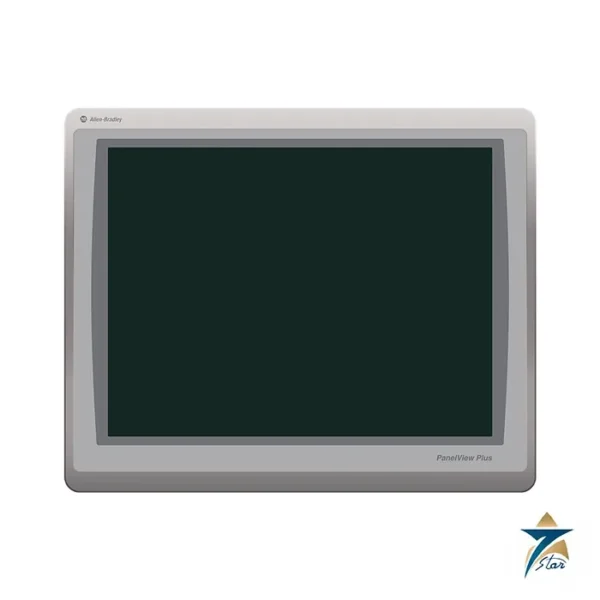
In the catalog number, T means touch, 7C is the 6.5 inch color display, 22 is two Ethernet ports, D is 24V DC input and 9P is the Performance series. A9P versions are the 100 to 240V AC models. Catalog numbers ending in K are conformal coated for corrosive environments, and those ending in -B carry no Allen-Bradley brand marking. The same publication covers the 9, 10.4, 12.1, 15 and 19 inch Performance terminals.
Panel installation and enclosure sealing
The enclosure ratings quoted for this terminal apply only when it is mounted correctly in a suitable panel. Cut the opening to the dimensions in the Rockwell installation instructions, deburr the edges and make sure the panel surface around the cutout is flat and clean. Secure the terminal using the mounting method, sequence and torque given in the instructions; uneven mounting can distort the front of the unit and compromise the seal against dust and water. Leave enough space behind the terminal for cables, the SD card and USB access, and for airflow around the housing.
Feed the 24V DC supply from a SELV or PELV source as described in the data sheet, and keep Ethernet cables separated from power and drive cabling inside the enclosure. When the terminal is part of a Device Level Ring, document which port connects to which neighbour so that the ring topology is clear for maintenance staff.
Commissioning the application
Before downloading a FactoryTalk View Machine Edition application, confirm the hardware series and firmware revision on the label, because the runtime version in the project must be compatible with the terminal. Set the IP addresses, check communication with the controller, and verify the real-time clock so that alarm and data logs carry the correct time. Test every screen with the operators who will use it, paying attention to button size and readability on the 6.5 inch display, and keep a backup copy of the runtime file and terminal settings in a known location.
Heat, dust and humidity in Gulf control panels
The operating temperature limit in the table refers to the air around the terminal, not the outdoor air. In Oman, panels exposed to direct sun can reach internal temperatures well above the ambient, so outdoor and semi-outdoor panels need careful attention to shading, ventilation or cooling. Heat generated by power supplies and drives in the same enclosure adds to the load; the heat dissipation figure in the specification table helps in sizing the cooling.
Dust and humidity call for good door seals, filtered ventilation where fans are used, and condensation control in coastal plants where air conditioning cycles on and off. Where corrosive gases are present, discuss the conformal-coated version mentioned above when making the selection.
Routine care of the operator terminal
Clean the touch screen with a soft cloth and a mild cleaner suitable for the display, never with abrasive pads or strong solvents. Check the panel seal and mounting during planned enclosure inspections, keep the application backup up to date after every change, and record the series and firmware details in the maintenance file so that a replacement unit can be configured quickly.
Documents and quotation
The Rockwell Automation PanelView Plus 7 Performance technical data, publication 2711P-TD009, is attached. See our HMI displays catalogue for other operator terminals. Confirm the exact catalog number, series letter and firmware or hardware revision on the product label, and the compatibility with your existing system, before ordering. Confirm the hardware series (A or B), because memory, operating system and power figures differ. Stock and lead time are confirmed at quotation.




Reviews
There are no reviews yet.