The 10-inch PanelView 800 for Micro800 and MicroLogix machines
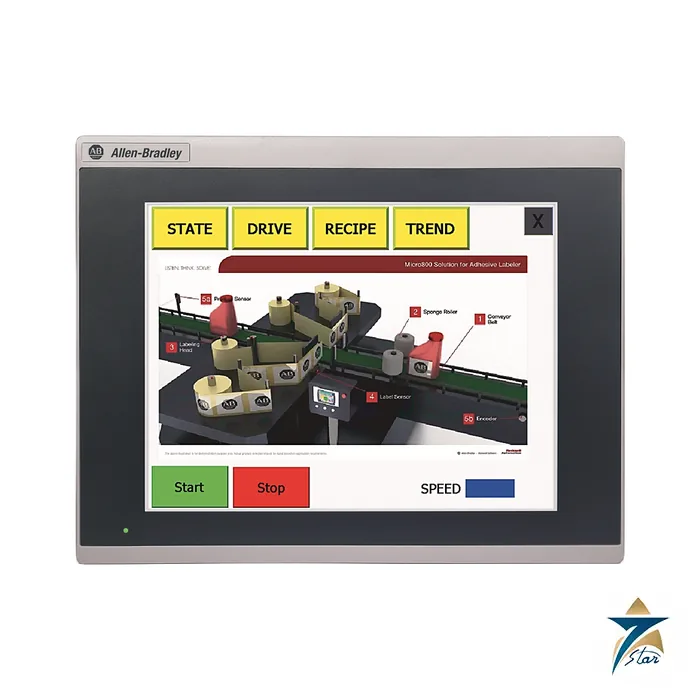
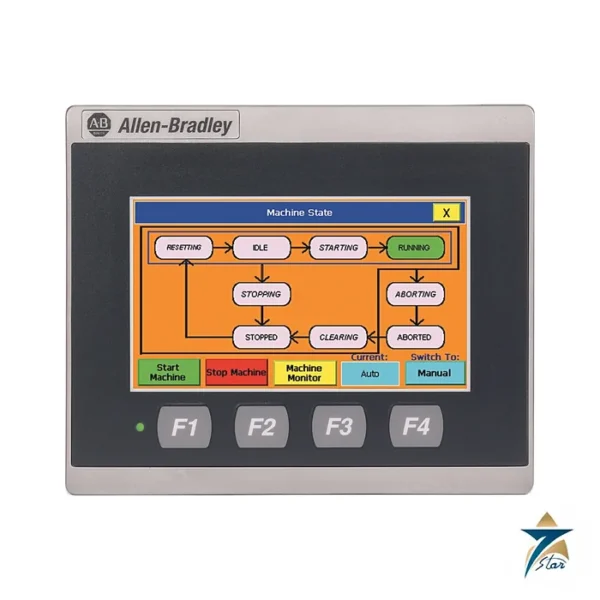
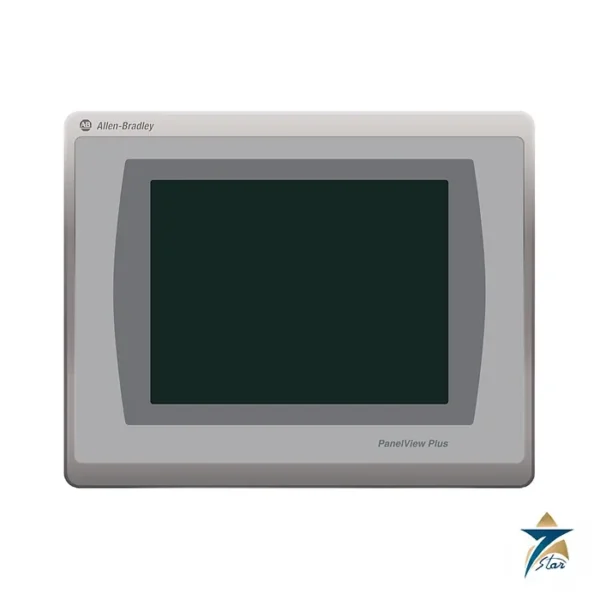
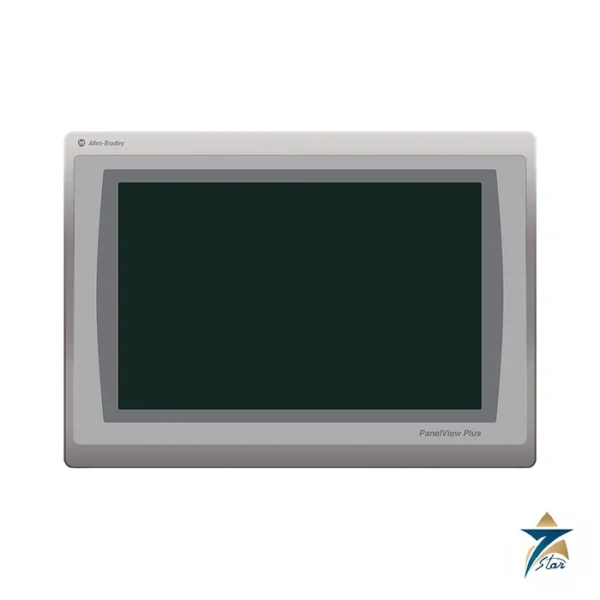
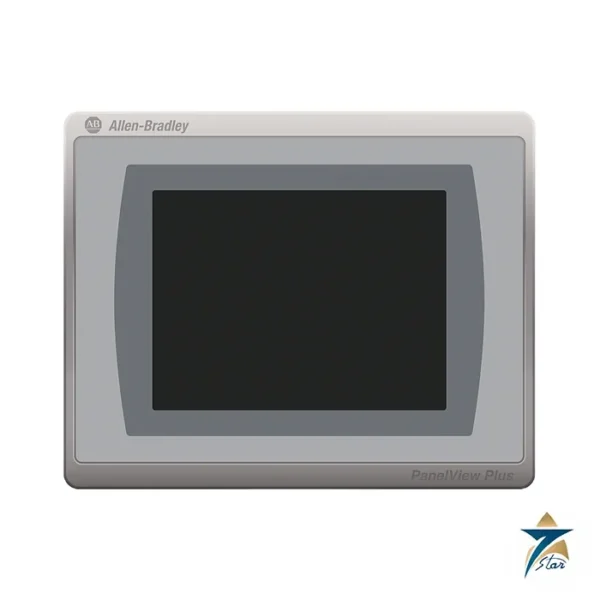
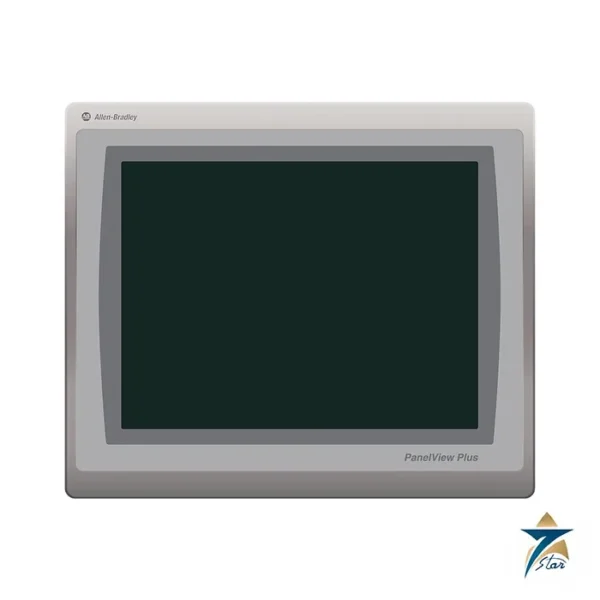
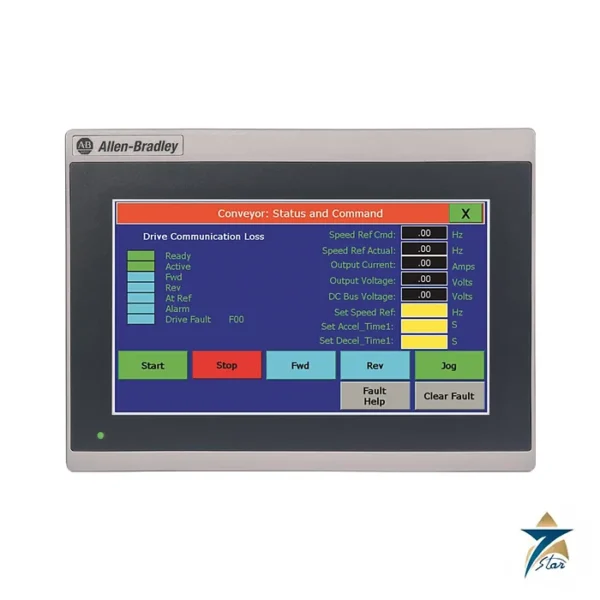
The Allen-Bradley 2711R-T10T is the 10-inch member of the PanelView 800 family (with 2711R-T4T and 2711R-T7T). It is a panel-mount colour touch terminal designed to pair with Micro800 and MicroLogix controllers, programmed with Connected Components Workbench release 8.0 or later, and it provides serial and Ethernet ports for a range of controllers.
Hardware is a Windows CE 6.0 terminal with an 800 MHz processor, 256 MB flash and 256 MB DDR RAM. The display is 10 inches, 800 x 600 pixels, LED backlit with 65K colours.
Technical specifications
| Parameter |
Specification |
| Catalog number |
2711R-T10T |
| Display |
10 in. colour TFT LCD, 211.2 x 158.4 mm display area |
| Resolution |
800 x 600 pixels |
| Colours / backlight |
65K colours / LED, 40,000 h min |
| Operator input |
Analog touch |
| Processor / memory |
800 MHz CPU; 256 MB flash; 256 MB DDR SDRAM |
| Operating system |
WinCE 6.0 |
| Software |
Connected Components Workbench release 8.0 and later |
| Preferred controllers |
Micro800, MicroLogix |
| Communication |
1 Ethernet 10/100; separate RS-232 and RS-422/485 connectors (isolated); USB host 2.0; micro-SD slot |
| Memory card |
Micro-SD up to 32 GB, FAT32/16 |
| Recipes |
50 recipe files |
| Power supply |
24 V DC nominal, 18-32 V DC |
| Power consumption, max |
14 W (0.48 A at 24 V DC); heat dissipation 61 BTU/hr |
| Real-time clock battery |
5 years min at 25 C |
| Weight, approx |
1.64 kg (3.62 lb) |
| Operating temperature |
0 to +50 C; non-operating -25 to +70 C |
| Vibration / shock |
2 g at 10-500 Hz / 15 g operating, 30 g non-operating |
| Enclosure rating |
NEMA/UL Type 4X (indoor), 12, 13 and IP65 |
| Temperature code / approvals |
T4A; cULus (E322657, Class I Div 2 E334470), CE, KC, RCM, China RoHS |
Features that help in packaged plant
The terminal supports landscape and portrait orientation, alarm messages with embedded variables and recipe upload and download, which are typical needs on packaged air-handling and material-handling equipment. The manufacturer lists adhesive labelers, air handling units, material handling and stretch wrap machines among the typical applications. Programming goes through the Ethernet port.
Ordering notes
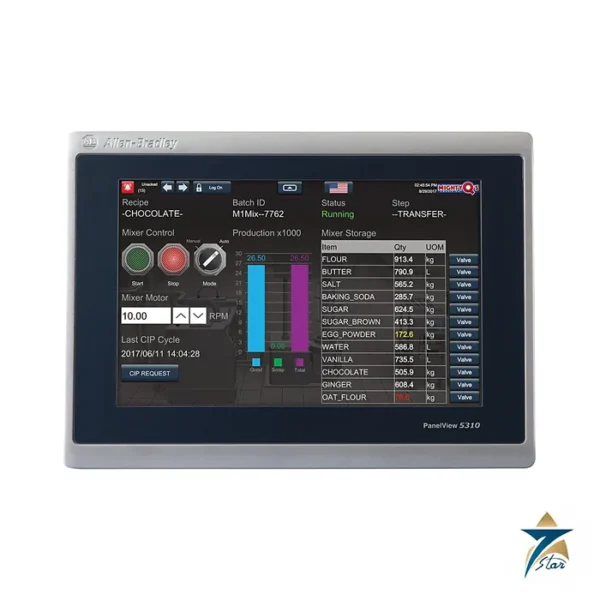
Because the 2711R family is optimised for Micro800 and MicroLogix, check driver support when connecting a different controller, and compare it with the PanelView Plus 7 or PanelView 5310 terminals if EtherNet/IP Logix tag integration is required. Mounting is by panel cutout; refer to the product dimension page of the data sheet. Verify all values against the manufacturer publication. In service the terminal draws 14 W at full load, dissipates 61 BTU/hr inside the enclosure, and is rated for 0 to 50 C, so allow for that heat when it is fitted in a closed door of a hot cabinet. The data sheet also lists the real-time clock battery life of 5 years and 30 g non-operating shock.
The terminal weighs about 1.64 kg and carries a 211.2 x 158.4 mm display area, so check the mounting cutout and the door thickness of the enclosure first. Project files and recipes can be moved with the micro-SD slot, which accepts cards up to 32 GB formatted FAT32 or FAT16.
Selecting the right operator terminal for the machine
The step from a smaller PanelView 800 to the 10-inch model is usually driven by how much the operator needs to see at once. A larger screen allows trend views, alarm lists and several process values on one page without constant navigation, which helps on air-handling units, wrapping lines and conveyor systems where operators move between machines. The decision should also consider the controller already on the machine: the terminal is designed around Micro800 and MicroLogix, so projects based on those controllers fit naturally, while other controllers need their communication drivers checked first.
Screen orientation is worth deciding early. Portrait layouts can suit narrow cabinet doors and list-style screens, while landscape is the usual choice for overview graphics. Changing orientation after screens have been built means redesigning the application, so it belongs in the specification stage.
Integration with the control system
In a typical packaged plant the terminal talks to the controller over Ethernet, which also serves for programming from Connected Components Workbench. The isolated serial connectors are useful when the controller or a third-party device only offers serial communication. Alarm messages can include live values, so the operator sees not just that a limit has been crossed but by how much. Recipes stored on the terminal let operators change product settings without editing the controller program, which reduces errors during changeovers.
Panel installation and commissioning practice
The cutout should be made accurately to the dimension drawing in the data sheet, with the door surface flat and clean so that the panel seal is even. The enclosure ratings only apply when the terminal is mounted correctly with all clamps tightened evenly. Power should come from a clean DC supply within the stated range, with the supply and communication cables routed away from motor and drive wiring to reduce noise.
At commissioning, the application is downloaded, communication with the controller is confirmed, and each screen, alarm and recipe is tested with the machine running. It is good practice to keep a copy of the final project on a memory card and in the plant archive, so a replacement terminal can be loaded quickly if needed. The real-time clock should be set so that alarm time stamps are meaningful.
Operating in hot and dusty GCC plants
Machine panels in Oman and the wider Gulf often sit in hot plant rooms, outdoor skids or areas with fine dust. The operating temperature limit on the data sheet applies to the air around the terminal inside and outside the enclosure, and a cabinet door facing direct sun can heat up far beyond the room temperature. Shading the panel, ventilating or cooling the enclosure, and avoiding mounting near hot equipment all help keep the terminal within its rating. The front sealing protects against dust and washdown when correctly installed, but the screen should be cleaned with a soft cloth and mild cleaner rather than abrasive materials, since sand and grit can scratch the touch surface.
Periodic checks should cover the panel seal condition, cable connections and backups of any changed recipes or screens.
Documents and quotation
The linked technical data covers the 2711R-T4T, T7T and T10T. For other HMIs see HMI Displays. Send the catalog number and quantity to Seven Star LLC, an independent supplier in Muscat, to request a quotation.





Reviews
There are no reviews yet.