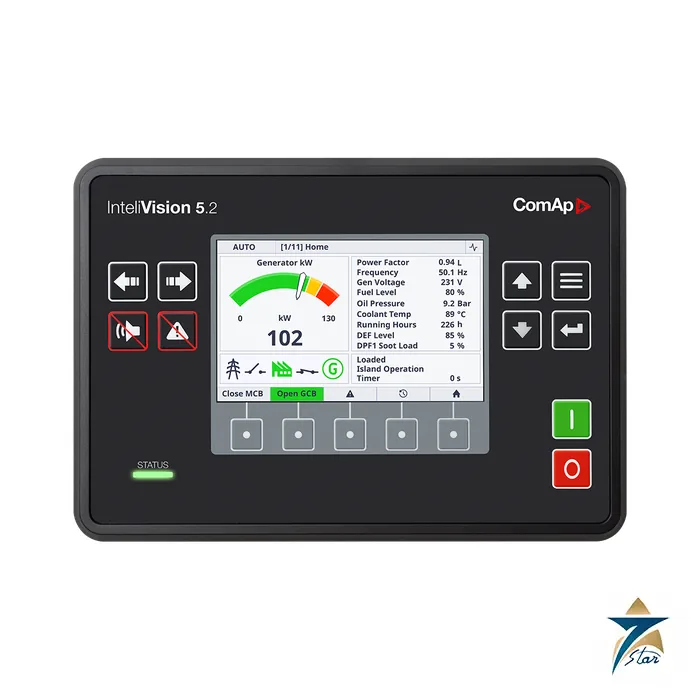
A 5 inch Ethernet display for ComAp gen-set controllers
The ComAp InteliVision 5.2 (order code RD2IV5BXBAA) is an industrial 5 inch remote colour display for ComAp controllers. The datasheet describes it as an easy-to-use plug-and-play display for monitoring and control of a single gen-set in various applications, talking to the controller over Ethernet.
It has an 800 x 480 pixel screen, five configurable user buttons below the screen, a trends screen with up to four channels, screens that can be customised with the Screen Editor, and an IP65-rated front. Operating temperature is -30 to +70 C, extended to -40 C if the unit is powered on above -30 C. The datasheet is for version 1.8.0, issued 11/11/2024.
Technical specifications
| Parameter |
Specification |
| Order code |
RD2IV5BXBAA |
| Datasheet version |
1.8.0, HW 1.0.0, issued 11/11/2024 |
| Display |
5 inch TFT, 800 x 480 px |
| Power supply |
8-36 V DC; about 6 W typical |
| Operating temperature |
-30 to +70 C (-40 to +70 C if powered on above -30 C); storage -30 to +80 C |
| Front panel protection |
IP65 front; IP20 back side |
| Humidity |
95 percent non-condensing |
| Interfaces |
Ethernet 10/100 RJ45; USB device type B; USB host type A; RS485 and CAN not used |
| Inputs / outputs |
1 resistive analog input (backlight control, 5-2400 Ohm); 1 binary output, 0.5 A (follows controller horn output) |
| Housing / mounting |
Plastic; 4 clips; recommended cut-out 187 x 132 mm |
| Standards |
EN 61000-6-2, -6-4, EN 60068-2-1, -2-2, -2-6, -2-27, -2-30, EN 60529, UL 6200 |
Compatible controllers
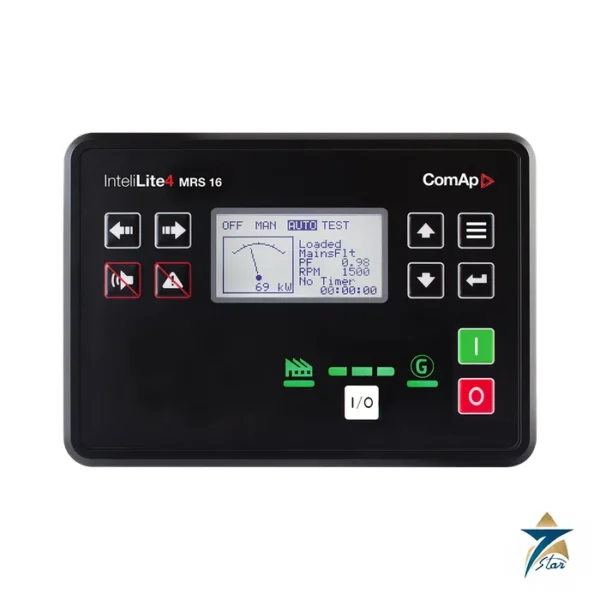
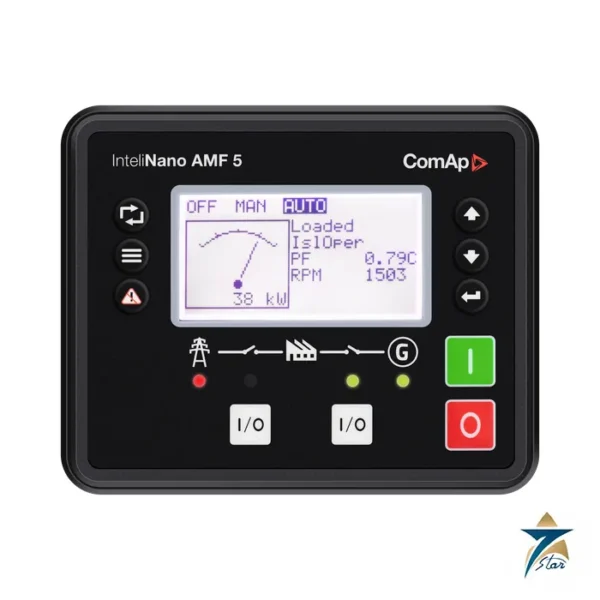
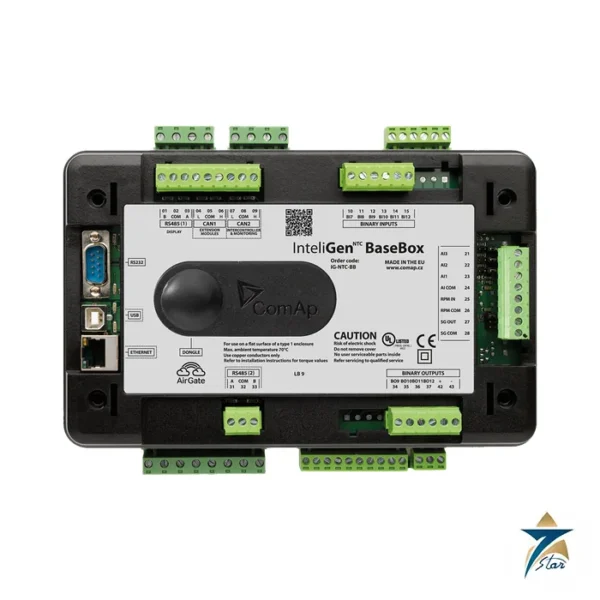
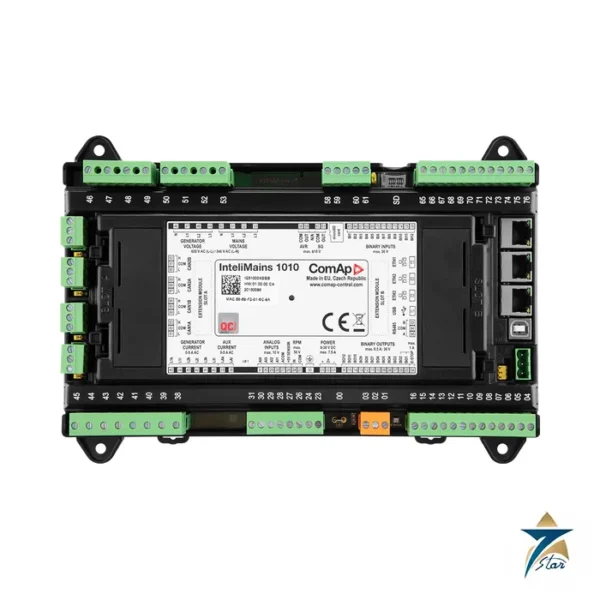
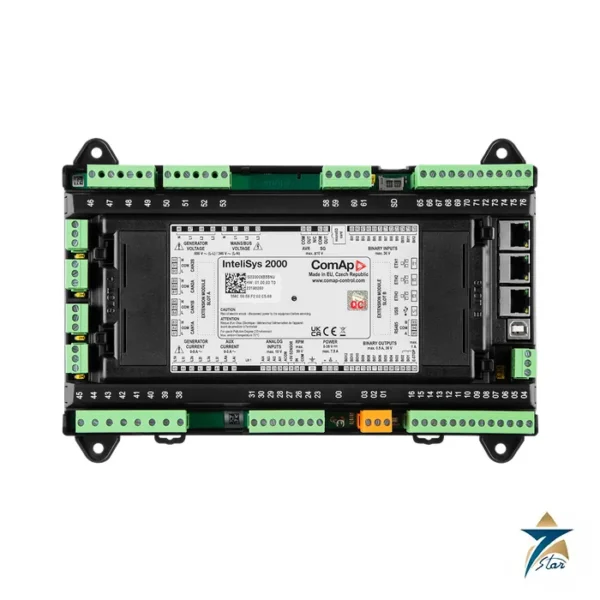
The datasheet lists the following ComAp controllers as related products: InteliGen 500 and 500 G2, InteliGen 500 Microgrid software, InteliGen 1000, InteliSys 2000, InteliMains 510 and 1010, InteliNeo 5500 and 6000 and InteliNeo 530 BESS. Check the controller firmware for display support before ordering.
Selection notes
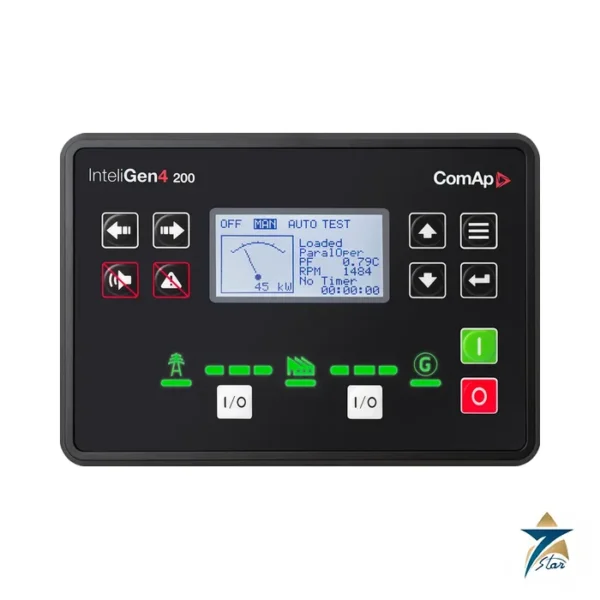
The 5.2 suits a single-set control cabinet where one controller is shown; for multi-controller overviews choose a larger touch display such as the 13Touch or 18Touch pages in HMI Displays. A related controller on this site is the InteliGen4 200.
Mechanically the unit is a plastic housing fixed with four holders, and the recommended cut-out of 187 x 132 mm is about 2 mm wider than the unit on each side. It is rated for vibration of 5-25 Hz at 1.6 mm and 25-100 Hz at 4 g, shock of 500 m/s2, a surrounding air rating of 70 C and pollution degree 2. Customised screens are created with the Screen Editor, and the trends screen shows up to four channels, which helps commissioning and fault tracing at the cabinet.
Where the InteliVision 5.2 fits in a gen-set installation
Many gen-set controllers are installed inside a control cabinet or engine enclosure, while the operator needs to see the set status from a panel door, a switchboard front or a separate control room. The InteliVision 5.2 is intended for this situation: it shows the information of one controller at the point where the operator works, and it lets the operator monitor and control the set without opening the cabinet. Typical places are standby generators in buildings and hospitals, prime power sets on remote sites, rental units and gen-sets that form part of a microgrid or a hybrid installation with battery storage, depending on the controller used.
Because the unit talks to the controller over Ethernet, it can be mounted at a distance from the controller within the limits of the network cabling, which gives freedom in panel design.
Selection guidance
Start the selection with the controller. Check that the controller model is on the list of related products in the datasheet and that its software supports the display, as noted above. Then consider how much information the operator needs to see at once. For a single set with standard screens and trends, the compact 5.2 is usually sufficient. If several controllers must be shown together, or if the site expects a larger overview, the touch displays in the HMI category are the more suitable choice.
Also think about who will use the unit. Operators on a site with a single standby set often need only status, alarms and basic start and stop functions, while service engineers value the trends screen and customised screens for fault tracing. Agreeing on the required screens before ordering helps to confirm that the 5.2 covers the needs of both groups, and it shortens the time needed to configure the unit during commissioning.
Consider the environment as well. The IP65 front suits panel doors exposed to dust and spray, while the rear of the unit is IP20 and must be protected by the enclosure. Compare the operating temperature range with the conditions in the gen-set room or container, and note the condition for the extended low-temperature range given in the specifications.
Installation and commissioning considerations
Prepare the panel cut-out to the recommended dimensions and fix the unit with its clips, making sure the front sits evenly against the panel so that the front protection rating is maintained. Provide a DC supply within the stated range, route the Ethernet cable away from power cables, and plan the binary output wiring if it will be used to follow the controller horn output. Where the resistive analog input will be used, wire it according to the datasheet.
During commissioning, establish the Ethernet connection to the controller, check that all screens show the expected values, and set up any customised screens and trend channels with the Screen Editor. Test the control functions from the unit with the gen-set in a safe condition before handing the system over to the operator. Keep a copy of the final screen configuration with the panel documentation, so that the same layout can be restored quickly if the unit is ever exchanged.
How to specify your request
Quote the order code RD2IV5BXBAA and the quantity. Name the controller model, describe where the display will be mounted, and state whether it is for a new panel or replaces an existing unit, so that compatibility and panel fit can be checked against the datasheet before a quotation is prepared.
Documents and quotation
The ComAp datasheet is attached. Seven Star LLC supplies ComAp display units on request. State the controller model and firmware, the cut-out available and the cable length to the controller.



Reviews
There are no reviews yet.