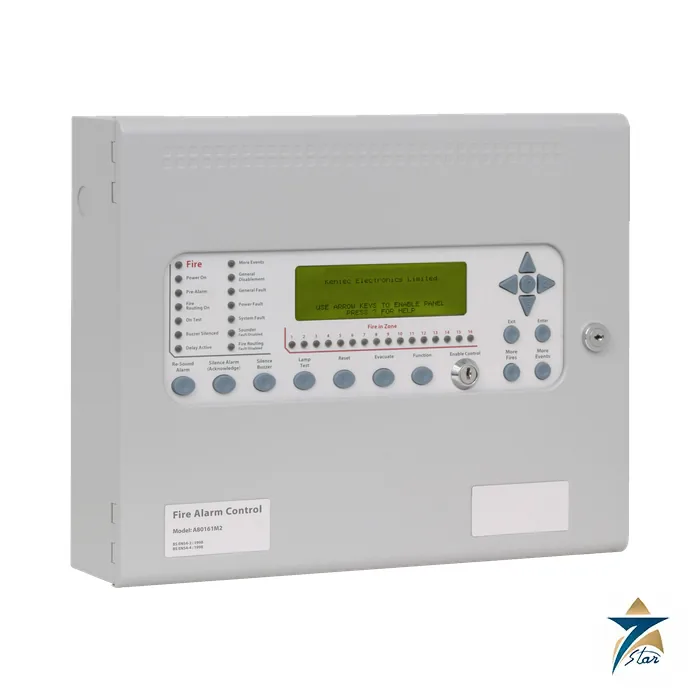
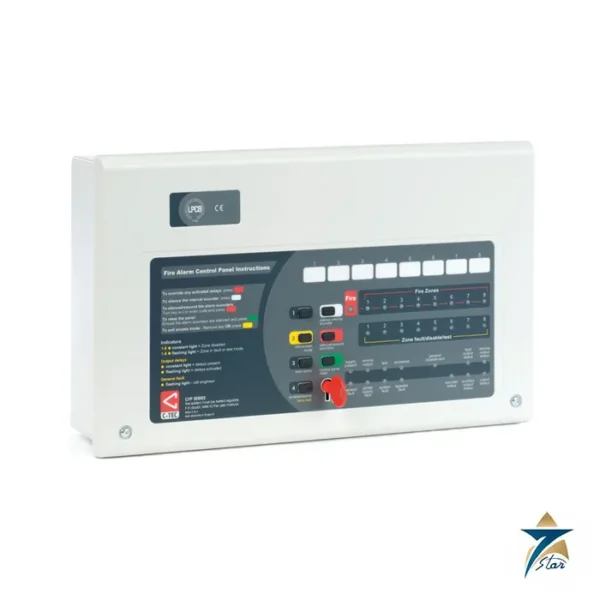
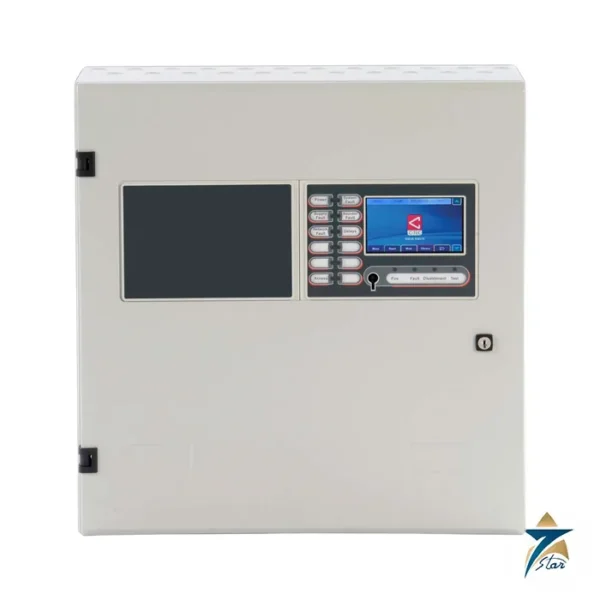
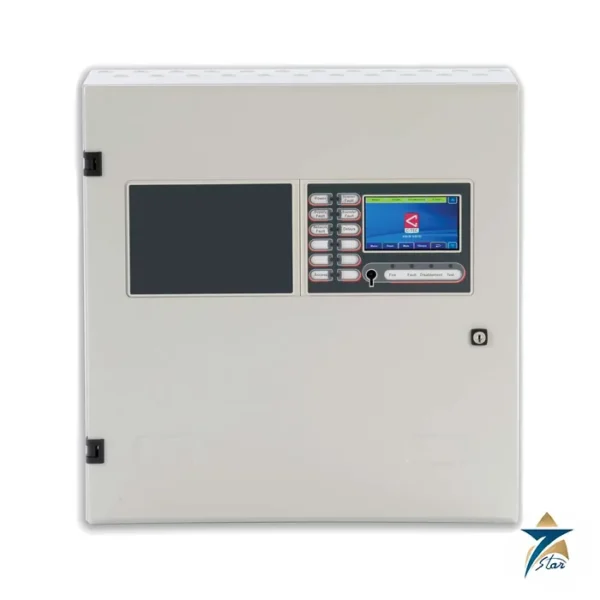
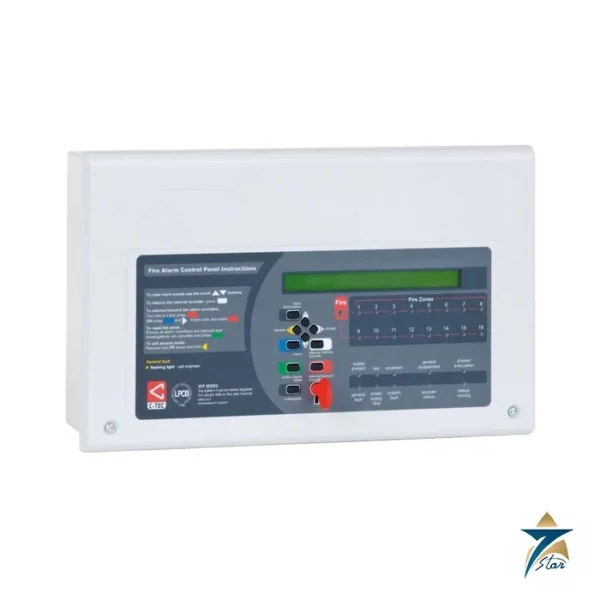
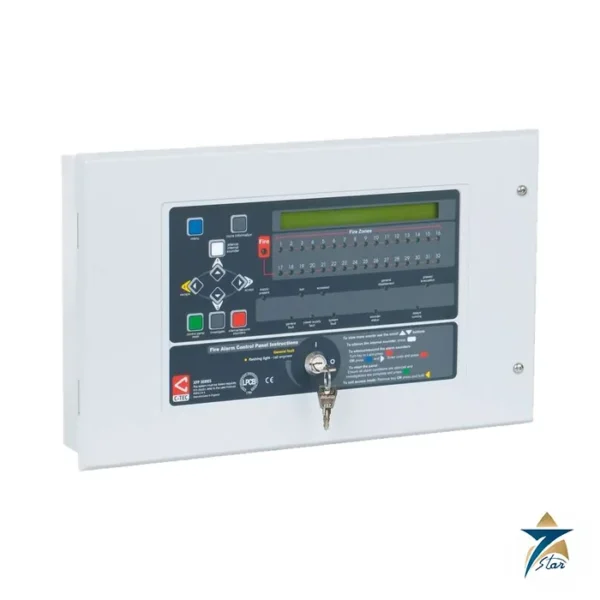
The Kentec Syncro AS A80162M2 is a two-loop, 16-zone analogue addressable fire alarm control panel in the compact M2 enclosure, configured for the Apollo detection protocol. Syncro AS combines compact styling with the programming and networking power normally found in larger systems, and the datasheet (DS47) states approval and certification to EN54-2 and EN54-4. It is aimed at small and medium sites that need advanced fire sensing and evacuation control, with room to grow into a network of up to 64 panels.
Features of the Syncro AS range
- Supports Apollo (S90, XP95, Discovery), Argus Vega and Hochiki ESP protocols, selected by model.
- Expandable from 1 to 2 loops; the Lite version is a single-loop standalone option without the expansion features.
- Two programmable sounder circuits, five programmable inputs, three programmable relays and a 3 A power supply.
- Network up to 64 panels; log of the last 500 events; sensitivity adjustment and drift compensation.
- Up to 512 additional programmable I/O through Syncro I/O modules, and network-wide cause and effects (not on Lite).
Technical specification
Data from datasheet DS47 and Man-1096.
| Parameter |
Specification |
| Product code |
A80162M2: Apollo, 16 zones, 2 loops, no printer, 385 x 310 x 90 mm |
| Construction and finish |
1.2 mm mild sheet steel, epoxy powder coated, BS 00 A 05 grey; control plate RAL 7047 |
| Ingress protection |
IP30 |
| Weight |
6 kg (standard panel) |
| Display |
8 lines of 40 characters, graphic LCD |
| Mains supply |
110 or 230 V AC, 50 or 60 Hz (default 230 V); fuse 1.6 A 250 V |
| DC supply |
24 V, 3 A |
| Battery |
Two 12 V sealed lead acid, 9 Ah maximum per datasheet (non-networked) |
| Detection loop |
400 mA output per loop |
| Sounder outputs |
Fused at 1 A each |
| Fault, fire and alarm relays |
30 V DC, 1 A each |
| Aux 24 V |
Fused at 500 mA |
| Ports |
RS232 printer and PC; RS485 serial expansion; RS485 network via optional card |
| Remote inputs |
Silence, fault, reset, alert and evacuate, switched negative |
| Configuration |
Loop Explorer PC utility; graphics via Ockular |
Selection and part number decoding
The product code pattern is protocol letter, 8016, loop count, M size and an optional P for printer. For example A80162M2 is Apollo with two loops in the M2 enclosure; A80161M3P is Apollo, one loop, M3 enclosure with printer. V replaces A for Argus Vega and H for Hochiki, and the Lite versions are LA, LV and LH codes. For versions without the enable control keyswitch, the 0 in the part number is replaced by 1. M3 versions are marked as not currently CP-R approved in the datasheet. Options include the fault tolerant network card K555, the 16-channel I/O board K560, 8-way relay board K547, 6-way sounder board K546 and 4-way conventional zone board K545.
Installation notes from the manual
Man-1096 asks for a clean, dry mounting location free of shock and vibration, between -5 and +35 C with humidity below 95 percent. Fit screws of at least 5 mm diameter and 40 mm length in all three mounting positions. Use brass glands and bond cable screens to earth, remove only the knockouts needed to keep the IP30 rating, and supply the panel from a dedicated spur labelled Fire Alarm, Do Not Switch Off. The two batteries are connected only after mains is applied. Note that the manual is Issue 14 (2016) while the datasheet is current; confirm details with the supplier before ordering.
Typical applications
Addressable panels of this size suit hotels, schools, offices, retail and light industrial sites. In Gulf projects, check that the chosen detectors and local authority acceptance match the panel protocol.
Selection and installation notes
A fire alarm control panel is selected from the number of loops or zones, the devices to be connected, the standby battery duration and the standard the project requires. It must be designed, installed, programmed and commissioned by competent fire system engineers to the code and authority rules for the project, with a cause and effect plan, correct battery sizing, cable of the specified type and a full test of every device and output before handover. Confirm the certification needed for the project with the authority before purchase.
Allow space in the enclosure for the cables and any extra modules and keep the access code and the commissioning records with the site documents.
Information needed for a quotation
Send the full model code, the quantity, the delivery location in Oman or the GCC, the intended use and any accessories needed, so that the complete package can be quoted together.
Documents and supply information
The manufacturer data sheet is attached to this page and should be read together with the project specification and the site risk assessment before a purchase is confirmed. Ratings, standards and dimensions are quoted as printed on that sheet. Lead time, stock position and certificates available with the shipment are confirmed in the quotation, and we supply to Oman and the wider GCC region for industrial, utility and building services projects.
Compatible accessories
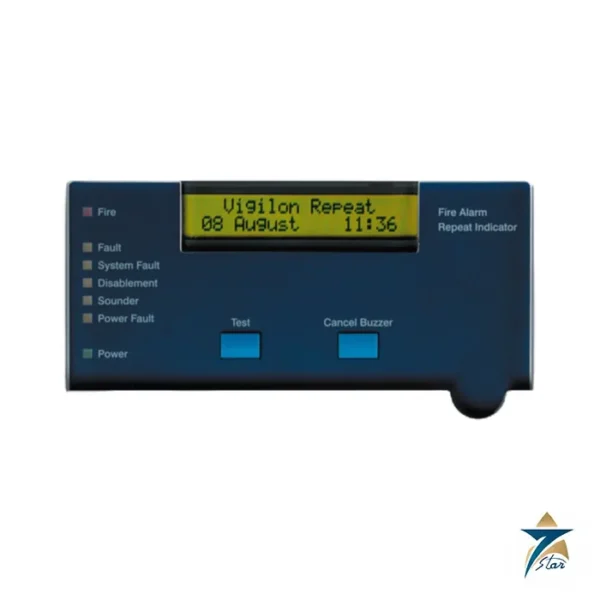
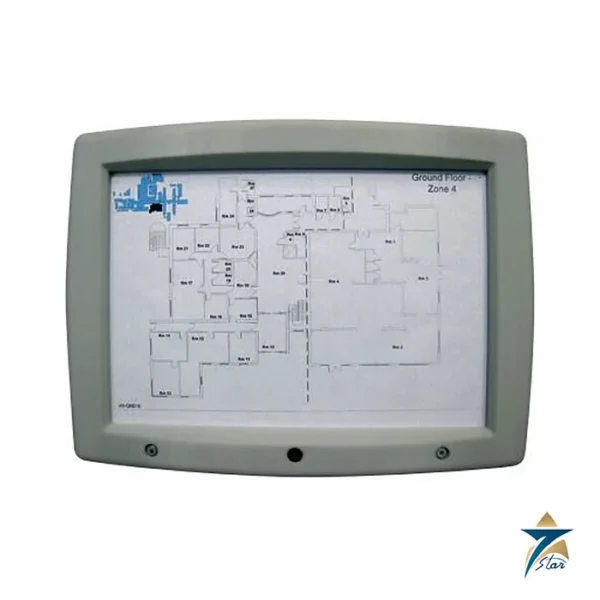
Syncro View repeaters, the thermal printer module K768AS (M3 enclosure only), PSTN modem K556P, retrofit vision window door K18002 for M2 enclosures and thermal paper roll B3472 are listed in the datasheet.
Documents and quotation
Both PDFs sit on this page for your own check. We are an independent supplier based in Muscat, not the manufacturer. Related models are grouped under fire alarm panels in the Logic Controllers category; message us with loop protocol and loop count to get a quote.
Frequently asked questions
Which detector protocols does Syncro AS support?
Apollo (S90, XP95, Discovery), Argus Vega and Hochiki ESP, selected by the model code.
How many panels can be networked?
Up to 64 panels using the optional fault tolerant network card K555.
What does the M2 suffix mean?
The M2 enclosure, 385 x 310 x 90 mm. M3 enclosures are 385 x 520 x 110 mm.
Which standards does the datasheet cite?
Approval and certification to EN54-2 and EN54-4.
How is the panel configured?
Through the Loop Explorer PC utility, or at the front panel, after enabling the write-enable switch.








Reviews
There are no reviews yet.